






















The best wireless CarPlay and Android Auto adapters
Four popular adapters compared — for iPhone, Android or both — plus how to check your car is compatible and what trade-offs to expect from going wireless.
As an Amazon Associate I earn from qualifying purchases. When you buy through links on this page, we may earn a commission at no extra cost to you. Learn more
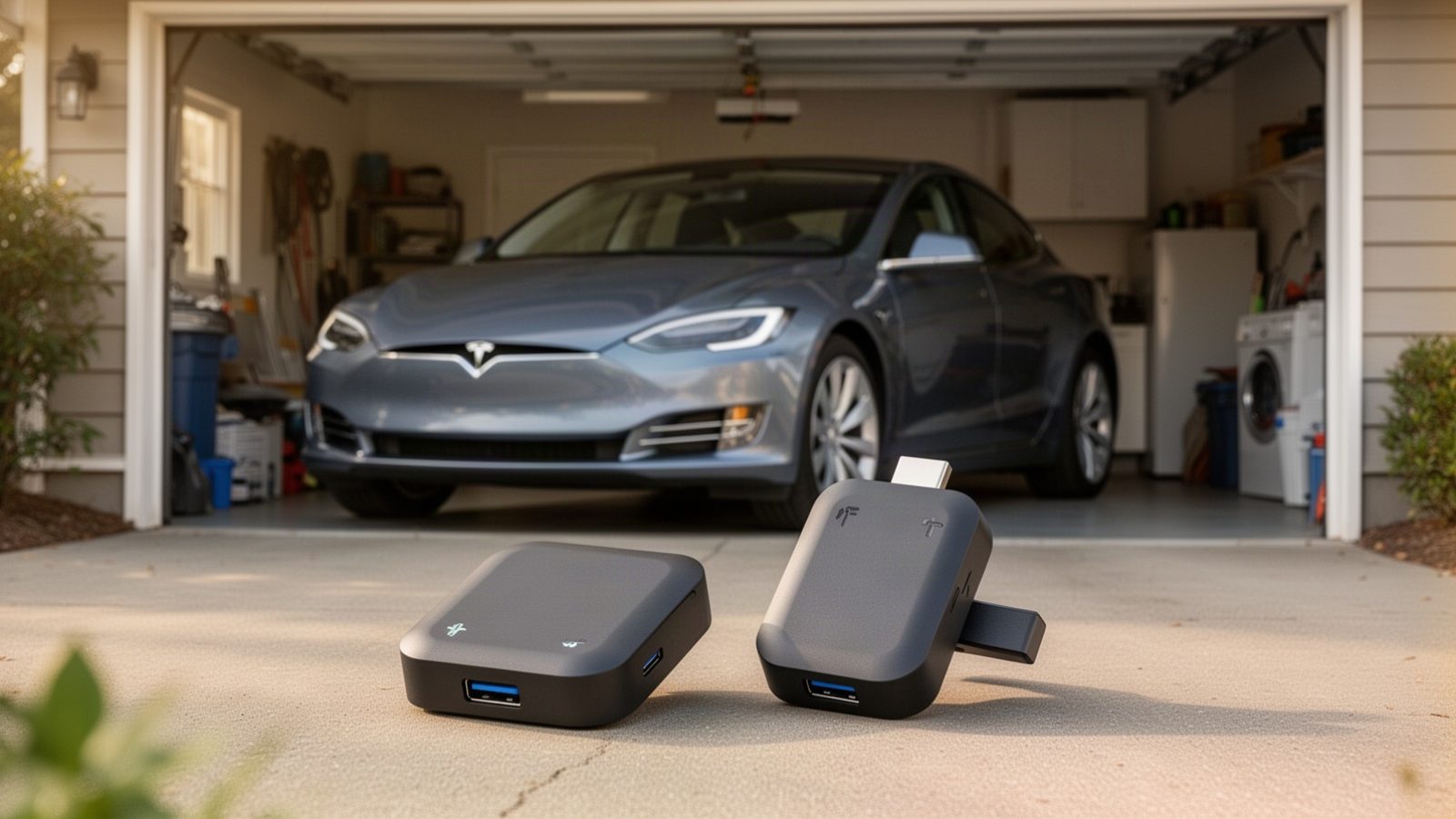
If your car already has Apple CarPlay or Android Auto but only works when your phone is plugged in, a wireless adapter can cut the cable. The small dongle plugs into the car’s USB port, pretends to be your phone, and then connects to the phone itself over Bluetooth and Wi-Fi. Get in, start the car, and maps and music appear on the dashboard screen while your phone stays in your pocket or bag.
These adapters are not all the same. Some handle only CarPlay, some only Android Auto, and a few do both, which suits households that share a car between iPhone and Android users. All of them add a short connection delay when you start the car and can make your phone work harder. We compared well-known adapters from established makers on phone support, car requirements, setup and update support, and explain what to check before you buy.
Our top picks
-
1
 Illustration
Best overall
Carlinkit 5.0 Wireless CarPlay & Android Auto Adapter
Shared cars with both iPhone and Android drivers
Phones supportediPhone (CarPlay) and Android (Android Auto)Car must haveFactory wired CarPlay or Android AutoPlugs intoThe car’s CarPlay/Android Auto USB port -
2
 Illustration
Best for Android Auto
AAWireless Wireless Android Auto Adapter
Android users who like to fine-tune settings
Phones supportedAndroid (Android Auto)Car must haveFactory wired Android AutoPlugs intoThe car’s Android Auto USB port -
3
 Illustration
Best for iPhone
Ottocast U2-AIR Wireless CarPlay Adapter
iPhone owners who want a simple CarPlay-only dongle
Phones supportediPhone (CarPlay)Car must haveFactory wired CarPlayPlugs intoThe car’s CarPlay USB port -
4
 Illustration
Best plug-and-play
Motorola MA1 Wireless Android Auto Adapter
Android users who want minimal setup
Phones supportedAndroid (Android Auto)Car must haveFactory wired Android AutoPlugs intoThe car’s Android Auto USB port
Carlinkit 5.0 Wireless CarPlay & Android Auto Adapter
Illustration
A small dual-system adapter that converts both wired CarPlay and wired Android Auto to wireless.
Best for: Shared cars with both iPhone and Android drivers- Phones supported
- iPhone (CarPlay) and Android (Android Auto)
- Car must have
- Factory wired CarPlay or Android Auto
- Plugs into
- The car’s CarPlay/Android Auto USB port
What we like
- Handles both CarPlay and Android Auto
- Compact dongle that sits neatly in the USB port
- Remembers multiple phones
- One of the most widely used adapters, so troubleshooting help is easy to find
Keep in mind
- Startup connection takes a few seconds
- Compatibility can change after car software updates until firmware catches up
Carlinkit is one of the best-known names in wireless adapters, and its 5.0 model (often listed as 2air) is popular because it covers both systems. Plug it into the USB port your car uses for CarPlay or Android Auto, pair your phone once, and it connects automatically on later drives.
That dual support is the key reason to choose it: a household where one driver uses an iPhone and another uses Android can share the same car without swapping accessories.
Expect the usual wireless trade-offs: a short delay after starting the car, a phone that isn’t charging and occasional hiccups after vehicle or phone software updates. Check that your vehicle supports wired CarPlay or Android Auto first — the adapter can’t add either to a car that lacks them.
Bottom line: The most flexible choice for cars shared by iPhone and Android users.
AAWireless Wireless Android Auto Adapter
Illustration
An Android Auto-only adapter with a companion app for settings and firmware updates.
Best for: Android users who like to fine-tune settings- Phones supported
- Android (Android Auto)
- Car must have
- Factory wired Android Auto
- Plugs into
- The car’s Android Auto USB port
- Settings
- Companion phone app
What we like
- Companion app exposes settings and tweaks for compatibility
- Focused on Android Auto, with an active update history
- Compact and plug-and-play once paired
- Grew from a well-known crowdfunded project
Keep in mind
- No CarPlay support
- Requires a phone that supports wireless Android Auto
AAWireless began as a crowdfunded project and has become one of the best-known dedicated Android Auto adapters. It plugs into your car’s Android Auto USB port and connects to your phone wirelessly, with a companion app that lets you adjust settings, switch between paired phones and install firmware updates.
That app is the main difference from simpler dongles. When a particular car or phone combination has quirks, the extra settings and regular updates give you options beyond unplugging and hoping.
It is Android Auto only, so iPhone users should look elsewhere, and your phone needs to support wireless Android Auto. As with all adapters, confirm your vehicle supports wired Android Auto for your make, model and year.
Bottom line: The pick for Android users who want an adapter with real settings and support.
Ottocast U2-AIR Wireless CarPlay Adapter
Illustration
A CarPlay-only adapter that converts factory wired CarPlay into a wireless connection.
Best for: iPhone owners who want a simple CarPlay-only dongle- Phones supported
- iPhone (CarPlay)
- Car must have
- Factory wired CarPlay
- Plugs into
- The car’s CarPlay USB port
What we like
- Focused, simple CarPlay-only design
- Small enough to tuck out of sight
- Automatic reconnection after initial pairing
- Widely sold and long-running
Keep in mind
- No Android Auto support
- Phone isn’t charging while connected wirelessly
Ottocast’s U2-AIR keeps things simple: it does wireless CarPlay and nothing else. Plug it into the USB port that runs CarPlay in your car, pair your iPhone once, and from then on CarPlay should appear on the dashboard screen shortly after you start the car.
For iPhone-only households, that focus is an advantage — fewer settings and fewer things to go wrong. The compact body sits neatly in the port without much sticking out.
As with any wireless adapter, the phone isn’t charging while connected, and there is a short connection delay at startup. If anyone who drives the car uses Android, a dual-system adapter is the better buy. Confirm your vehicle supports wired CarPlay before ordering.
Bottom line: A straightforward way to make factory CarPlay wireless for iPhone owners.
Motorola MA1 Wireless Android Auto Adapter
Illustration
A small Android Auto adapter from a major brand, designed to work after a one-time pairing.
Best for: Android users who want minimal setup- Phones supported
- Android (Android Auto)
- Car must have
- Factory wired Android Auto
- Plugs into
- The car’s Android Auto USB port
What we like
- Simple setup with almost nothing to configure
- Compact dongle from a familiar brand
- Automatic reconnection after pairing
Keep in mind
- No CarPlay support
- Fewer settings to troubleshoot problem cars than app-based rivals
Motorola’s MA1 is one of the most recognizable Android Auto adapters, and its appeal is simplicity. You plug it into the car’s Android Auto USB port, pair your phone once, and it connects automatically on future drives with very little to configure.
For drivers who want wireless Android Auto without exploring settings menus, that hands-off approach is exactly right.
The flip side is that when a particular vehicle has connection quirks, there are fewer options to fix them than with adapters that offer a companion app. It is also Android-only. Check that your car supports wired Android Auto for your make, model and year, and that your phone supports wireless Android Auto.
Bottom line: A no-fuss Android Auto adapter for people who want to set it once and forget it.
Side-by-side comparison
| Product | Phones supported | Car must have | Plugs into | Settings | Score |
|---|---|---|---|---|---|
| Carlinkit 5.0 Wireless CarPlay & Android Auto AdapterBest overall | iPhone (CarPlay) and Android (Android Auto) | Factory wired CarPlay or Android Auto | The car’s CarPlay/Android Auto USB port | — | 9.0 |
| AAWireless Wireless Android Auto AdapterBest for Android Auto | Android (Android Auto) | Factory wired Android Auto | The car’s Android Auto USB port | Companion phone app | 8.8 |
| Ottocast U2-AIR Wireless CarPlay AdapterBest for iPhone | iPhone (CarPlay) | Factory wired CarPlay | The car’s CarPlay USB port | — | 8.7 |
| Motorola MA1 Wireless Android Auto AdapterBest plug-and-play | Android (Android Auto) | Factory wired Android Auto | The car’s Android Auto USB port | — | 8.3 |
Specifications are from manufacturer listings at the time of writing and can change between production runs.
First, check your car
Wireless adapters only work in vehicles that already support wired Apple CarPlay or Android Auto from the factory or from an aftermarket receiver. They don’t add CarPlay or Android Auto to a car that never had it. Confirm what your make, model, year and trim support in the owner’s manual or infotainment settings, and check the adapter maker’s compatibility list. Some newer cars already offer wireless connections, in which case an adapter adds nothing.
Also identify which USB port carries CarPlay or Android Auto — many cars have charge-only ports that won’t work.
CarPlay, Android Auto or both?
- CarPlay-only adapters suit iPhone households and are usually the simplest.
- Android Auto-only adapters suit Android households; some add a companion app with extra settings.
- Dual adapters handle both, useful when drivers with different phones share a car.
What to expect after going wireless
- Startup delay: the adapter needs a few seconds to boot and connect each time you start the car.
- Battery drain and heat: wireless mirroring uses Bluetooth, Wi-Fi and GPS at once, and the phone isn’t charging. On long trips, use a wireless charging pad or a cable.
- Occasional lag or dropouts: audio and touch response can be a fraction slower than wired, and crowded wireless environments can cause hiccups.
- Updates matter: car and phone software updates sometimes break compatibility until the adapter maker releases a fix, so choose a brand with an active update history.
Setup tips
Pair the adapter once while parked, following the maker’s instructions, and remove old Bluetooth pairings that might grab the connection first. Update the adapter’s firmware when prompted. Keep the dongle secure so it isn’t knocked or bent in the USB port, and avoid leaving it in direct sun on the dash.
Drive safely
Set up destinations and playlists before you pull away, use voice control on the move and follow your state’s rules on handheld phone use. An adapter changes how the phone connects, not the responsibility to keep eyes on the road.
When a new receiver makes more sense
If your car lacks CarPlay and Android Auto entirely, an adapter can’t help; an aftermarket receiver with built-in wireless support is the route, provided one fits your vehicle.
Frequently asked questions
Will a wireless adapter work with my car?
Only if your vehicle already supports wired Apple CarPlay or Android Auto. Confirm what your make, model, year and trim support in the owner’s manual, then check the adapter maker’s compatibility list before buying.
Can an adapter add CarPlay to a car that doesn’t have it?
No. These adapters convert an existing wired connection into a wireless one. For a car without CarPlay or Android Auto, look at aftermarket receivers or other add-on screens instead.
Does a wireless adapter charge my phone?
No. The phone connects over Wi-Fi and Bluetooth, so it isn’t charging and may drain faster than usual. Use a wireless charging pad or plug in a separate charger on long drives.
Is there a delay or lag?
Expect a short delay at startup while the adapter connects, and occasionally slightly slower touch or audio response than a wired connection. For most navigation and music use, the difference is small.
Can two phones use the same adapter?
Most adapters can remember more than one phone, but only one connects at a time. If a household mixes iPhone and Android, choose an adapter that supports both systems.
How we picked
We compared phone and vehicle requirements, supported systems, setup method, companion apps and the makers’ update history for widely sold wireless CarPlay and Android Auto adapters from established brands. Our picks and scores are based on this research — we have not tested these products hands-on. Brands cannot pay to be included. Read our full method.