






















The best standing desk converters for office workers
Five desk converters compared by width, lift mechanism and keyboard-tray design, including spring-assisted, X-lift and push-button electric models.
As an Amazon Associate I earn from qualifying purchases. When you buy through links on this page, we may earn a commission at no extra cost to you. Learn more
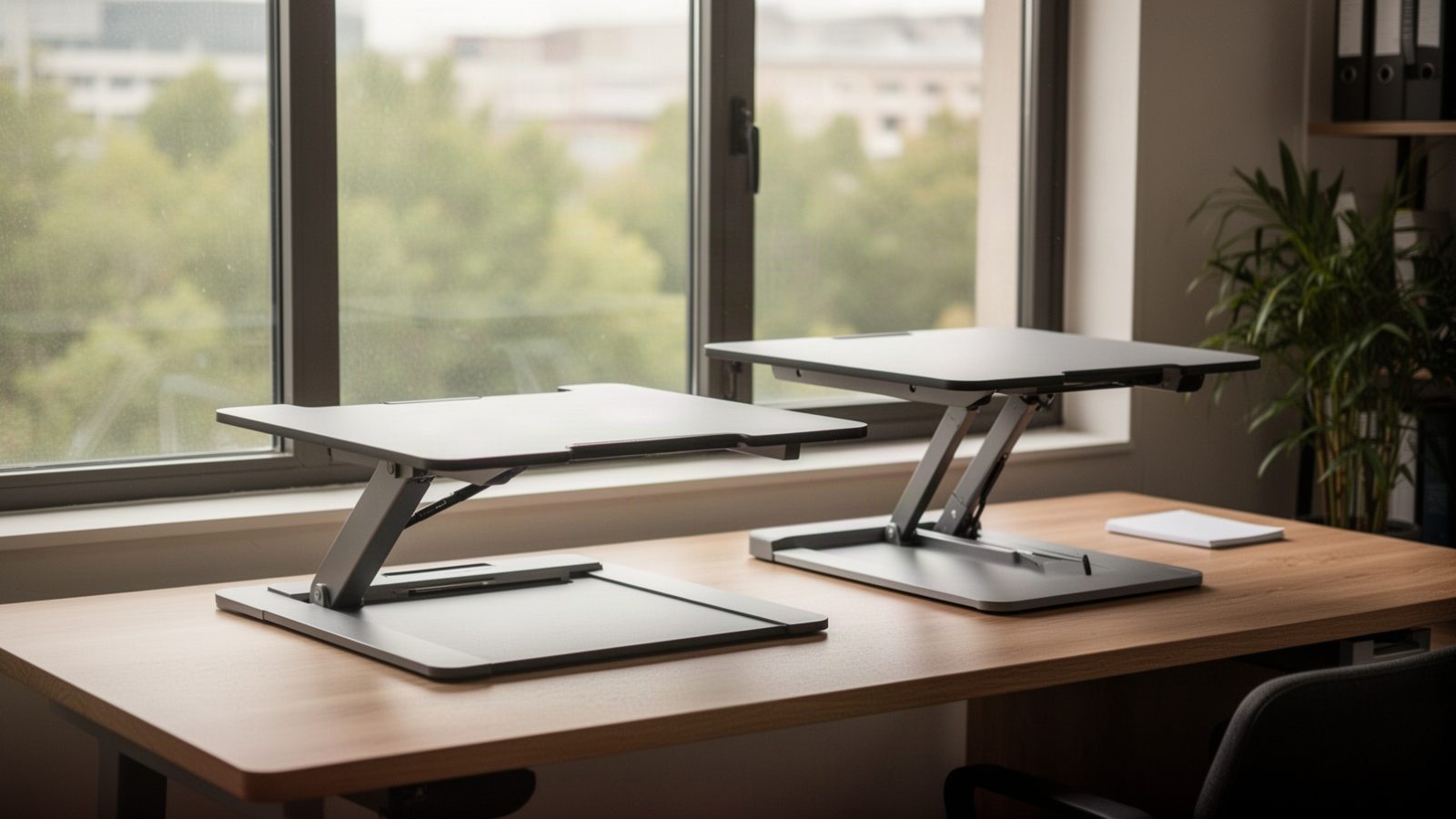
A standing desk converter sits on top of the desk you already have and lifts your monitor, keyboard and mouse to standing height. It’s the practical option when you can’t replace an office desk, share a workspace, or simply want to try standing without buying a whole new desk.
Converters vary more than they look. Some lift in an arc toward you, some rise straight up on an X-frame, and some use a motor. Some have a separate lower tier for the keyboard; others are a single flat platform. Width, depth and weight capacity decide whether your monitors fit at all. We compared popular converters from Vari, FlexiSpot and VIVO on these points, plus height range and setup, and picked the best options for different desks and equipment.
Our top picks
-
1
 Illustration
Best overall
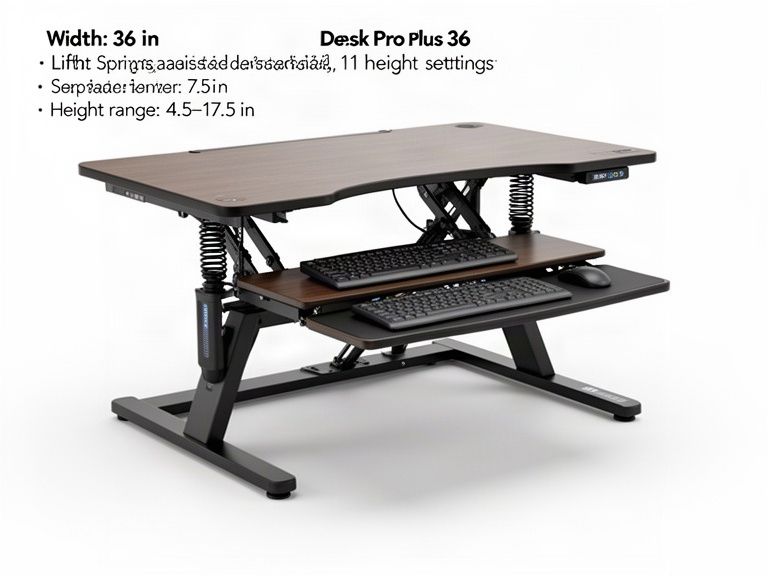
VariDesk Pro Plus 36 Desk Converter
Two-monitor setups on a standard desk
Width36 inLiftSpring-assisted, 11 height settingsKeyboard traySeparate lower tier -
2
 Illustration
Best electric
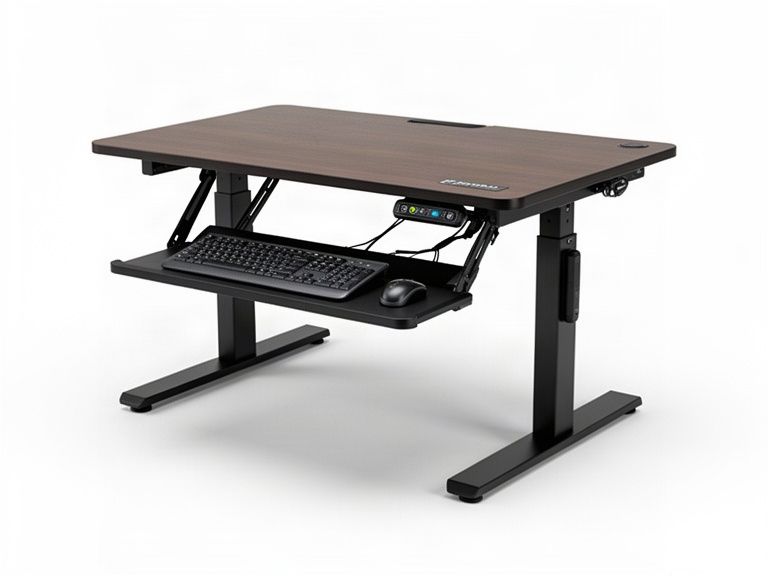
VariDesk Pro Plus 36 Electric Converter
Heavier setups and frequent position changes
Width36 inLiftElectric, push-buttonKeyboard traySeparate lower tier -
3
 Illustration
Best X-lift
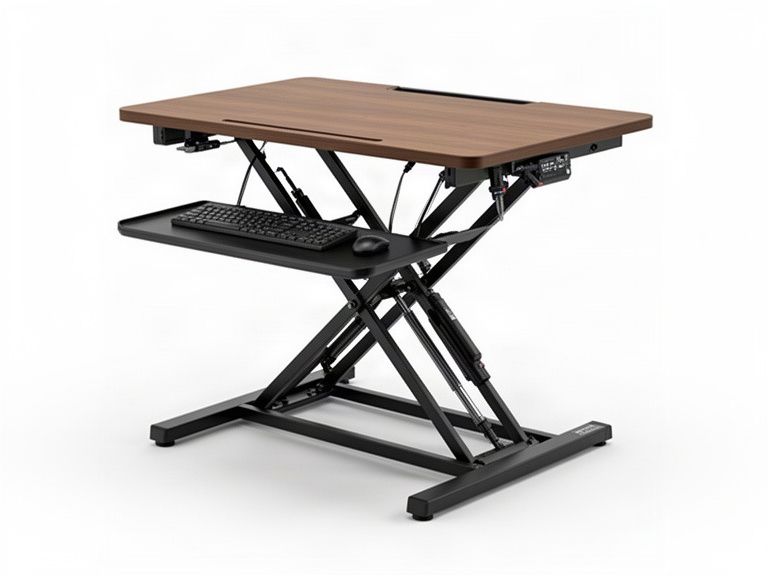
FlexiSpot AlcoveRiser M7 35-Inch Converter
Desks pushed against a wall or tight spaces
Width35 inLiftManual X-lift, steplessKeyboard trayRemovable tray -
4
 Illustration
Best value
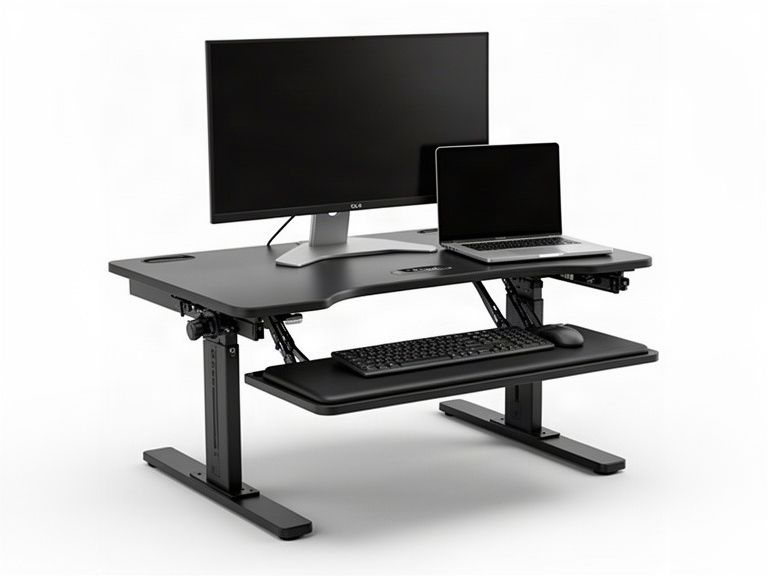
VIVO 32-Inch K Series Desk Converter
One-monitor setups on a budget
Width32 inLiftManualKeyboard trayWide lower tray -
5
 Illustration
Best low-profile
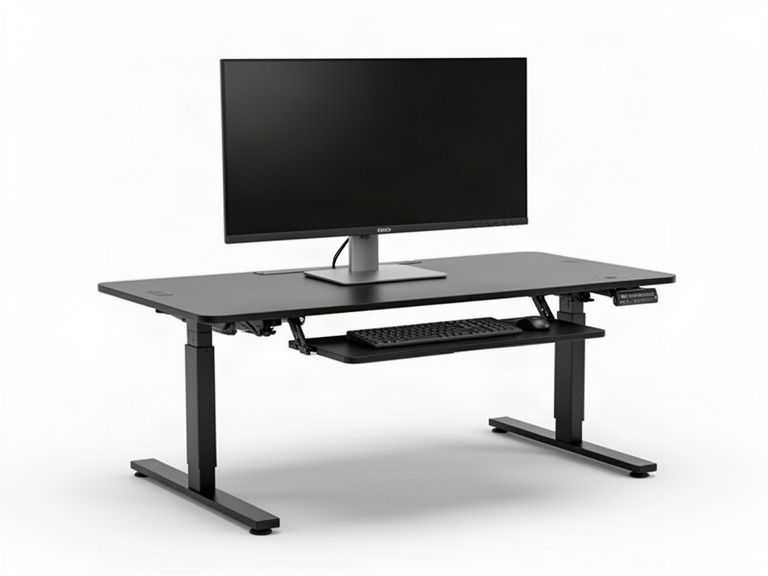
VIVO Ultra Slim 32-Inch Desktop Converter
Laptop users who want a slim, single-surface riser
Width32 inLiftManualKeyboard trayNone (single surface)
VariDesk Pro Plus 36 Desk Converter
Illustration
A spring-assisted two-tier converter that arrives fully assembled and holds two monitors.
Best for: Two-monitor setups on a standard desk- Width
- 36 in
- Lift
- Spring-assisted, 11 height settings
- Keyboard tray
- Separate lower tier
- Height range
- 4.5–17.5 in
- Capacity
- 35 lb
What we like
- Ships fully assembled
- Wide enough for two monitors
- Separate keyboard tier keeps typing height lower
- Spring-assisted lift with no power cord
Keep in mind
- Set height positions rather than stepless
- Lower weight limit than the electric version
- Very tall users may find the top height limiting
The VariDesk Pro Plus 36 is one of the longest-running desk converters, and its appeal is simplicity. It comes out of the box fully assembled; you set it on the desk, squeeze the handles and it lifts with spring assistance through 11 height settings.
The 36-inch top platform fits two monitors, and the lower tier holds the keyboard and mouse, which keeps your screens higher than your hands. Vari lists a height range of 4.5 to 17.5 inches above the desk and a 35-pound capacity, enough for two typical monitors.
Because it uses set positions, you can’t fine-tune to the exact inch, and very tall users should confirm that their desk height plus 17.5 inches reaches their standing keyboard height.
Bottom line: The easiest well-built converter to set up for a one- or two-monitor desk.
VariDesk Pro Plus 36 Electric Converter
Illustration
A push-button version of Vari’s two-tier converter with a higher weight capacity and taller lift.
Best for: Heavier setups and frequent position changes- Width
- 36 in
- Lift
- Electric, push-button
- Keyboard tray
- Separate lower tier
- Height range
- About 6–19 in
- Capacity
- 44 lb
What we like
- Push-button lift with no handles to squeeze
- Higher capacity than the spring version
- Taller maximum lift
- Two-tier layout keeps the keyboard lower
Keep in mind
- Needs a power outlet
- Vari recommends a desk about 25.75 inches deep
- Premium-priced for a converter
If you change position many times a day or run a heavier setup, the electric Pro Plus 36 removes the effort from lifting. A button raises the platform vertically, and the capacity rises to 44 pounds, which helps with larger monitors or a monitor arm.
It keeps the same two-tier layout as the spring model, with a 36-inch top and a lower keyboard tier, and lifts a little higher, to roughly 19 inches above the desk. When closed, it sits about 6 inches tall.
Check your desk first: Vari recommends a work surface roughly 25.75 inches deep so the converter can rise fully, and you’ll need an outlet nearby. For many people, the manual version is enough; this one is for heavier loads and frequent switching.
Bottom line: Worth the upgrade if your setup is heavy or you switch between sitting and standing often.
FlexiSpot AlcoveRiser M7 35-Inch Converter
Illustration
A manual converter that rises straight up on an X-frame and stops at any height.
Best for: Desks pushed against a wall or tight spaces- Width
- 35 in
- Lift
- Manual X-lift, stepless
- Keyboard tray
- Removable tray
- Footprint
- Rises vertically, no forward swing
What we like
- Rises straight up, so it suits desks against a wall
- Stepless adjustment to any height
- Removable keyboard tray
- Wide enough for two smaller monitors
Keep in mind
- Requires some assembly
- Manual lift only (FlexiSpot sells a motorized EM7 separately)
- Model names vary between retailers
FlexiSpot’s AlcoveRiser M7 uses an X-shaped scissor frame that lifts the platform straight up rather than swinging it toward you. That’s handy if your desk sits against a wall or in a narrow alcove, because the converter doesn’t need extra room in front or behind as it rises.
The lift is stepless, so you can stop at any height instead of choosing from preset notches. The 35-inch platform fits a pair of smaller monitors or one large one, and a removable keyboard tray lets you choose between a two-tier setup and a single surface.
The same converter appears under several model codes, such as M7MB and M7-E-35B, depending on the seller, so confirm the size and finish before ordering.
Bottom line: A smart pick for tight spaces, thanks to its straight-up lift and stepless height.
VIVO 32-Inch K Series Desk Converter
Illustration
A budget-friendly 32-inch converter with a wide keyboard tray for one monitor and a laptop.
Best for: One-monitor setups on a budget- Width
- 32 in
- Lift
- Manual
- Keyboard tray
- Wide lower tray
- Best fit
- One monitor plus a laptop
What we like
- Budget-friendly
- Wide keyboard tray fits a keyboard and mouse
- Compact enough for smaller desks
- Widely available from an established accessories brand
Keep in mind
- Narrower top than 36-inch models
- Less refined lift than Vari’s
- Check the weight limit for larger monitors
VIVO is a familiar name in monitor mounts and desk accessories, and its 32-inch K Series converter is a straightforward, budget-friendly way to try standing. The top platform is sized for one monitor alongside a laptop, and the wide lower tray leaves room for a full keyboard and a mouse.
It’s a manual design without the fully assembled convenience or the polish of Vari’s converters, and the narrower top means two monitors will be a squeeze. Check the weight capacity on the listing if you use a large or heavy display.
For a single-monitor setup or a first experiment with sit-stand work, it covers the basics without a big outlay.
Bottom line: A sensible budget converter for one monitor and a laptop.
VIVO Ultra Slim 32-Inch Desktop Converter
Illustration
A thin single-platform riser that keeps a low profile when lowered.
Best for: Laptop users who want a slim, single-surface riser- Width
- 32 in
- Lift
- Manual
- Keyboard tray
- None (single surface)
- Profile
- Very thin when lowered
What we like
- Very slim when lowered, so seated height barely changes
- Simple single surface
- Good for laptops with a separate keyboard
- Light and easy to move
Keep in mind
- No separate keyboard tier
- Screen and keyboard rise together
- Not ideal for two monitors
The biggest complaint about converters is that they raise everything, even when lowered. VIVO’s Ultra Slim is designed to avoid that: it folds down very thin, so your seated keyboard position stays close to where it was.
The trade-off is that it’s a single surface. Your keyboard and screen rise together, which works best if you use a laptop on a stand and a separate keyboard, or if you stand mainly for calls, reading and short tasks. If you type for long stretches standing up, a two-tier converter keeps the screen higher relative to your hands.
As a light, low-profile riser for laptop-centric desks, it’s a tidy solution.
Bottom line: Choose it if a slim profile matters more than a separate keyboard tray.
Side-by-side comparison
| Product | Width | Lift | Keyboard tray | Height range | Score |
|---|---|---|---|---|---|
| VariDesk Pro Plus 36 Desk ConverterBest overall | 36 in | Spring-assisted, 11 height settings | Separate lower tier | 4.5–17.5 in | 9.0 |
| VariDesk Pro Plus 36 Electric ConverterBest electric | 36 in | Electric, push-button | Separate lower tier | About 6–19 in | 8.8 |
| FlexiSpot AlcoveRiser M7 35-Inch ConverterBest X-lift | 35 in | Manual X-lift, stepless | Removable tray | — | 8.6 |
| VIVO 32-Inch K Series Desk ConverterBest value | 32 in | Manual | Wide lower tray | — | 8.4 |
| VIVO Ultra Slim 32-Inch Desktop ConverterBest low-profile | 32 in | Manual | None (single surface) | — | 7.9 |
Specifications are from manufacturer listings at the time of writing and can change between production runs.
Converter or full standing desk?
A converter makes sense if you’re keeping your current desk, working in an office where furniture is fixed, or want a lower-cost way to add standing time. The trade-offs: it takes up desk space, it adds a few inches of height when lowered (so your seated keyboard position rises too), and it can’t match the range of a full electric desk. If you’re furnishing a new room anyway, compare it with a full standing desk.
Measure before you buy
- Width: about 30–32 inches fits one monitor and a laptop; 35–36 inches or more suits two monitors.
- Depth: check both the converter’s footprint and how far the platform moves. Some models need a deeper desk to rise fully.
- Weight capacity: add up monitors, a laptop, a dock and any monitor arm, then leave some margin.
- Height range: your standing keyboard height should be reachable with your current desk height plus the converter’s lift.
Lift styles
- Spring-assisted: you squeeze handles and the spring does most of the lifting. Quick and reliable with no power cord.
- X-lift: a scissor frame rises straight up, so it doesn’t swing toward you or need extra space behind it.
- Electric: push-button lifting, useful for heavier setups or if you switch positions often. Needs an outlet and costs more.
Stepless designs stop at any height; others click into a set number of positions.
Keyboard tray or single surface?
A two-tier converter puts the keyboard lower than the monitors, which keeps the screen at a comfortable viewing height while your hands stay near elbow level. A single flat platform works if you use a laptop on a stand with a separate keyboard, or if you mostly stand for short tasks. Look for a keyboard tray deep enough for both a keyboard and a mouse side by side. If you use a large mouse pad or a drawing tablet, measure the tray width carefully, since some trays leave little room beside a full-size keyboard.
Setup and safety tips
Place the converter on a sturdy desk that won’t tip, and stay within the stated capacity. Leave slack in power and video cables so nothing pulls taut at full height. Lower the platform slowly with your hands clear of the frame, especially on X-lift and electric models, and keep small children away from moving parts.
Frequently asked questions
Will a converter fit my desk?
Compare the converter’s width and depth with your desk, and check whether the platform moves forward as it rises. Some models, like Vari’s electric converter, recommend a minimum desk depth so they can rise fully.
Can a converter hold two monitors?
Yes, if it’s wide enough and within its weight capacity. Look for 35 inches or more of width and add up the weight of both screens plus any stand or arm.
Is an electric converter worth it?
It’s worth it if your setup is heavy or you change position many times a day. Spring-assisted models are faster to buy into and need no outlet, and they work well for typical one- or two-monitor setups.
Do converters make my seated position worse?
They add a few inches of height even when fully lowered, which can put the keyboard higher than ideal when sitting. A two-tier design with a lower keyboard tray, or raising your chair, helps.
How hard is assembly?
It varies. The VariDesk Pro Plus 36 ships fully assembled, while many other converters need some assembly, usually attaching the keyboard tray or base.
How we picked
We compared manufacturer specifications for width, depth, height range, weight capacity, lift mechanism, keyboard-tray design and assembly requirements for popular standing desk converters, and considered how each fits different desk sizes and monitor setups. Our picks and scores are based on this research — we have not tested these products hands-on. Brands cannot pay to be included. Read our full method.