






















The best LED desk lamps for work and study
Four LED desk lamps compared by dimming, color temperature, reach and extras like auto-dimming sensors and USB charging, from budget picks to a premium daylight-tracking lamp.
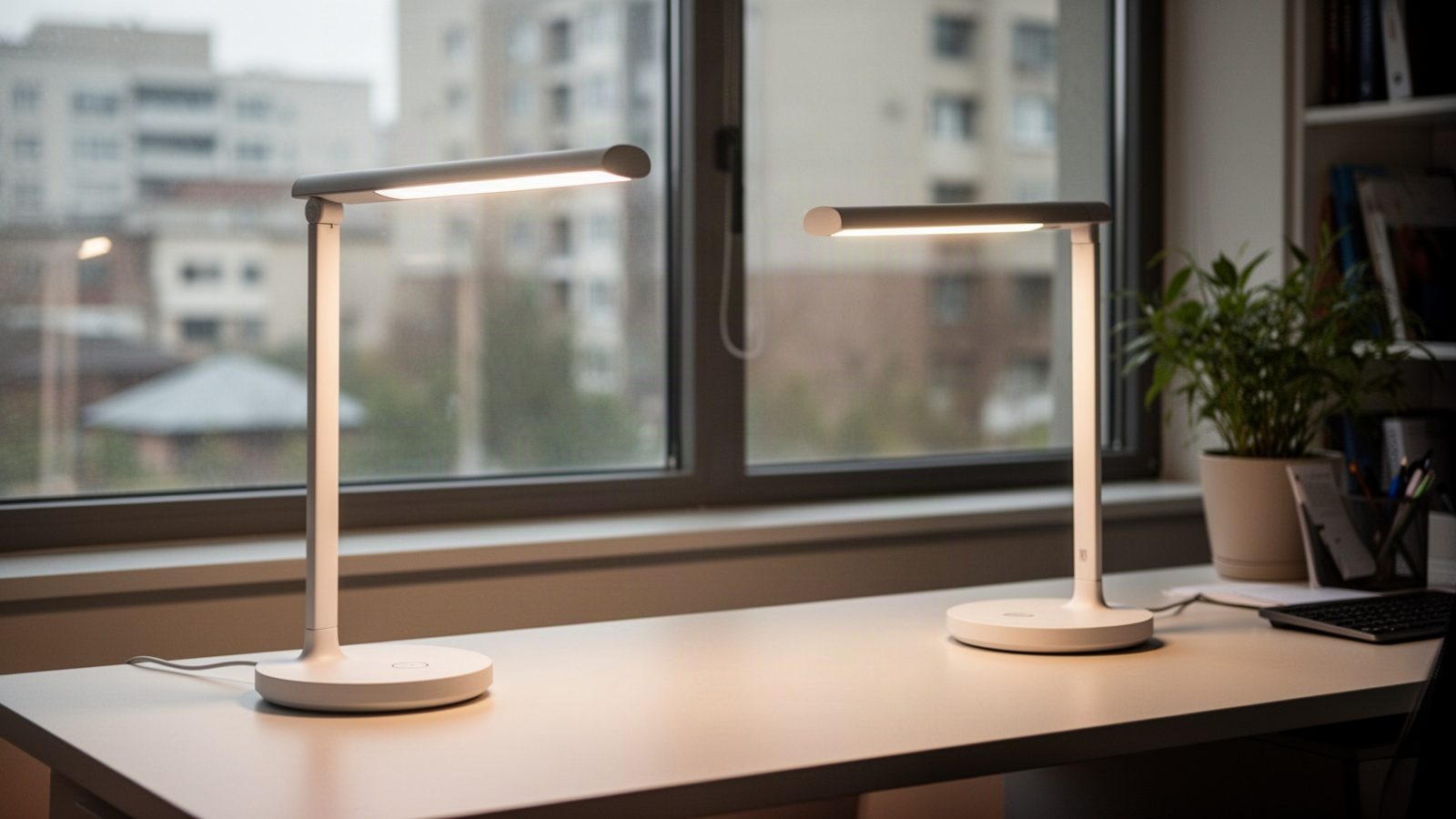
As an Amazon Associate I earn from qualifying purchases. When you buy through links on this page, we may earn a commission at no extra cost to you. Learn more
Overhead lighting rarely lands where you need it. A good desk lamp puts even, glare-free light on your keyboard, notebook or textbook, and lets you adjust it as daylight fades. LED lamps have made that easy: they run cool, last for years and can usually dim and shift from warm to cool white.
What separates a useful lamp from a frustrating one is how well it covers the desk, how finely it dims, whether you can tune the color temperature, and whether the head reaches where you work without casting shadows or reflecting off your screen. We compared popular LED desk lamps from BenQ, Dyson, Koncept and Lepro on their light controls, color temperature range, sensors, reach and build, and picked options for different desks and budgets.
Our top picks
-
1
 Illustration
Best overall
BenQ e-Reading LED Desk Lamp
Wide desks, screen work and long reading sessions
Color temperature2700–5700KDimmingManual plus auto-dimming sensorBaseWeighted base, long arm -
2
 Illustration
Best premium
Dyson Solarcycle Morph Desk Light
Design-conscious buyers who want one light for task and ambient use
Color temperature2700–6500K (undocked)DimmingManual plus auto brightness sensorBaseWeighted base, rotating arm -
3
 Illustration
Best for reach
Koncept Z-Bar LED Desk Lamp
Positioning light exactly where you need it
Color temperatureVaries by versionDimmingBuilt-in dimmerBaseDesk base or clamp (by version) -
4
 Illustration
Best budget
Lepro Dimmable LED Desk Lamp with USB Port
Dorms, kids’ desks and basic home offices
Color temperatureSeveral modes, warm to daylightDimmingTouch, multiple brightness levelsBaseFreestanding base with USB port
BenQ e-Reading LED Desk Lamp
Illustration
A wide-headed task lamp with adjustable color temperature and an ambient sensor that sets brightness automatically.
Best for: Wide desks, screen work and long reading sessions- Color temperature
- 2700–5700K
- Dimming
- Manual plus auto-dimming sensor
- Base
- Weighted base, long arm
- Modes
- Paper and screen modes
What we like
- Extra-wide head spreads light across the whole desk
- Ambient sensor adjusts brightness automatically
- Adjustable from warm to cool white
- Modes tuned for paper and screen work
Keep in mind
- Large footprint needs desk space
- Premium-priced for a desk lamp
- Design is functional rather than decorative
BenQ designed the e-Reading lamp around a simple idea: light the whole desk evenly instead of one bright spot. Its long arm holds an unusually wide head that spreads light across a large work area, so papers at both ends of the desk stay evenly lit.
The color temperature adjusts from warm 2700K to cool 5700K, and an ambient light sensor can adjust brightness automatically as room light changes. BenQ also offers dedicated modes for paper and screen work, with the screen mode using a lower, neutral output to avoid harsh contrast with your monitor.
The trade-off is size: the base and arm take real desk space, and the look is more office than living room. For anyone who works long hours at a desk, though, the even coverage is the main reason to buy it.
Bottom line: The best all-round task lamp if you want broad, even light across a working desk.
Dyson Solarcycle Morph Desk Light
Illustration
A premium lamp that can track local daylight color, with a rotating arm, motion sensing and a built-in USB-C charger.
Best for: Design-conscious buyers who want one light for task and ambient use- Color temperature
- 2700–6500K (undocked)
- Dimming
- Manual plus auto brightness sensor
- Base
- Weighted base, rotating arm
- Extras
- USB-C charging, app control
What we like
- Wide color temperature range
- Can follow local daylight through the app
- Head can dock against the stem for softer ambient light
- Built-in USB-C charging point
Keep in mind
- Very premium-priced
- App needed for the more advanced modes
- Heavy compared with typical desk lamps
Dyson’s Solarcycle Morph is as much a design object as a task light. Its arm rotates and the head articulates, so you can point it at the desk, bounce it off a wall, or dock the head against the stem to turn it into a soft ambient glow, with a warmer color range when docked.
Undocked, the color temperature spans 2700K to 6500K. Through the MyDyson app, the lamp can follow local daylight and adjust its color and brightness through the day, and an auto brightness sensor plus motion sensing handle the basics without the app. A USB-C port in the light charges a phone.
It costs several times more than a capable task lamp and weighs far more, so it suits people who want a statement light with genuinely flexible features.
Bottom line: A premium, highly adjustable light for people who want task and ambient lighting in one design.
Koncept Z-Bar LED Desk Lamp
Illustration
A slim LED bar on a multi-jointed arm, sold in desk-base and clamp versions.
Best for: Positioning light exactly where you need it- Color temperature
- Varies by version
- Dimming
- Built-in dimmer
- Base
- Desk base or clamp (by version)
- Design
- Multi-jointed arm, slim light bar
What we like
- Multi-jointed arm reaches across a desk or drafting table
- Slim bar head throws a long, even strip of light
- Clamp versions save desk space
- Clean, minimalist design
Keep in mind
- Features differ between Z-Bar versions
- Pricier than basic LED lamps
- No automatic dimming
The Koncept Z-Bar has been a fixture on design desks for years thanks to its zigzag, multi-jointed arm and slim LED bar head. That arm lets you put the light almost anywhere: low and close over a sketchbook, high and wide over a whole desk, or folded neatly out of the way.
The long bar shape produces a strip of light that covers a keyboard or open book evenly, and a built-in dimmer adjusts the output. Koncept sells the Z-Bar in several versions, including smaller sizes and clamp mounts, and color temperature options differ between them, so check the listing for the one you want.
It lacks the sensors of the BenQ and Dyson lamps, but for flexible positioning it’s hard to beat.
Bottom line: Choose it if reach and precise positioning matter more than automatic features.
Lepro Dimmable LED Desk Lamp with USB Port
Illustration
A simple, budget-friendly touch-control lamp with several color modes, brightness levels and a USB charging port.
Best for: Dorms, kids’ desks and basic home offices- Color temperature
- Several modes, warm to daylight
- Dimming
- Touch, multiple brightness levels
- Base
- Freestanding base with USB port
- Memory
- Remembers last setting on some versions
What we like
- Budget-friendly
- Touch controls for color and brightness
- USB port for charging a phone
- Compact enough for small desks
Keep in mind
- Smaller light spread than wide-head lamps
- No ambient sensor
- Specs vary between Lepro versions
Not every desk needs a premium lamp. Lepro’s touch-control LED desk lamps cover the basics at a budget-friendly price: a few color modes from warm to daylight white, several brightness steps and, on this version, a USB port in the base for charging a phone.
The adjustable neck and head let you angle the light onto a notebook or keyboard, and the small footprint suits dorm desks and kids’ homework spaces. Some versions remember your last brightness and color, so you don’t have to reset it every time.
The light spread is narrower than the BenQ’s, and there’s no automatic dimming. Lepro sells several similar lamps with different wattages and color options, so check the specific listing before buying.
Bottom line: A practical, low-cost desk lamp for students and simple home offices.
Side-by-side comparison
| Product | Color temperature | Dimming | Base | Modes | Score |
|---|---|---|---|---|---|
| BenQ e-Reading LED Desk LampBest overall | 2700–5700K | Manual plus auto-dimming sensor | Weighted base, long arm | Paper and screen modes | 9.1 |
| Dyson Solarcycle Morph Desk LightBest premium | 2700–6500K (undocked) | Manual plus auto brightness sensor | Weighted base, rotating arm | — | 8.9 |
| Koncept Z-Bar LED Desk LampBest for reach | Varies by version | Built-in dimmer | Desk base or clamp (by version) | — | 8.5 |
| Lepro Dimmable LED Desk Lamp with USB PortBest budget | Several modes, warm to daylight | Touch, multiple brightness levels | Freestanding base with USB port | — | 8.0 |
Specifications are from manufacturer listings at the time of writing and can change between production runs.
Brightness and dimming
Most work needs moderate, even light rather than a blinding spotlight. Look for a lamp with plenty of dimming steps, or a stepless dimmer, so you can match the lamp to the room. A lamp that is too bright in a dark room creates harsh contrast with your monitor; one that’s too dim leaves you leaning in.
Some lamps include an ambient light sensor that adjusts output automatically as daylight changes. It’s a genuinely useful feature if you work through the afternoon into evening.
Color temperature and color accuracy
Color temperature is measured in kelvin (K):
- 2700–3000K: warm, cozy light for evening reading.
- 4000K: neutral white for general work.
- 5000–6500K: cool, daylight-like light for detailed tasks.
A lamp with an adjustable range lets you use warm light at night and cooler light during the day. If you work with color, such as drawing, crafts or checking prints, also look for a high color rendering index (CRI) of 90 or above, which shows colors more faithfully.
Reach, head shape and placement
A wide head or long arm spreads light across the whole desk instead of making a small bright circle. Position the lamp to the side opposite your writing hand so your hand doesn’t cast a shadow, and angle it so it doesn’t reflect off your screen.
- Weighted base: easy to move, but uses desk space.
- Clamp mount: frees up desk space and often gives more reach.
Think about the height of the light source, too. A head that sits too low lights only a small circle, while one mounted high and angled down spreads light more evenly across papers and keyboard alike.
Extras worth having
- A USB port for charging a phone without another adapter on the desk.
- Memory that remembers your last brightness and color setting, so you don’t reset it every morning.
- Touch or dial controls you can reach without moving the lamp or touching the head.
- A long arm or rotating head if you share the lamp between a laptop and a notebook.
What to skip, and care tips
Built-in clocks, speakers and colored mood lighting add cost without improving task lighting. Spend on light quality and reach instead.
LED lamps need very little maintenance. Dust the head with a dry microfiber cloth, keep vents clear, and avoid liquid cleaners near the electronics. Use the supplied power adapter, and don’t overtighten clamp mounts on thin or glass desktops.
Frequently asked questions
What color temperature is best for working at a desk?
Neutral to cool white, roughly 4000–5000K, suits most daytime work. Many people prefer warmer light around 3000K in the evening. A lamp with adjustable color temperature lets you choose for yourself.
How bright should a desk lamp be?
Bright enough to read comfortably without glare. Rather than chasing a high number, choose a lamp that dims smoothly so you can adjust it to the room. Lamps with an ambient sensor can set this for you.
Should a desk lamp go on the left or right?
Place it on the side opposite your writing hand. Right-handed people usually put the lamp on the left so their hand doesn’t cast a shadow on the page.
Do LED desk lamps get hot?
They run far cooler than halogen or incandescent lamps, though the head and base can feel warm after long use. Keep vents clear and let the lamp cool before adjusting the head closely.
Is a clamp lamp or a base lamp better?
A clamp frees up desk space and usually offers more reach, but it needs a desk edge of a suitable thickness. A weighted base is easier to move between rooms.
How we picked
We compared manufacturer specifications for color temperature range, dimming controls, ambient sensors, head size and reach, mounting options, charging ports and warranty terms for widely available LED desk lamps, and considered how each suits different desks, tasks and budgets. Our picks and scores are based on this research — we have not tested these products hands-on. Brands cannot pay to be included. Read our full method.