






















The best monitor light bars for desk setups
Four monitor light bars compared by controls, color temperature, sensors and monitor fit, from BenQ’s ScreenBar line to budget-friendly Xiaomi and Quntis options.
As an Amazon Associate I earn from qualifying purchases. When you buy through links on this page, we may earn a commission at no extra cost to you. Learn more
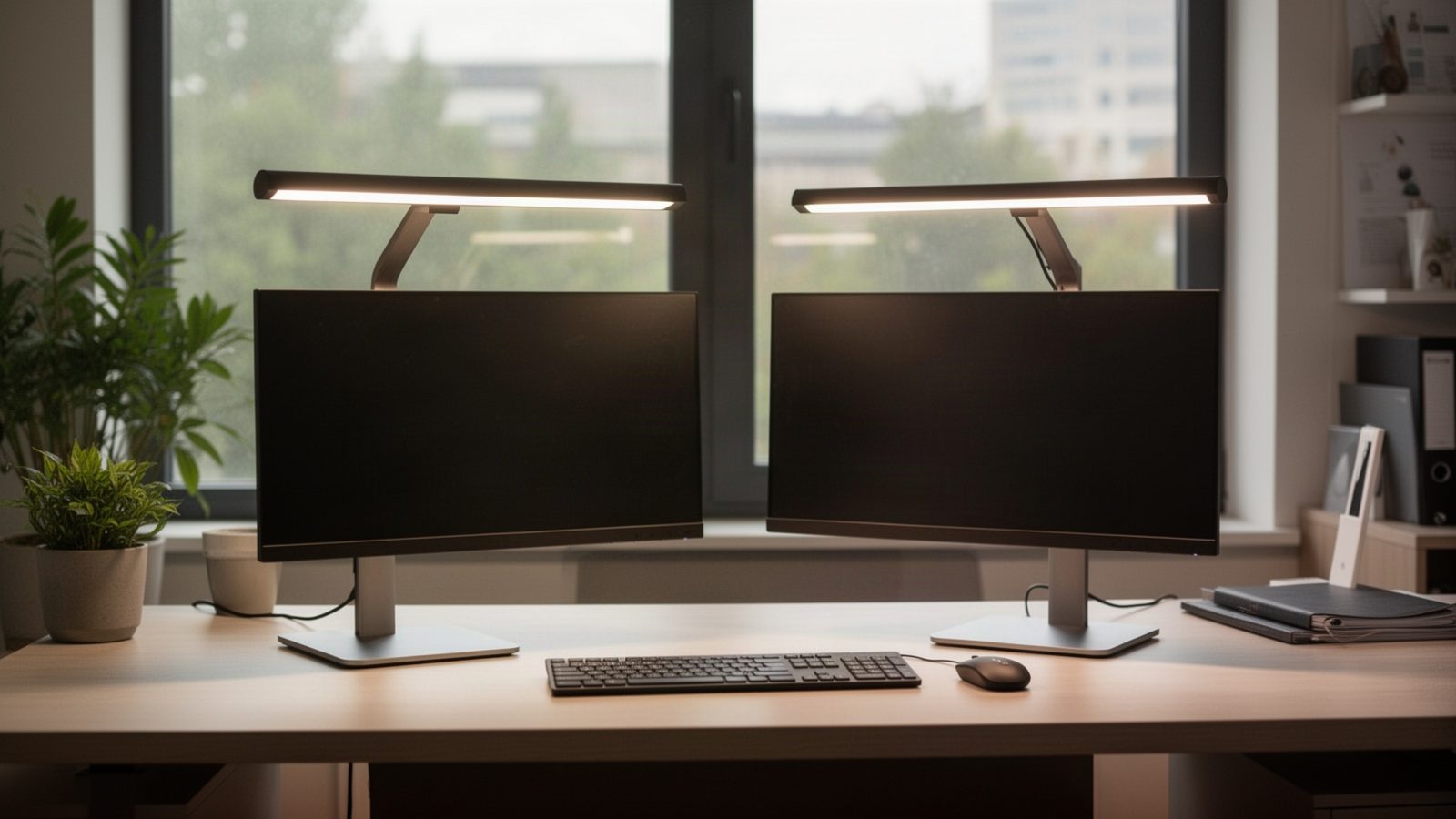
A monitor light bar sits on top of your screen and shines light down onto the desk in front of it. Because the light is aimed at a narrow angle away from the screen, it lights your keyboard and notebook without reflecting off the display, and it takes up no desk space at all. For small desks and multi-monitor setups, it’s often a better fit than a traditional desk lamp.
Light bars look nearly identical in photos, but they differ in how they mount, how you control them, whether they adjust automatically to room light and whether they work with curved monitors. We compared popular models from BenQ, Xiaomi and Quntis on these points, along with color temperature range and power requirements, and picked options for different setups and budgets.
Our top picks
-
1
 Illustration
Best overall
BenQ ScreenBar Halo Monitor Light Bar
Curved monitors and evening work
PowerUSB-poweredControlsWireless desktop dialColor temperatureAdjustable, warm to cool -
2
 Illustration
Best for flat monitors
BenQ ScreenBar Plus Monitor Light Bar
Flat monitors and straightforward desk setups
PowerUSB-poweredControlsWired desktop dialColor temperatureAdjustable, warm to cool -
3
 Illustration
Best value
Xiaomi Mi Computer Monitor Light Bar
A wireless-remote light bar for less
PowerUSB (5V, 1A)ControlsWireless remote dialColor temperature2700–6500K -
4
 Illustration
Best budget
Quntis ScreenLinear Pro+ Monitor Light Bar
Budget setups that still want auto-dimming
PowerUSB-poweredControlsRemote dialColor temperatureAdjustable, warm to cool
BenQ ScreenBar Halo Monitor Light Bar
Illustration
A premium light bar with a wireless desktop dial, auto-dimming and a rear backlight, designed to fit curved screens.
Best for: Curved monitors and evening work- Power
- USB-powered
- Controls
- Wireless desktop dial
- Color temperature
- Adjustable, warm to cool
- Backlight
- Yes, rear-facing
- Curved monitors
- Supported
What we like
- Wireless dial sits anywhere on the desk
- Rear backlight softens contrast in a dark room
- Fits curved monitors as well as flat ones
- Ambient sensor for auto-dimming
Keep in mind
- Premium-priced
- The clamp can cover some built-in webcams
- Overkill for a simple daytime setup
The ScreenBar Halo builds on BenQ’s long-running ScreenBar design with three upgrades: a wireless desktop dial, a rear-facing backlight and a clamp designed for curved monitors. The front light covers a wider desk area than the standard ScreenBar, and an ambient sensor can adjust brightness for you.
The backlight is what sets it apart for evening work. It softly lights the wall behind the monitor, which reduces the stark contrast between a bright screen and a dark room. The wireless dial controls brightness, color temperature and the backlight without reaching up to the screen.
It’s expensive for a light, and some owners of monitors with top-mounted cameras find the clamp gets in the way, so check your monitor’s camera position before buying. BenQ has since added a ScreenBar Halo 2, so confirm which version a listing offers.
Bottom line: The most complete light bar, especially for curved monitors and work after dark.
BenQ ScreenBar Plus Monitor Light Bar
Illustration
BenQ’s classic light bar with a wired desktop control dial and an auto-dimming mode.
Best for: Flat monitors and straightforward desk setups- Power
- USB-powered
- Controls
- Wired desktop dial
- Color temperature
- Adjustable, warm to cool
- Backlight
- No
What we like
- Desktop dial is easy to reach
- Auto-dimming mode uses an ambient sensor
- Compact, well-proven design
- Less expensive than the Halo
Keep in mind
- Not designed for strongly curved screens
- No backlight
- The dial’s cable adds clutter
The ScreenBar Plus takes BenQ’s original light bar and adds the feature most people want: a control dial that sits on the desk instead of buttons on top of the monitor. You adjust brightness and color temperature from the dial, from warm to cool white, without reaching up to the screen.
An ambient light sensor provides an auto-dimming mode that sets brightness based on the room. The light itself is aimed forward to cover the keyboard area while keeping glare off the screen.
It lacks the Halo’s backlight and isn’t built for strongly curved monitors, and the dial connects by cable rather than wirelessly. For a flat monitor on a typical desk, though, it covers the essentials well.
Bottom line: A proven, easy-to-control light bar for flat-screen setups.
Xiaomi Mi Computer Monitor Light Bar
Illustration
A slim light bar with a wireless control puck and a 2700–6500K color temperature range.
Best for: A wireless-remote light bar for less- Power
- USB (5V, 1A)
- Controls
- Wireless remote dial
- Color temperature
- 2700–6500K
- Backlight
- No
What we like
- Wireless control dial at a lower cost
- Wide color temperature range
- Low power draw from USB
- Minimal, clean design
Keep in mind
- No ambient light sensor
- Not designed for curved monitors
- Availability varies by seller
Xiaomi’s monitor light bar brings a wireless control dial to a more affordable price. Press and rotate the puck to change color temperature between 2700K and 6500K, or rotate it to change brightness, without ever touching the bar.
It runs from a standard USB connection at 5 volts and 1 amp, so most monitor ports, laptops or phone chargers can power it. The slim bar and simple counterweight clamp suit flat monitors with typical bezels.
What you give up compared with BenQ is automatic brightness: there’s no ambient sensor, so you set the level yourself. It’s also not designed for curved screens. For a flat monitor and a budget that doesn’t stretch to BenQ, it’s a strong option.
Bottom line: The best value if you want a wireless dial and don’t need auto-dimming.
Quntis ScreenLinear Pro+ Monitor Light Bar
Illustration
A budget-friendly light bar with a remote dial and an auto-dimming sensor.
Best for: Budget setups that still want auto-dimming- Power
- USB-powered
- Controls
- Remote dial
- Color temperature
- Adjustable, warm to cool
- Auto-dimming
- Yes, ambient sensor
What we like
- Budget-friendly
- Auto-dimming with an ambient sensor
- Remote dial for color and brightness
- Quntis also sells curved-monitor versions
Keep in mind
- Many similar Quntis models make shopping confusing
- Build and finish less refined than BenQ
- Light spread varies by model
Quntis is one of the most common budget names in monitor light bars, and its ScreenLinear Pro+ includes features that used to require a premium bar: a remote control dial for color temperature and brightness, plus an ambient light sensor for auto-dimming.
It clips onto the top of a monitor like the others and runs from USB power. Quntis also sells variants for curved and ultrawide monitors, which is useful if you have a curved screen but don’t want to pay for BenQ’s Halo.
The catch is the sheer number of similar Quntis models, with names like Pro, Pro+, Curved and Glow, each with slightly different features. Read the listing closely to make sure you’re getting the remote and sensor you want.
Bottom line: A capable budget light bar with auto-dimming, as long as you pick the right variant.
Side-by-side comparison
| Product | Power | Controls | Color temperature | Backlight | Score |
|---|---|---|---|---|---|
| BenQ ScreenBar Halo Monitor Light BarBest overall | USB-powered | Wireless desktop dial | Adjustable, warm to cool | Yes, rear-facing | 9.2 |
| BenQ ScreenBar Plus Monitor Light BarBest for flat monitors | USB-powered | Wired desktop dial | Adjustable, warm to cool | No | 8.9 |
| Xiaomi Mi Computer Monitor Light BarBest value | USB (5V, 1A) | Wireless remote dial | 2700–6500K | No | 8.5 |
| Quntis ScreenLinear Pro+ Monitor Light BarBest budget | USB-powered | Remote dial | Adjustable, warm to cool | — | 8.1 |
Specifications are from manufacturer listings at the time of writing and can change between production runs.
How a light bar differs from a desk lamp
A desk lamp lights a pool around its head and can easily bounce off your screen. A light bar uses directional optics to throw light forward onto the desk and away from the display, so you get an evenly lit keyboard area with little screen glare. It powers from a USB port or adapter and clamps on with a counterweight, so there’s no base on the desk.
The trade-off is reach. A light bar only covers the area in front of the monitor; if you spread papers across a wide desk, a wide-head desk lamp may still suit you better.
Check that it fits your monitor
- Monitor thickness: most clamps fit a wide range of bezels, but very thin or very thick tops can be a problem.
- Curved screens: strongly curved monitors need a bar designed for them; check the supported curvature on the listing.
- Webcams: if your monitor has a built-in camera at the top, make sure the clamp won’t block it.
- Power: many bars need a USB port that supplies enough current. A wall adapter is more reliable than a low-power monitor port.
Controls and sensors
Touch buttons on the bar itself are the simplest but mean reaching up to the screen. A desktop dial, wired or wireless, is much easier to use day to day. An ambient light sensor with auto-dimming adjusts brightness to the room, which is helpful if you work as daylight fades.
Color temperature and coverage
Most light bars adjust from warm white around 2700K to cool white around 6500K. Warmer settings suit evening work; cooler settings suit detailed daytime tasks. A wider bar or one with better optics lights more of the desk evenly. Some premium bars add a rear backlight that softly lights the wall behind the monitor, which lowers the contrast between a bright screen and a dark room.
What to skip, and tips
RGB effects and app control rarely improve task lighting. For setup, center the bar on the monitor, tilt the light head so the bright edge falls just in front of the keyboard, and route the cable behind the screen. Wipe the bar with a dry cloth only, and don’t let the counterweight press on fragile monitor housings.
Frequently asked questions
Will a monitor light bar cause glare on my screen?
Well-designed bars aim light forward and down at a narrow angle, so very little reaches the screen. Glossy screens and steep tilt angles can still pick up some reflection, so adjust the bar’s angle if you notice it.
Do light bars work with curved monitors?
Some do. Strongly curved monitors need a bar designed for them, such as BenQ’s ScreenBar Halo or Quntis models marketed for curved screens. Check the supported curvature before buying.
Can I power a light bar from my monitor’s USB port?
Often, yes, but some monitor ports supply too little power for full brightness. If the bar flickers or dims, use a USB wall adapter instead.
Is a light bar enough to light my desk?
For the keyboard and the area directly in front of the monitor, usually yes. If you work with papers across a wide desk, you may want a desk lamp as well.
How we picked
We compared manufacturer specifications for color temperature range, controls, ambient sensors, backlighting, power input, mounting design and curved-monitor compatibility for widely available monitor light bars, and considered how each suits different monitors and desk setups. Our picks and scores are based on this research — we have not tested these products hands-on. Brands cannot pay to be included. Read our full method.