






















The best mechanical keyboards for typing and productivity
Five mechanical keyboards compared for typing, coding and office work: wireless, low-profile, full-size and premium aluminum boards for Mac and Windows.
As an Amazon Associate I earn from qualifying purchases. When you buy through links on this page, we may earn a commission at no extra cost to you. Learn more
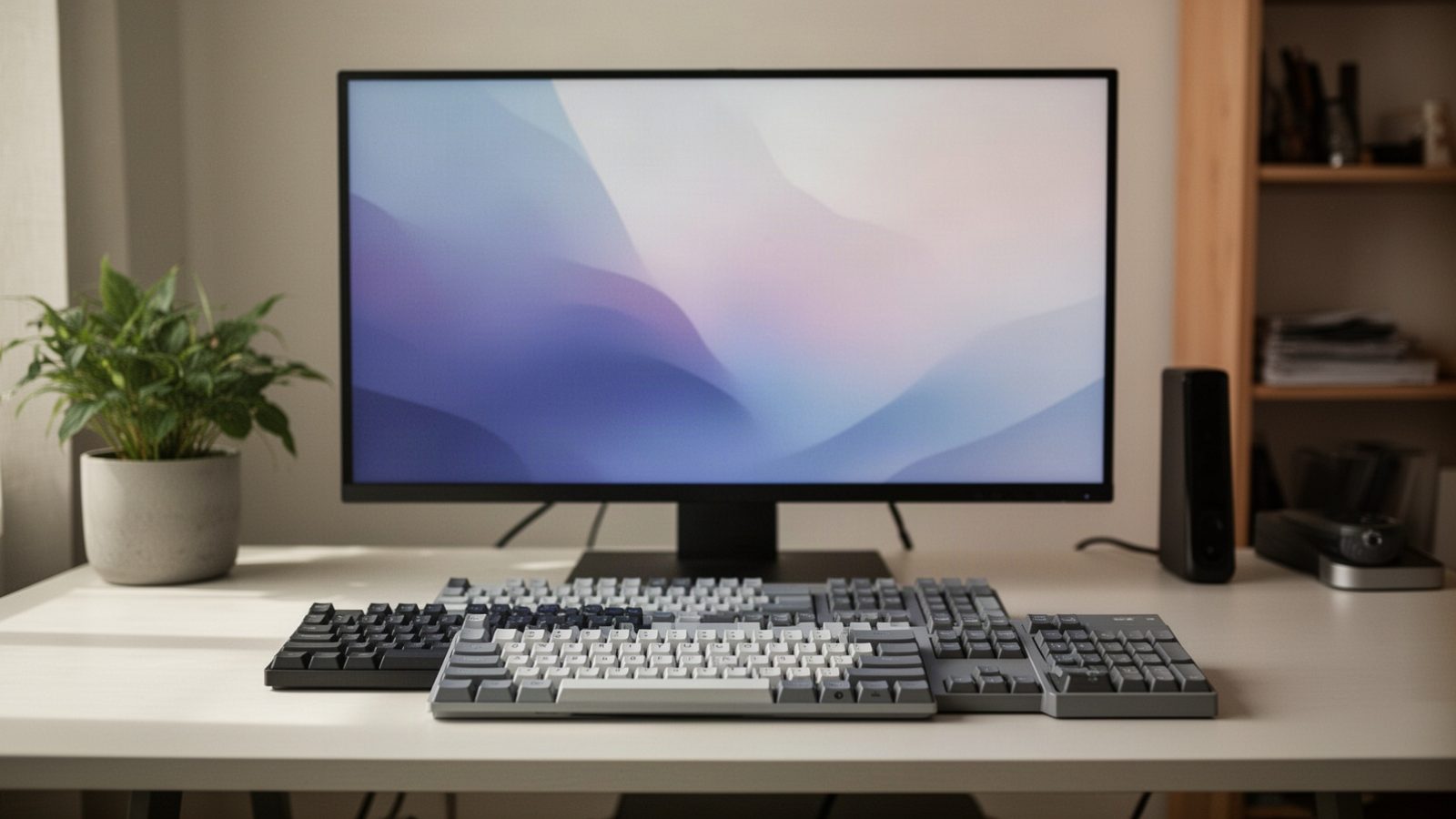
Mechanical keyboards use an individual switch under every key instead of a single rubber membrane sheet. The result is a crisper, more consistent keystroke, a choice of how each key feels and sounds, and a keyboard that can last for many years, with keycaps and often switches you can replace rather than throwing the whole board away. Writers, programmers and anyone who types all day often find them more satisfying, and easier to type accurately on, than the flat keyboards bundled with computers.
Gaming boards get most of the attention, but productivity keyboards have different priorities: quieter switches for shared spaces and calls, multi-device Bluetooth for hopping between a laptop and desktop, Mac-friendly layouts and long battery life. We compared popular mechanical keyboards designed for everyday work from Logitech, Keychron, NuPhy and Das Keyboard, and picked the best for different desks and typing styles.
Our top picks
-
1
 Illustration
Best overall
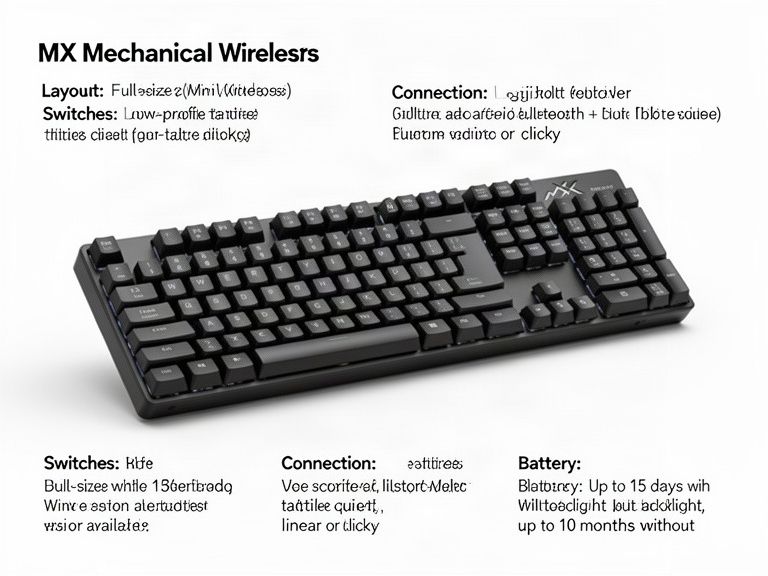
Logitech MX Mechanical Wireless Keyboard
Office workers who switch between computers
LayoutFull-size with number pad (Mini version available)SwitchesLow-profile tactile quiet, linear or clickyConnectionBluetooth + Logi Bolt receiver -
2
 Illustration
Best premium build
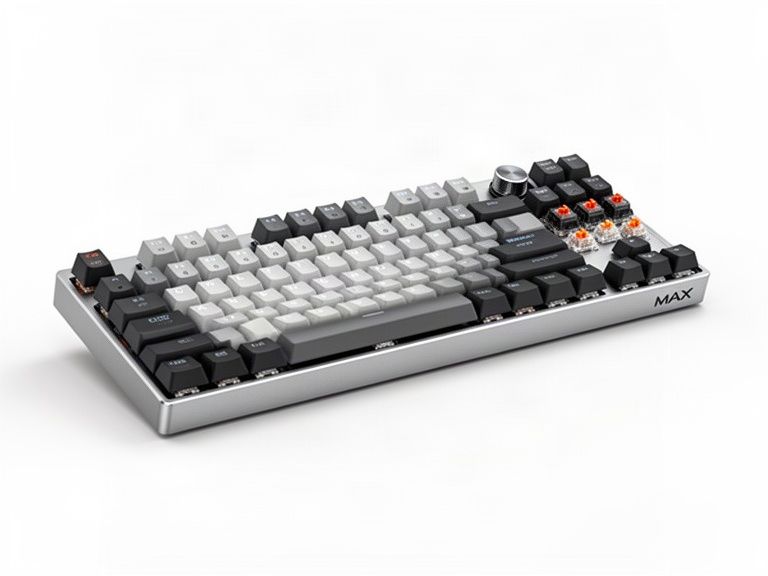
Keychron Q1 Max Wireless Mechanical Keyboard
Typists who want a solid, customizable keyboard
Layout75% with rotary knobSwitchesHot-swappable; several switch optionsConnectionBluetooth, 2.4GHz receiver and wired USB-C -
3
 Illustration
Best value
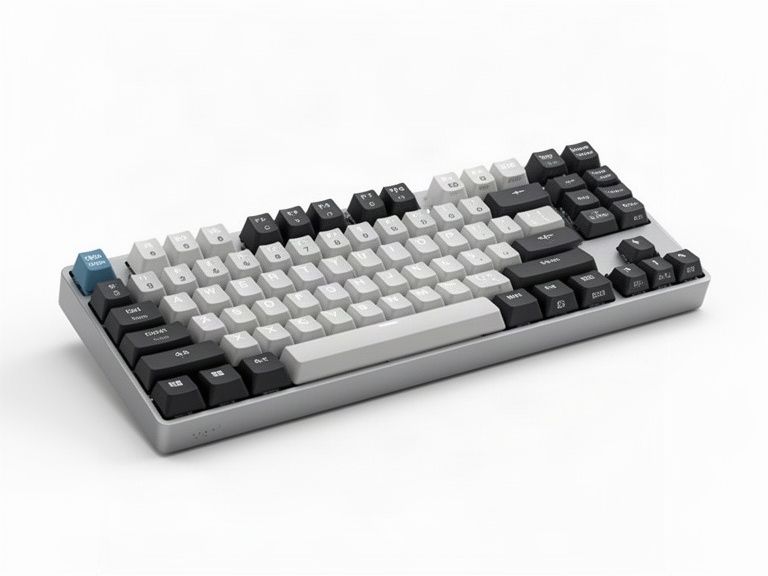
Keychron K2 Wireless Mechanical Keyboard
First mechanical keyboard for Mac or Windows
Layout75% (84 keys)SwitchesLinear, tactile or clicky optionsConnectionBluetooth + wired USB-C (some versions add 2.4GHz) -
4
 Illustration
Best low-profile
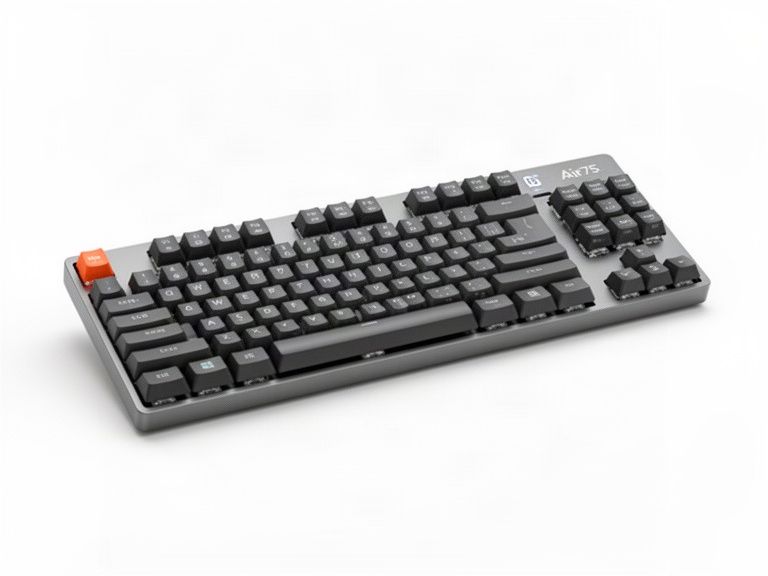
NuPhy Air75 Low-Profile Wireless Keyboard
Laptop users and travelers
Layout75%SwitchesLow-profile, hot-swappableConnectionBluetooth, 2.4GHz receiver and wired USB-C -
5
 Illustration
Best wired full-size
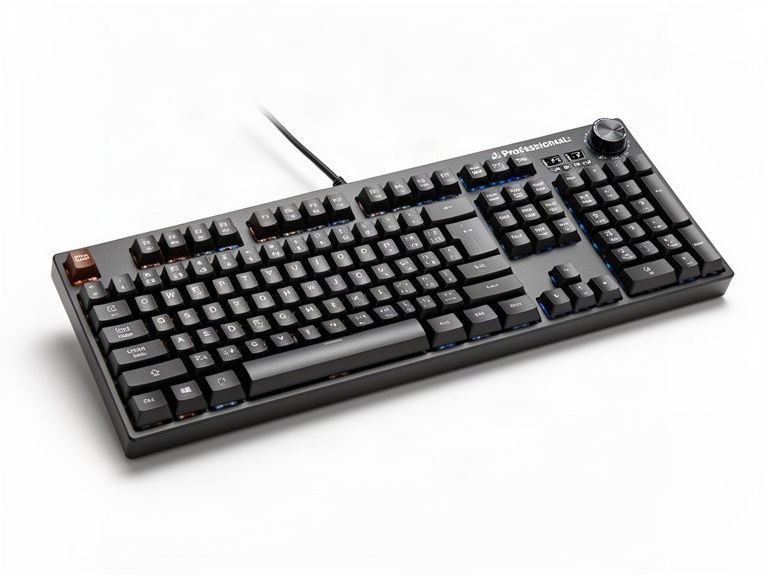
Das Keyboard 4 Professional
Heavy typists and data entry at a fixed desk
LayoutFull-size with number padSwitchesCherry MX Brown (tactile) or Blue (clicky)ConnectionWired USB
Logitech MX Mechanical Wireless Keyboard
Illustration
A full-size, low-profile mechanical keyboard with quiet switch options, smart backlighting and three-device switching.
Best for: Office workers who switch between computers- Layout
- Full-size with number pad (Mini version available)
- Switches
- Low-profile tactile quiet, linear or clicky
- Connection
- Bluetooth + Logi Bolt receiver
- Battery
- Up to 15 days with backlight, up to 10 months without
- Charging
- USB-C
What we like
- Low-profile design is comfortable without a wrist rest for many people
- Tactile Quiet option suits shared offices and calls
- Pairs with up to three devices and switches with a key press
- Keys labeled for both Mac and Windows
Keep in mind
- Switches are not hot-swappable
- Backlight cuts battery life sharply
- Less customizable than enthusiast keyboards
The MX Mechanical brings mechanical switches to Logitech's popular MX office lineup. It's a full-size board with a number pad, but its low-profile switches and keycaps keep it slimmer than most mechanical keyboards, so many people can type on it comfortably without a wrist rest.
You choose between Tactile Quiet, Linear and Clicky switches. The Tactile Quiet version is the one to get for open offices and video calls. It connects over Bluetooth or a Logi Bolt USB receiver, pairs with up to three devices, and labels its keys for both Mac and Windows. Smart backlighting turns on as your hands approach.
The switches aren't hot-swappable, and battery life drops from months to about two weeks with the backlight on. If you want a polished, multi-device work keyboard rather than a hobby project, it's the easiest recommendation. A compact MX Mechanical Mini drops the number pad.
Bottom line: The best mechanical keyboard for most office workers who use more than one computer.
Keychron Q1 Max Wireless Mechanical Keyboard
Illustration
A heavy aluminum 75% keyboard with a gasket mount, hot-swappable switches and wired, 2.4GHz and Bluetooth connections.
Best for: Typists who want a solid, customizable keyboard- Layout
- 75% with rotary knob
- Switches
- Hot-swappable; several switch options
- Connection
- Bluetooth, 2.4GHz receiver and wired USB-C
- Build
- CNC aluminum case, gasket mount
- Software
- QMK/VIA key remapping
What we like
- Solid aluminum case and gasket mount give a cushioned, quiet typing feel
- Hot-swappable switches for easy changes
- Three connection modes, including a 2.4GHz receiver
- Fully remappable with QMK/VIA
Keep in mind
- Heavy, so not for travel
- Tall profile usually needs a wrist rest
- Premium-priced
The Keychron Q1 Max is an enthusiast-style keyboard that's easy to live with. Its CNC-machined aluminum case and gasket-mounted plate give a dense, cushioned typing feel with less hollow ringing than plastic boards, and the 75% layout keeps the function row and arrow keys in a compact footprint, with a rotary knob for volume or scrolling.
Unlike many premium boards, it is fully wireless, connecting over Bluetooth to multiple devices or over a 2.4GHz receiver for a steadier link, plus wired USB-C. The switches are hot-swappable, and QMK/VIA support lets you remap any key without proprietary software. Mac and Windows layouts are both supported.
It is heavy and tall, so it stays on the desk and most people will want a wrist rest. For a keyboard you'll type on every day for years, the build quality is worth it.
Bottom line: The best premium mechanical keyboard for typing, with excellent build quality and full wireless flexibility.
Keychron K2 Wireless Mechanical Keyboard
Illustration
A popular compact 75% wireless mechanical keyboard with Mac and Windows keycaps and a choice of switches.
Best for: First mechanical keyboard for Mac or Windows- Layout
- 75% (84 keys)
- Switches
- Linear, tactile or clicky options
- Connection
- Bluetooth + wired USB-C (some versions add 2.4GHz)
- Compatibility
- Mac and Windows keycaps included
What we like
- Budget-friendly entry into wireless mechanical keyboards
- Compact 75% layout keeps the function row and arrows
- Mac and Windows keycaps included
- Bluetooth pairs with several devices
Keep in mind
- Tall profile usually needs a wrist rest
- Plastic case feels less refined than premium boards
- Several versions on sale, so check features before buying
The Keychron K2 is one of the keyboards that made wireless mechanical boards mainstream, especially among Mac users. It packs a 75% layout, with function keys and arrows but no number pad, into a compact frame, and ships with keycaps for both macOS and Windows.
Bluetooth lets it pair with several devices and switch between them, and you can plug it in over USB-C. Keychron has refreshed the K2 several times, and newer versions add features such as hot-swappable switches, QMK/VIA remapping and a 2.4GHz receiver, so compare versions before you buy.
Like most standard-height mechanical keyboards, it sits fairly tall, and a wrist rest makes long typing sessions more comfortable. The case is plastic rather than aluminum. As a first mechanical keyboard, it's a well-proven, budget-friendly choice.
Bottom line: The best budget-friendly first mechanical keyboard, especially for Mac users.
NuPhy Air75 Low-Profile Wireless Keyboard
Illustration
A slim, low-profile 75% mechanical keyboard with hot-swappable switches and Bluetooth, 2.4GHz and wired connections.
Best for: Laptop users and travelers- Layout
- 75%
- Switches
- Low-profile, hot-swappable
- Connection
- Bluetooth, 2.4GHz receiver and wired USB-C
- Compatibility
- Mac and Windows
What we like
- Slim enough to use without a wrist rest
- Light and compact enough to travel with a laptop
- Hot-swappable low-profile switches
- Three connection modes
Keep in mind
- Fewer replacement switch and keycap options than standard-height boards
- Shallower key travel won't suit everyone
- Several generations on sale, so check the version
The NuPhy Air75 is a mechanical keyboard that feels at home beside a laptop. Its low-profile switches and keycaps make it far slimmer than a standard mechanical board, so you can type comfortably without a wrist rest, and it's light enough to pack in a laptop bag.
It doesn't skimp on features. The 75% layout keeps the function row and arrow keys, the low-profile switches are hot-swappable, and it connects over Bluetooth, a 2.4GHz receiver or a USB-C cable, with support for both Mac and Windows.
The trade-off of any low-profile board is shorter key travel and a smaller choice of compatible switches and keycaps. NuPhy also updates the Air75 periodically, so check which generation a listing offers. If you want mechanical feel with laptop-like slimness, it's one of the best options.
Bottom line: The best low-profile mechanical keyboard for people who move between a desk and a laptop bag.
Das Keyboard 4 Professional
Illustration
A sturdy wired full-size mechanical keyboard with Cherry MX switches, a big volume knob and a built-in USB hub.
Best for: Heavy typists and data entry at a fixed desk- Layout
- Full-size with number pad
- Switches
- Cherry MX Brown (tactile) or Blue (clicky)
- Connection
- Wired USB
- Extras
- Two-port USB hub, volume knob, media keys
What we like
- Full-size layout with a number pad for data entry
- Proven Cherry MX switches
- Large volume knob and dedicated media keys
- Built-in USB hub for a mouse or drive
Keep in mind
- Wired only
- No backlighting
- Blue switches are too loud for shared spaces
Das Keyboard has been making typist-focused mechanical keyboards for years, and the 4 Professional remains a solid, no-nonsense choice for people who spend all day at one desk. It is a full-size board with a number pad, built around Cherry MX switches, in tactile Brown or clicky Blue.
The extras are practical rather than flashy. An oversized volume knob and dedicated media keys sit in the top corner, and a two-port USB hub on the keyboard gives you a convenient place to plug in a mouse or flash drive. A magnetic footbar raises the back and doubles as a ruler.
There is no wireless option and no backlighting, and the Blue switch version is loud. Choose Brown for offices. For data entry, spreadsheets and long writing sessions at a fixed desk, it's a dependable workhorse.
Bottom line: A durable, full-size wired keyboard for people who type all day at one desk.
Side-by-side comparison
| Product | Layout | Switches | Connection | Battery | Score |
|---|---|---|---|---|---|
| Logitech MX Mechanical Wireless KeyboardBest overall | Full-size with number pad (Mini version available) | Low-profile tactile quiet, linear or clicky | Bluetooth + Logi Bolt receiver | Up to 15 days with backlight, up to 10 months without | 9.2 |
| Keychron Q1 Max Wireless Mechanical KeyboardBest premium build | 75% with rotary knob | Hot-swappable; several switch options | Bluetooth, 2.4GHz receiver and wired USB-C | — | 9.0 |
| Keychron K2 Wireless Mechanical KeyboardBest value | 75% (84 keys) | Linear, tactile or clicky options | Bluetooth + wired USB-C (some versions add 2.4GHz) | — | 8.7 |
| NuPhy Air75 Low-Profile Wireless KeyboardBest low-profile | 75% | Low-profile, hot-swappable | Bluetooth, 2.4GHz receiver and wired USB-C | — | 8.6 |
| Das Keyboard 4 ProfessionalBest wired full-size | Full-size with number pad | Cherry MX Brown (tactile) or Blue (clicky) | Wired USB | — | 8.4 |
Specifications are from manufacturer listings at the time of writing and can change between production runs.
Choose a switch type
- Tactile switches (often called "brown") have a small bump that tells your finger the key has registered. They're the most popular all-round choice for typing.
- Linear switches (often "red") travel smoothly with no bump. They feel fast and are usually a little quieter.
- Clicky switches (often "blue") add an audible click. They're satisfying but loud, so avoid them in shared offices or if you're on calls a lot.
Switch weight matters too. Lighter switches take less effort but make accidental key presses more likely, while heavier ones feel firmer and more deliberate. If you type for hours, a light-to-medium switch is usually the more comfortable choice.
If you're unsure, choose a hot-swappable keyboard. You can pull out the switches and try different ones later without soldering.
Pick a layout
- Full-size keeps the number pad, which matters for spreadsheets and data entry.
- TKL (tenkeyless) drops the number pad, bringing your mouse closer to your body.
- 75% keeps the function row and arrow keys in a compact frame, a favorite for small desks.
- 65% and 60% layouts save more space but hide keys such as F1–F12 behind a function layer, which slows down shortcut-heavy work.
Standard height or low-profile?
Standard mechanical keyboards are tall, and many people pair them with a wrist rest to keep their wrists from bending upward. Low-profile keyboards use shorter switches and keycaps, feel closer to a laptop keyboard and fit more easily in a bag. They're a good bridge if you switch between a laptop and a desk often.
Wireless and multi-device features
Look for Bluetooth with multi-device switching if you move between a laptop, desktop and tablet, and a 2.4GHz USB receiver for a steadier, lower-latency connection. Backlighting cuts battery life dramatically, so compare the rated battery life with the lights on and off, and favor USB-C charging.
Mac and Windows compatibility
Most productivity keyboards include Mac and Windows keycaps or a switch that changes the layout, so Command and Option land in the right places. Some, including Logitech's MX keyboards, print labels for both systems on the keys. Remapping software such as QMK or VIA lets you change what any key does.
What to skip
Per-key RGB effects, macro-heavy software and ultra-high polling rates are gaming features. For typing, switch feel, layout, build quality and keycaps matter far more. Thick PBT keycaps resist shine from finger oils better than thin ABS ones.
Frequently asked questions
Are mechanical keyboards too loud for an office?
Clicky switches are, but tactile and linear switches are much quieter, and low-profile boards quieter still. Some keyboards, such as Logitech’s MX Mechanical, offer a “quiet” tactile option. A desk mat also softens the sound.
What does hot-swappable mean?
The switches sit in sockets rather than being soldered to the circuit board, so you can pull them out with a small tool and fit different ones. It lets you try new switch types or replace a faulty switch without buying a new keyboard.
Do mechanical keyboards work with a Mac?
Yes. Most productivity models include Mac keycaps or a Mac mode, so Command, Option and media keys work as expected. Check that the keyboard lists macOS support if you want the function-row media keys to work.
Do I need a wrist rest?
With a standard-height mechanical keyboard, a wrist rest can help keep your wrists closer to neutral rather than bent upward. Rest your palms on it during pauses rather than planting your wrists while typing. Low-profile keyboards often don’t need one.
How do I clean a mechanical keyboard?
Unplug or switch it off, turn it upside down and shake out debris, then use compressed air between the keys. For a deeper clean, pull the keycaps with a keycap puller, wash them in warm soapy water and let them dry completely before refitting.
How we picked
We compared manufacturer specifications for popular mechanical keyboards aimed at typing and productivity, including layout, switch options, hot-swap support, connection types, battery life, Mac and Windows compatibility, build materials and software, and weighed how each suits different desks and typing styles. Our picks and scores are based on this research — we have not tested these products hands-on. Brands cannot pay to be included. Read our full method.