






















The best Wi-Fi range extenders
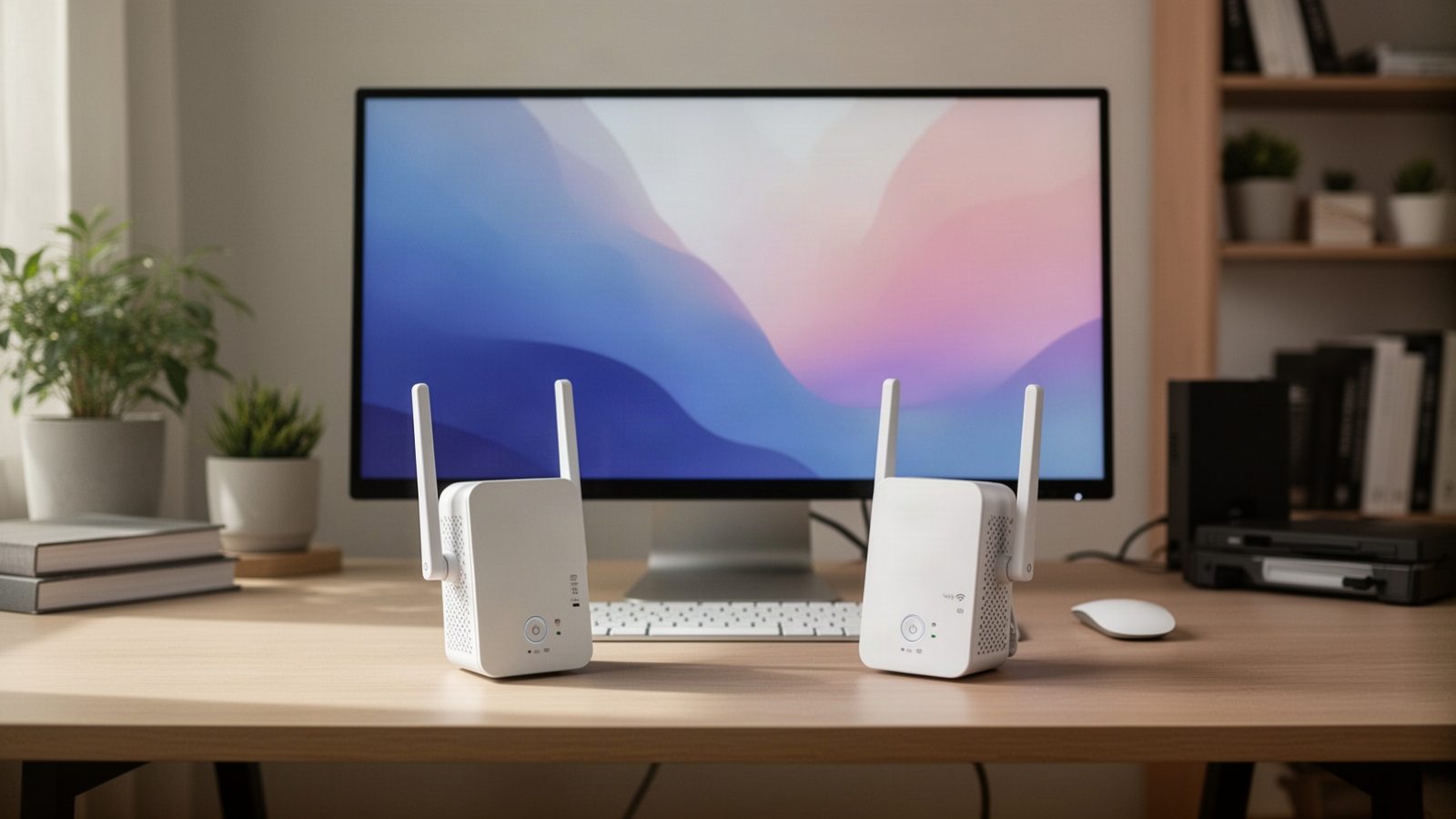
Four Wi-Fi range extenders compared — a budget wall-plug model, Wi-Fi 6 extenders with gigabit ports and a mesh-style option — plus how to place one so it helps.
As an Amazon Associate I earn from qualifying purchases. When you buy through links on this page, we may earn a commission at no extra cost to you. Learn more
A range extender is the quick, budget-friendly fix for one weak spot: a back bedroom, a garage office or a patio where video calls keep dropping. It plugs into a wall outlet partway between your router and the dead zone, picks up your existing Wi-Fi and rebroadcasts it, so you don't have to replace your router or rewire the house.
Extenders have limits worth knowing before you buy. Because most of them repeat the signal over the air, the extended area usually gets less speed than a spot near the router, and placement makes or breaks the result. For several dead zones or a large home, a mesh system is usually the better buy. We compared popular wall-plug extenders from TP-Link and Netgear on Wi-Fi standard, speed class, Ethernet ports, antenna design and mesh features, and picked the best for different routers and budgets.
Our top picks
-
1
 Illustration
Best overall
TP-Link RE605X AX1800 Wi-Fi 6 Range Extender
Most homes with a Wi-Fi 6 router
Wi-Fi standardWi-Fi 6 (AX1800)BandsDual-band (2.4 and 5 GHz)Ethernet port1 x gigabit -
2
 Illustration
Best for faster plans
TP-Link RE715X AX3000 Wi-Fi 6 Range Extender
Homes with fast plans and Wi-Fi 6 routers
Wi-Fi standardWi-Fi 6 (AX3000)BandsDual-band (2.4 and 5 GHz)Ethernet port1 x gigabit -
3
 Illustration
Best mesh-style extender
Netgear EAX15 AX1800 Wi-Fi 6 Mesh Extender
Tidy setups with no external antennas
Wi-Fi standardWi-Fi 6 (AX1800)BandsDual-band (2.4 and 5 GHz)Ethernet port1 x gigabit -
4
 Illustration
Best budget
TP-Link RE315 AC1200 Range Extender
Small dead zones and modest internet plans
Wi-Fi standardWi-Fi 5 (AC1200)BandsDual-band (2.4 and 5 GHz)Ethernet port1 port
TP-Link RE605X AX1800 Wi-Fi 6 Range Extender
Illustration
A dual-band Wi-Fi 6 extender with two external antennas and a gigabit Ethernet port.
Best for: Most homes with a Wi-Fi 6 router- Wi-Fi standard
- Wi-Fi 6 (AX1800)
- Bands
- Dual-band (2.4 and 5 GHz)
- Ethernet port
- 1 x gigabit
- Antennas
- 2 external
What we like
- Wi-Fi 6 at a mid-range price
- Gigabit Ethernet port for wired devices or access point mode
- Two adjustable external antennas
- OneMesh support with compatible TP-Link routers
Keep in mind
- Antennas make it bulkier than slim wall plugs
- Can block the second outlet
- OneMesh only works with TP-Link routers
The RE605X is the extender most people should start with. It brings dual-band Wi-Fi 6 to a wall-plug design, with rated rates of up to 1,201 Mbps on 5 GHz and 574 Mbps on 2.4 GHz, and it pairs well with any modern router.
Two adjustable external antennas help it reach into awkward rooms, and a gigabit Ethernet port lets you plug in a TV or console, or run the extender as a wired access point if you can bring a cable to it. With a compatible TP-Link router, OneMesh support keeps a single network name and smoother handoffs between router and extender.
The antennas make it chunkier than slim extenders, so it may block the second outlet in a duplex receptacle. If you have several dead zones rather than one, a mesh kit will serve you better.
Bottom line: The best all-round extender for fixing a weak room with a Wi-Fi 6 router.
TP-Link RE715X AX3000 Wi-Fi 6 Range Extender
Illustration
A faster AX3000 Wi-Fi 6 extender with a gigabit port, two external antennas and mesh support.
Best for: Homes with fast plans and Wi-Fi 6 routers- Wi-Fi standard
- Wi-Fi 6 (AX3000)
- Bands
- Dual-band (2.4 and 5 GHz)
- Ethernet port
- 1 x gigabit
- Antennas
- 2 external
What we like
- Faster 5 GHz rate than AX1800 extenders
- Gigabit Ethernet port with access point mode
- Two external antennas
- OneMesh support with compatible TP-Link routers
Keep in mind
- More than you need for slower internet plans
- Bulky wall-plug design
- Still a single wireless hop, so speeds drop at the far end
The RE715X is the step up from the RE605X for homes with faster internet plans. Its 5 GHz band is rated at up to 2,402 Mbps — double the RE605X's rating — which gives it more headroom to relay a fast connection, especially with a Wi-Fi 6 router and newer devices that support wide channels.
Like its sibling, it has two external antennas and a gigabit Ethernet port that can connect a wired device or turn the extender into an access point when you can run a cable to it. OneMesh support helps it work smoothly with compatible TP-Link routers.
Keep expectations grounded: any extender relays data over the air, so speeds in the extended zone will be lower than near the router. If your plan is a few hundred Mbps, the RE605X is enough. If you pay for more and have one weak room, the RE715X makes better use of it.
Bottom line: The extender to choose when you have a fast plan and one stubborn weak spot.
Netgear EAX15 AX1800 Wi-Fi 6 Mesh Extender
Illustration
A compact wall-plug Wi-Fi 6 extender with internal antennas, a gigabit port and a single-network mesh setup.
Best for: Tidy setups with no external antennas- Wi-Fi standard
- Wi-Fi 6 (AX1800)
- Bands
- Dual-band (2.4 and 5 GHz)
- Ethernet port
- 1 x gigabit
- Antennas
- 2 internal
What we like
- Compact design with internal antennas
- Uses one network name for smoother roaming
- Gigabit Ethernet port
- Works with routers from any brand
Keep in mind
- Internal antennas can't be adjusted
- Netgear has sold several hardware versions, so check the model suffix
- Single wireless hop limits speed at the far end
Netgear's EAX15 is a neat alternative to antenna-studded extenders. It is a compact wall plug with internal antennas, so it looks tidier in a hallway or living room, and it supports dual-band Wi-Fi 6 at AX1800 speeds.
Netgear calls it a mesh extender because it can share your router's network name, letting devices move between router and extender without you switching networks manually. It works with routers from any brand, and a gigabit Ethernet port lets you connect a TV, console or desktop by cable.
The trade-offs are small. Internal antennas can't be repositioned to aim at a tricky room, and Netgear has sold more than one hardware version under the EAX15 name, so check the version on the listing if you want the newest one. As with any extender, speeds at the far end will be lower than next to the router.
Bottom line: A tidy, easy Wi-Fi 6 extender that keeps one network name across the house.
TP-Link RE315 AC1200 Range Extender
Illustration
A small, budget-friendly dual-band Wi-Fi 5 extender for fixing one weak room.
Best for: Small dead zones and modest internet plans- Wi-Fi standard
- Wi-Fi 5 (AC1200)
- Bands
- Dual-band (2.4 and 5 GHz)
- Ethernet port
- 1 port
What we like
- Budget-friendly
- Compact wall-plug design
- Dual-band for flexibility
- OneMesh support with compatible TP-Link routers
Keep in mind
- Wi-Fi 5 only
- Not suited to fast plans or many devices
- Relays less speed to the far end than Wi-Fi 6 models
Sometimes the problem is small: one bedroom where streaming buffers, or a home office at the end of the hall. The TP-Link RE315 is a compact, budget-friendly way to fix it. It is a dual-band Wi-Fi 5 extender that plugs into a wall outlet and relays your router's signal to the weak spot.
It is a good match for older routers, modest internet plans and lighter use such as streaming, browsing and video calls. An Ethernet port can connect a single wired device, and OneMesh support helps it work more smoothly with compatible TP-Link routers.
Be realistic about what it can do. It won't deliver multi-hundred-megabit speeds at the far end, and it handles fewer devices at once than Wi-Fi 6 models. If you have a fast plan or a Wi-Fi 6 router, spend a little more on the RE605X.
Bottom line: A budget-friendly fix for one weak room on a modest internet plan.
Side-by-side comparison
| Product | Wi-Fi standard | Bands | Ethernet port | Antennas | Score |
|---|---|---|---|---|---|
| TP-Link RE605X AX1800 Wi-Fi 6 Range ExtenderBest overall | Wi-Fi 6 (AX1800) | Dual-band (2.4 and 5 GHz) | 1 x gigabit | 2 external | 9.0 |
| TP-Link RE715X AX3000 Wi-Fi 6 Range ExtenderBest for faster plans | Wi-Fi 6 (AX3000) | Dual-band (2.4 and 5 GHz) | 1 x gigabit | 2 external | 8.7 |
| Netgear EAX15 AX1800 Wi-Fi 6 Mesh ExtenderBest mesh-style extender | Wi-Fi 6 (AX1800) | Dual-band (2.4 and 5 GHz) | 1 x gigabit | 2 internal | 8.5 |
| TP-Link RE315 AC1200 Range ExtenderBest budget | Wi-Fi 5 (AC1200) | Dual-band (2.4 and 5 GHz) | 1 port | — | 8.0 |
Specifications are from manufacturer listings at the time of writing and can change between production runs.
Extender, mesh or access point?
- Range extender: fixes one or two weak spots with your existing router. Budget-friendly, but the extended zone usually runs slower.
- Mesh system: replaces your router with several units that work as one network. Better for large or multi-story homes.
- Access point mode: if you can run an Ethernet cable to the weak area, many extenders can work as a wired access point — the best-performing option of all.
Match the extender to your router
Buy an extender that supports at least the same Wi-Fi generation as your router. A Wi-Fi 6 extender with a Wi-Fi 6 router makes the most of newer phones and laptops; with an older Wi-Fi 5 router, it works but behaves more like a Wi-Fi 5 extender. Some brands offer mesh-style features with their own routers — TP-Link OneMesh, for example — which keep one network name and hand devices between router and extender more smoothly.
What the speed numbers mean
Labels like AC1200 or AX1800 add up the maximum rates of both bands. Real-world speeds through an extender are much lower, because the extender has to receive and resend data. Dual-band extenders can use one band to talk to the router and the other to talk to your devices, which helps. If your internet plan is a few hundred Mbps or less, a mid-range Wi-Fi 6 extender is plenty.
Placement is everything
Plug the extender in about halfway between the router and the dead zone, where it still gets a solid signal — not in the dead zone itself. Most extenders have a signal light or an app reading to guide you. Avoid outlets behind furniture, inside cabinets or near microwaves, and point external antennas straight up as a starting position.
Network names and setup
You can give the extender the same network name (SSID) as your router so devices switch automatically, or a separate name so you can choose which one to join. Same-name setups are more convenient; separate names make troubleshooting easier. Setup is done through the brand's app, a web page or the WPS button — use the app if you can, since it shows signal strength while you place the unit.
Features worth paying for
- An Ethernet port to connect a TV, console or desktop by cable, or to run the extender as an access point.
- Wi-Fi 6 for better handling of many devices at once.
- External antennas for slightly better reach in awkward spots.
Ignore "covers up to X square feet" claims on the box. Your walls, floors and router placement matter far more.
Frequently asked questions
Do Wi-Fi extenders slow down your internet?
Devices connected through an extender usually get lower speeds than they would close to the router, because the extender has to relay data over the air. In a dead zone, though, a slower but stable connection is a big improvement over a dropping one.
Will an extender work with any router?
Yes. Extenders use standard Wi-Fi, so they work with routers from any brand. Mesh-style features such as TP-Link OneMesh only work with compatible routers from the same brand.
Should I buy an extender or a mesh system?
An extender is the budget-friendly fix for one weak room. If you have several dead zones, a large or multi-story home or a fast internet plan, a mesh system will deliver better coverage and speed.
Where should I put my Wi-Fi extender?
About halfway between the router and the weak area, in a spot that still has a strong signal from the router. Use the extender's signal light or app to fine-tune the location.
Can I use an extender for gaming?
It works, but the extra wireless hop can add lag. For gaming, connect your console or PC to the extender's Ethernet port, or better still, run the extender as a wired access point.
How we picked
We compared manufacturer specifications for popular Wi-Fi range extenders sold in the US — Wi-Fi standard, speed class, band rates, Ethernet ports, antenna design, access point mode and mesh compatibility — and weighed how each suits different routers, homes and budgets. Our picks and scores are based on this research; we have not tested these products hands-on. Brands cannot pay to be included. Read our full method.