






















The best Ethernet switches for home networks
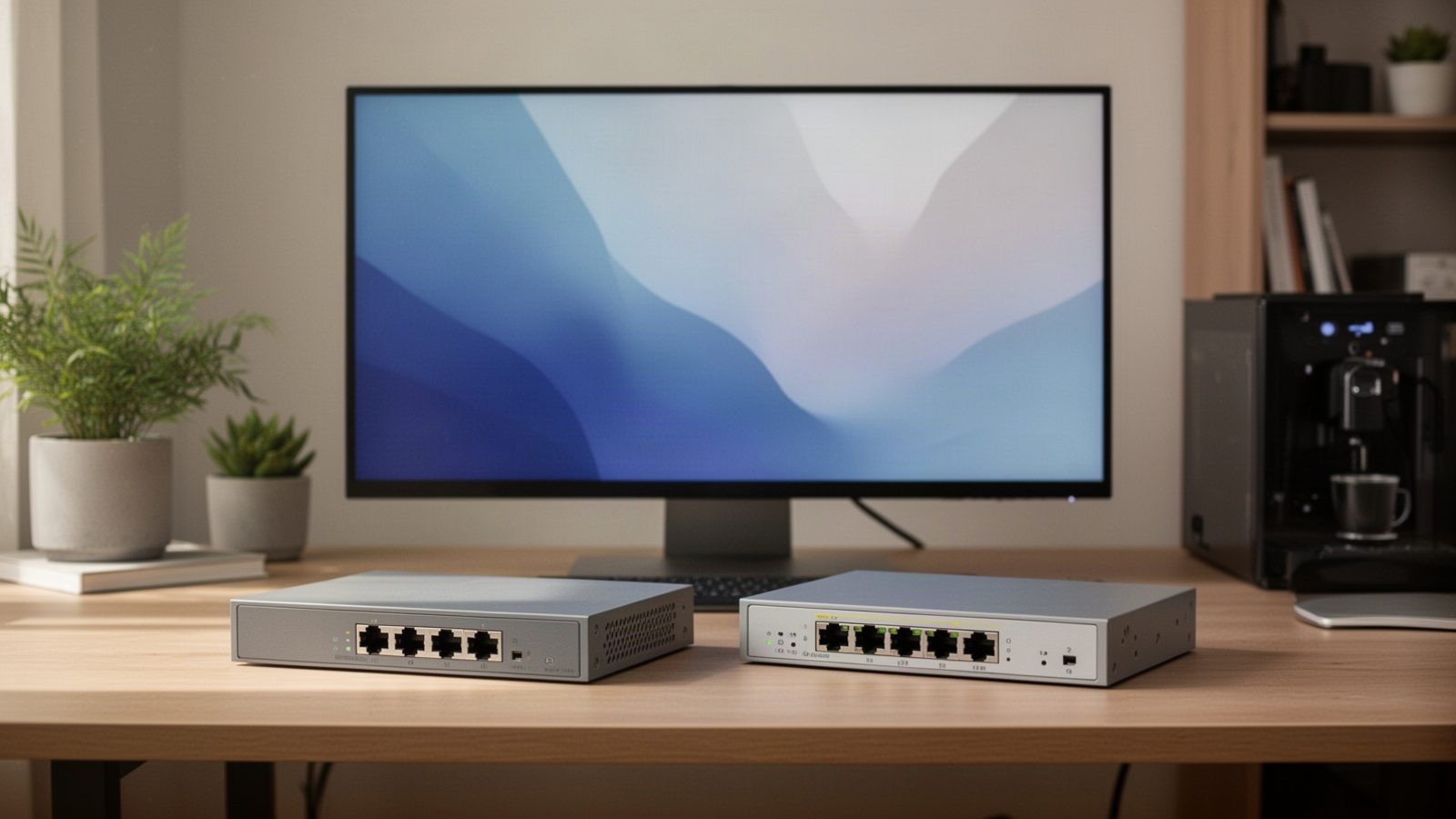
Six Ethernet switches compared — plug-and-play 5- and 8-port gigabit switches, a smart switch with VLANs, PoE switches for cameras and a 2.5GbE model.
As an Amazon Associate I earn from qualifying purchases. When you buy through links on this page, we may earn a commission at no extra cost to you. Learn more
Most routers have only three or four Ethernet ports, and they fill up fast: a smart TV, a game console, a desktop, a NAS and a mesh satellite, and you're out. An Ethernet switch is the simple fix. Run one cable from the router to the switch and every other port becomes a fast, stable wired connection — no setup and no Wi-Fi interference.
Choosing one is mostly a matter of counting ports and deciding what else you need. Plain unmanaged switches are plug-and-play. Smart managed switches add features such as VLANs and traffic priority. PoE switches power security cameras and access points through the network cable, and 2.5GbE switches suit multi-gig internet and fast NAS drives. We compared popular switches from TP-Link and Netgear on port count, port speed, management features, PoE budget and build, and picked the best for each job.
Our top picks
-
1
 Illustration
Best overall
TP-Link TL-SG108 8-Port Gigabit Switch
Adding wired ports for most homes
Ports8Port speedGigabit (10/100/1000 Mbps)ManagementUnmanaged (plug-and-play) -
2
 Illustration
Best multi-gig
TP-Link TL-SG105-M2 5-Port 2.5GbE Switch
Multi-gig internet plans, NAS and Wi-Fi 7 setups
Ports5Port speed2.5GbE (100 Mbps/1 Gbps/2.5 Gbps)ManagementUnmanaged (plug-and-play) -
3
 Illustration
Best smart managed switch
Netgear GS308E 8-Port Gigabit Smart Switch
Home labs, home offices and smart-home networks
Ports8Port speedGigabit (10/100/1000 Mbps)ManagementSmart managed (Netgear Plus) -
4
 Illustration
Best PoE for a few devices
TP-Link TL-SG108PE 8-Port Gigabit PoE+ Switch
A few PoE cameras or access points
Ports8Port speedGigabit (10/100/1000 Mbps)ManagementEasy Smart managed -
5
 Illustration
Best PoE for larger setups
Netgear GS308PP 8-Port Gigabit PoE+ Switch
Eight PoE cameras or devices
Ports8Port speedGigabit (10/100/1000 Mbps)ManagementUnmanaged (plug-and-play) -
6
 Illustration
Best compact
Netgear GS305 5-Port Gigabit Switch
A desk or TV stand with a few wired devices
Ports5Port speedGigabit (10/100/1000 Mbps)ManagementUnmanaged (plug-and-play)
TP-Link TL-SG108 8-Port Gigabit Switch
Illustration
A simple, silent, metal 8-port gigabit switch that just works.
Best for: Adding wired ports for most homes- Ports
- 8
- Port speed
- Gigabit (10/100/1000 Mbps)
- Management
- Unmanaged (plug-and-play)
- PoE
- None
- Case
- Metal, fanless
What we like
- Seven new wired ports from one router port
- Fanless and silent
- Sturdy metal case can be wall-mounted
- No setup required
Keep in mind
- No management features such as VLANs
- Gigabit only
- No PoE
For most homes, the right switch is the one you plug in and forget. The TP-Link TL-SG108 is exactly that: eight gigabit ports in a small metal case with no fan and no settings. Connect one port to your router and the other seven become wired connections for a TV, game console, desktop, NAS or mesh satellite.
The metal housing helps with heat and durability, and it can be mounted on a wall or tucked behind a TV. Because it is fanless, it is silent — important in a living room or bedroom.
It doesn't do anything clever: there are no VLANs, no traffic priority and no PoE, and every port tops out at gigabit. If you need any of those, look at the smart, PoE or 2.5GbE picks below. If you just need more ports, this is the one to buy.
Bottom line: The simplest, most dependable way to add wired ports to a home network.
TP-Link TL-SG105-M2 5-Port 2.5GbE Switch
Illustration
An unmanaged 5-port switch with 2.5GbE on every port.
Best for: Multi-gig internet plans, NAS and Wi-Fi 7 setups- Ports
- 5
- Port speed
- 2.5GbE (100 Mbps/1 Gbps/2.5 Gbps)
- Management
- Unmanaged (plug-and-play)
- PoE
- None
- Case
- Metal, fanless
What we like
- 2.5GbE on all five ports
- Works with existing Cat 5e cabling at home distances
- Fanless metal case
- Automatically matches gigabit devices
Keep in mind
- Only five ports
- No management features
- Needs 2.5GbE devices on both ends to benefit
If your internet plan is faster than 1 Gbps, or you have a NAS, desktop or Wi-Fi 7 router with 2.5GbE ports, a gigabit switch becomes a bottleneck. The TL-SG105-M2 removes it with 2.5GbE on all five ports in a simple, fanless metal box.
There is nothing to configure. Each port automatically matches the device connected to it, so older gigabit devices keep working at 1 Gbps while multi-gig devices run at 2.5 Gbps. Cat 5e cable supports 2.5GbE over typical home distances, so you probably won't need to rewire.
It is unmanaged, so there are no VLANs or traffic settings, and five ports can fill quickly. The speed only matters when devices on both ends support 2.5GbE — check your router, NAS and PC before buying.
Bottom line: The easy upgrade for homes moving beyond gigabit wired speeds.
Netgear GS308E 8-Port Gigabit Smart Switch
Illustration
An 8-port gigabit switch with Netgear Plus management for VLANs, QoS and IGMP snooping.
Best for: Home labs, home offices and smart-home networks- Ports
- 8
- Port speed
- Gigabit (10/100/1000 Mbps)
- Management
- Smart managed (Netgear Plus)
- PoE
- None
- Case
- Metal, fanless
What we like
- VLANs, QoS and IGMP snooping
- Works as a plain unmanaged switch until you change settings
- Fanless metal case
- Cable and port diagnostics
Keep in mind
- Management interface is basic compared with business switches
- Gigabit only
- No PoE
The Netgear GS308E looks like any 8-port gigabit switch, and out of the box it behaves like one. The difference is a web interface that unlocks useful extras when you want them.
VLANs let you put security cameras, smart-home devices or a work laptop on separate network segments. QoS lets you prioritize video calls or gaming traffic, and IGMP snooping helps with some IPTV and streaming setups. Port statistics and cable diagnostics can also help track down a faulty cable.
It is not a full business-class managed switch — the feature set is deliberately simple — and it lacks PoE and multi-gig ports. But for home offices, home labs and anyone curious about network segmentation, it adds real capability for little extra cost over an unmanaged switch.
Bottom line: A low-risk step into managed networking that still works as a plug-and-play switch.
TP-Link TL-SG108PE 8-Port Gigabit PoE+ Switch
Illustration
An 8-port gigabit Easy Smart switch with four PoE+ ports and a 64-watt power budget.
Best for: A few PoE cameras or access points- Ports
- 8
- Port speed
- Gigabit (10/100/1000 Mbps)
- Management
- Easy Smart managed
- PoE
- 4 PoE+ ports, 64W budget
- Case
- Metal, fanless
What we like
- Four PoE+ ports power cameras or access points without extra adapters
- Easy Smart features such as VLANs and QoS
- Fanless metal case
- Four additional non-PoE ports
Keep in mind
- 64W budget limits high-power devices
- Only half the ports provide PoE
- Management tools are basic
The TL-SG108PE is a tidy way to power a small camera system or a couple of Wi-Fi access points. Four of its eight gigabit ports supply PoE+, sharing a 64-watt total budget, while the other four work as ordinary switch ports for a TV, NAS or desktop.
TP-Link's Easy Smart management adds VLANs, QoS and basic monitoring, which is useful for keeping cameras separate from the rest of your network. The fanless metal case means it can sit quietly on a shelf or be mounted on a wall.
Check your power math before you buy. Four typical fixed cameras fit comfortably within 64 watts, but pan-tilt-zoom cameras with heaters or high-end access points can draw much more. Add up each device's maximum rating and follow the device makers' power requirements.
Bottom line: A compact, quiet PoE switch for small camera and access point setups.
Netgear GS308PP 8-Port Gigabit PoE+ Switch
Illustration
An unmanaged 8-port gigabit switch with PoE+ on every port and an 83-watt budget.
Best for: Eight PoE cameras or devices- Ports
- 8
- Port speed
- Gigabit (10/100/1000 Mbps)
- Management
- Unmanaged (plug-and-play)
- PoE
- 8 PoE+ ports, 83W budget
- Case
- Metal, fanless
What we like
- PoE+ on all eight ports
- Larger 83W power budget
- Plug-and-play setup
- Silent, fanless design
Keep in mind
- No VLANs or management features
- 83W is shared across all ports
- Gigabit only
When you have more PoE devices than a four-port switch can handle, the Netgear GS308PP steps in. Every one of its eight gigabit ports supports PoE+, and they share an 83-watt total budget — enough for a typical home security camera system or several VoIP phones and access points.
It is unmanaged, so setup is plug-and-play: connect one port to your router and the rest to your devices. The fanless design keeps it silent on a desk or shelf.
The budget is shared, so eight power-hungry devices at full draw won't all fit — add up each device's maximum rating first. And without management features, you can't separate cameras onto their own VLAN; if that matters to you, choose a smart PoE switch instead.
Bottom line: A simple, silent way to power a full set of PoE cameras or devices.
Netgear GS305 5-Port Gigabit Switch
Illustration
A small, silent 5-port gigabit switch for adding a few wired connections.
Best for: A desk or TV stand with a few wired devices- Ports
- 5
- Port speed
- Gigabit (10/100/1000 Mbps)
- Management
- Unmanaged (plug-and-play)
- PoE
- None
- Case
- Metal, fanless
What we like
- Small enough for a desk, TV stand or cabinet
- Fanless and silent
- No setup required
- Metal housing
Keep in mind
- Only four new ports once connected to the router
- No management features
- Gigabit only
Sometimes you only need a few more ports in one spot: behind the TV for a streaming box and console, or on a desk for a computer and a printer. The Netgear GS305 is a compact, silent answer. Five gigabit ports give you four new wired connections once one is linked back to your router or a mesh unit.
There is nothing to set up. Plug it in, connect your devices and it works, and the fanless metal housing means no noise in a bedroom or living room.
It shares the limits of any basic switch: no VLANs, no PoE and no multi-gig speeds. If you think you might add more devices later, the 8-port TL-SG108 costs only a little more and leaves room to grow.
Bottom line: A tidy, quiet way to add a few wired ports where you need them.
Side-by-side comparison
| Product | Ports | Port speed | Management | PoE | Score |
|---|---|---|---|---|---|
| TP-Link TL-SG108 8-Port Gigabit SwitchBest overall | 8 | Gigabit (10/100/1000 Mbps) | Unmanaged (plug-and-play) | None | 9.0 |
| TP-Link TL-SG105-M2 5-Port 2.5GbE SwitchBest multi-gig | 5 | 2.5GbE (100 Mbps/1 Gbps/2.5 Gbps) | Unmanaged (plug-and-play) | None | 8.9 |
| Netgear GS308E 8-Port Gigabit Smart SwitchBest smart managed switch | 8 | Gigabit (10/100/1000 Mbps) | Smart managed (Netgear Plus) | None | 8.8 |
| TP-Link TL-SG108PE 8-Port Gigabit PoE+ SwitchBest PoE for a few devices | 8 | Gigabit (10/100/1000 Mbps) | Easy Smart managed | 4 PoE+ ports, 64W budget | 8.6 |
| Netgear GS308PP 8-Port Gigabit PoE+ SwitchBest PoE for larger setups | 8 | Gigabit (10/100/1000 Mbps) | Unmanaged (plug-and-play) | 8 PoE+ ports, 83W budget | 8.5 |
| Netgear GS305 5-Port Gigabit SwitchBest compact | 5 | Gigabit (10/100/1000 Mbps) | Unmanaged (plug-and-play) | None | 8.4 |
Specifications are from manufacturer listings at the time of writing and can change between production runs.
Count your ports — then add a few
A switch uses one port to connect to the router, so a 5-port switch gives you four new ports and an 8-port switch gives you seven. Count your wired devices today and allow for a couple more. An 8-port switch usually costs only a little more than a 5-port model and saves buying a second switch later.
Unmanaged or smart managed?
Unmanaged switches have no settings: plug in and go. They are right for nearly every home. Smart managed switches (sold under names such as Easy Smart or Plus) add a web page or utility for features such as:
- VLANs to separate cameras, smart-home gear or a home office from the rest of the network.
- QoS to prioritize video calls or gaming traffic.
- IGMP snooping for IPTV and some streaming setups.
- Port and cable diagnostics to spot a bad cable.
If you don't know what a VLAN is, you probably don't need one yet — but a smart switch costs only a little more if you want room to learn.
PoE and power budgets
Power over Ethernet (PoE) sends power and data through one cable, so security cameras, Wi-Fi access points and VoIP phones don't need their own outlets. Check two numbers: how many ports provide PoE, and the total power budget in watts. Many cameras draw well under 15 watts, but pan-tilt-zoom cameras and high-end Wi-Fi access points can need much more. Add up your devices' maximum draw, leave headroom and follow each device maker's power requirements.
Gigabit or multi-gig?
Gigabit (1GbE) is plenty for streaming, gaming and most internet plans. 2.5GbE switches make sense when your plan is faster than 1 Gbps, or when a NAS, desktop or Wi-Fi 7 access point has 2.5GbE ports. 10GbE switches exist, but they tend to run hotter, cost more and mostly suit enthusiasts and creative studios.
Build, noise and cables
Metal cases handle heat better and can often be wall-mounted. Fanless designs are silent, which matters on a desk or in a living room; some larger PoE and 10GbE switches use fans. Use Cat 5e or better cable: Cat 5e supports 2.5GbE over typical home distances, and Cat 6 adds margin.
Setup tips
Connect any port on an unmanaged switch to a LAN port on your router — never the router's WAN or internet port. Don't plug both ends of one cable into the same switch, which can create a loop that floods the network. Keep the switch somewhere ventilated, and avoid long chains of switches; one central switch is easier to troubleshoot.
Frequently asked questions
Does adding a switch slow down my internet?
No. A switch adds wired ports without reducing your internet speed. Devices on the switch share the single cable back to the router, but for typical home use that link is rarely a bottleneck.
What is the difference between a switch and a router?
A router connects your home network to the internet and hands out addresses. A switch simply adds more wired ports to an existing network. You still need a router; the switch plugs into it.
Can I connect a switch to a mesh Wi-Fi satellite?
Yes. Plug the switch into a spare Ethernet port on the satellite to give several nearby devices wired connections. Speeds depend on the satellite's link back to the main unit.
Do I need a PoE switch for security cameras?
Only if your cameras use PoE and you don't already have a recorder (NVR) that supplies power. A PoE switch is the tidiest option for several cameras; for one or two, a single PoE injector can also work.
Will a 2.5GbE switch work with gigabit devices?
Yes. Multi-gig switches automatically match each device's speed, so gigabit devices run at 1 Gbps and 2.5GbE devices run at 2.5 Gbps on the same switch.
How we picked
We compared manufacturer specifications for popular home and small-office Ethernet switches sold in the US — port count, port speed, management features, PoE ports and power budget, housing and cooling — and weighed how each suits homes, gamers, camera setups and multi-gig networks. Our picks and scores are based on this research; we have not tested these products hands-on. Brands cannot pay to be included. Read our full method.