






















The best mini MIDI keyboard controllers for small desks and travel
Five compact 25- and 32-key MIDI controllers from Akai, Arturia, Novation, M-Audio and Korg compared on keys, pads, knobs and portability.
As an Amazon Associate I earn from qualifying purchases. When you buy through links on this page, we may earn a commission at no extra cost to you. Learn more
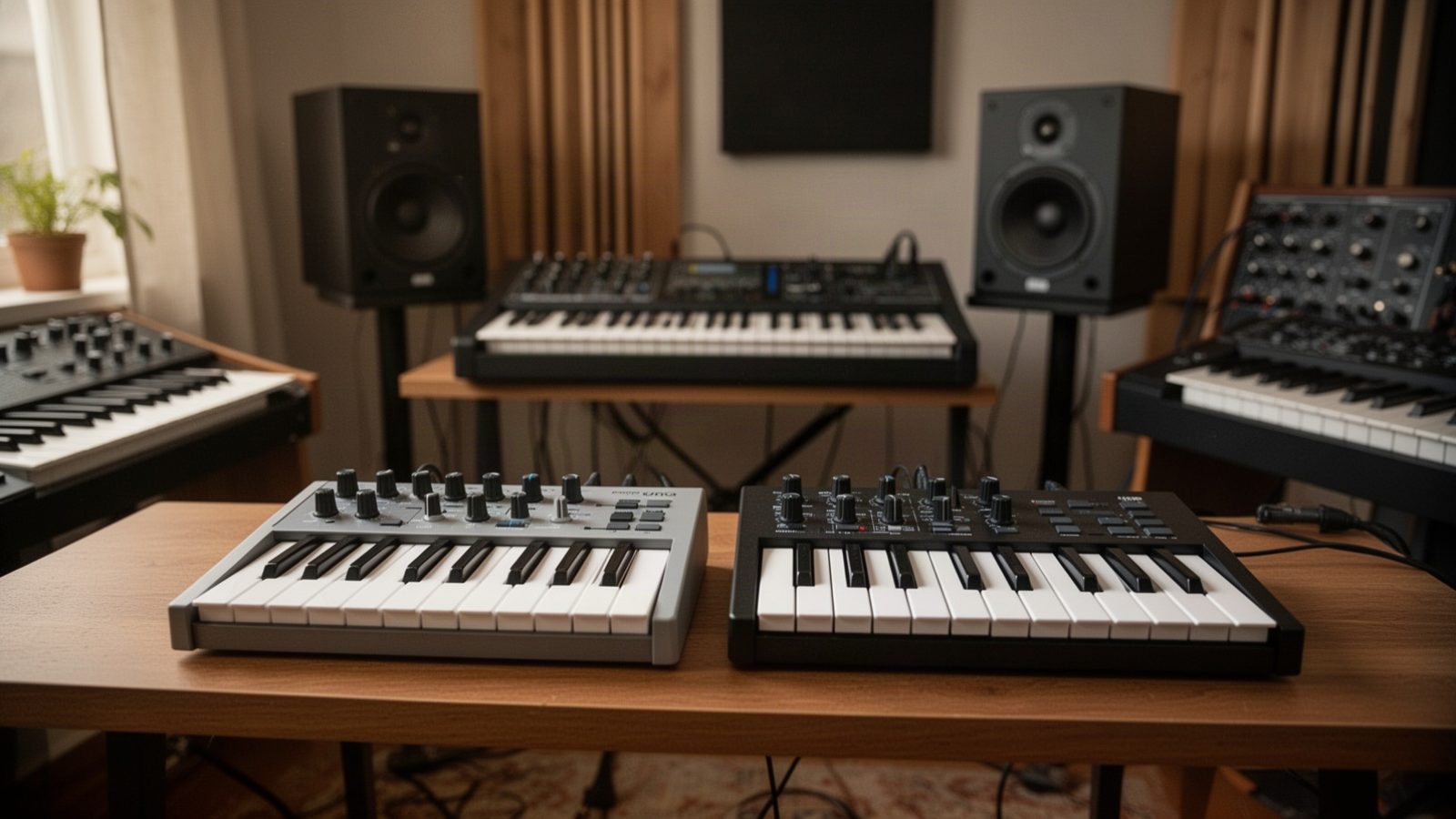
A mini MIDI controller squeezes two or three octaves of small keys, and often a set of drum pads and knobs, into something about the size of a laptop. It plugs into USB, draws power from your computer, and controls the instruments and drum machines inside your music software. For bedroom producers, students and anyone making beats on the road, it is often the first piece of music gear they buy.
The trade-off is the keys themselves. Mini keys are narrower and shorter than standard ones, so they suit sketching ideas, bass lines, chords and drum parts more than two-handed piano playing. Within that limit, the best minis now pack features once reserved for bigger controllers, including screens, aftertouch-capable pads and smart chord tools. We compared the most widely used compact controllers and picked options for beat makers, beginners and travelers.
Our top picks
-
1
 Illustration
Best overall
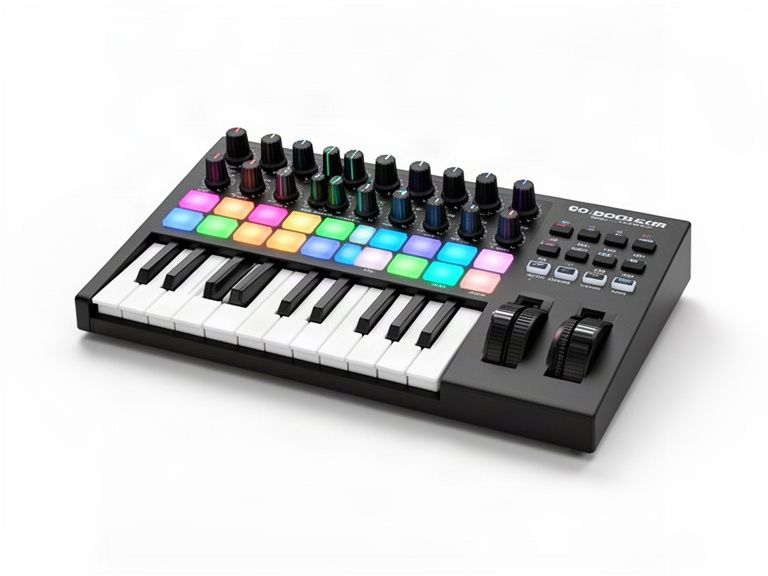
Akai Professional MPK Mini IV
Beat makers who want the classic all-in-one mini controller
Keys25 mini, velocity-sensitivePads8 RGB, velocity-sensitiveKnobs and faders8 assignable 360° knobs -
2
 Illustration
Best for beginners
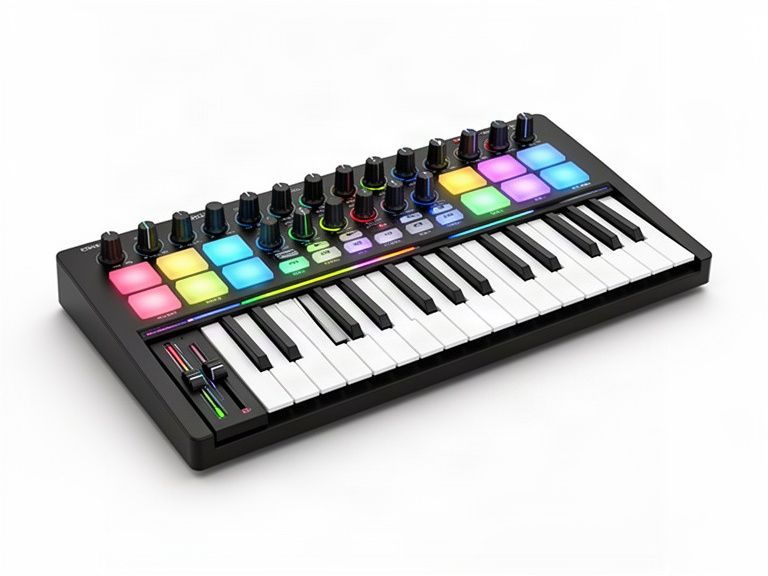
Arturia MiniLab 3
New producers who want sounds and controls ready out of the box
Keys25 slim, velocity-sensitivePads8 RGB, velocity- and pressure-sensitiveKnobs and faders8 encoders, 4 faders -
3
 Illustration
Best for Ableton Live
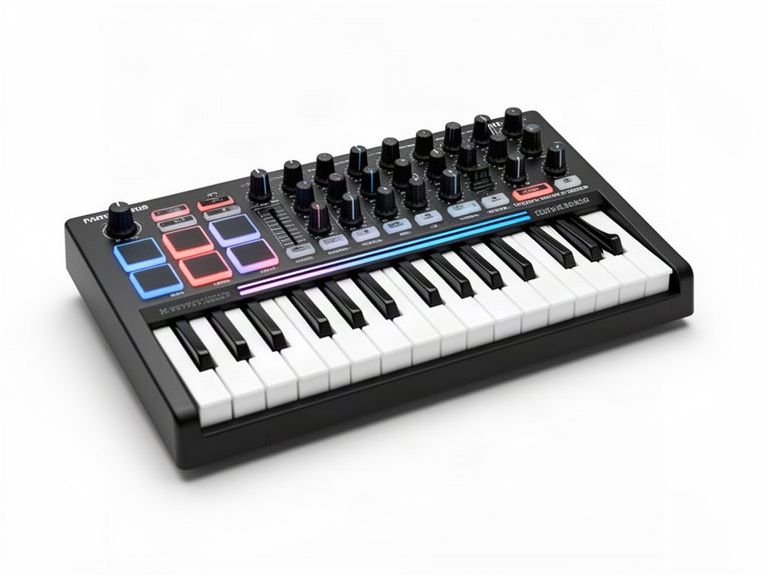
Novation Launchkey Mini 25 MK4
Ableton Live users and finger drummers on a small desk
Keys25 mini, synth-action, velocity-sensitivePads16, velocity-sensitiveKnobs and faders8 encoders -
4
 Illustration
Best 32-key
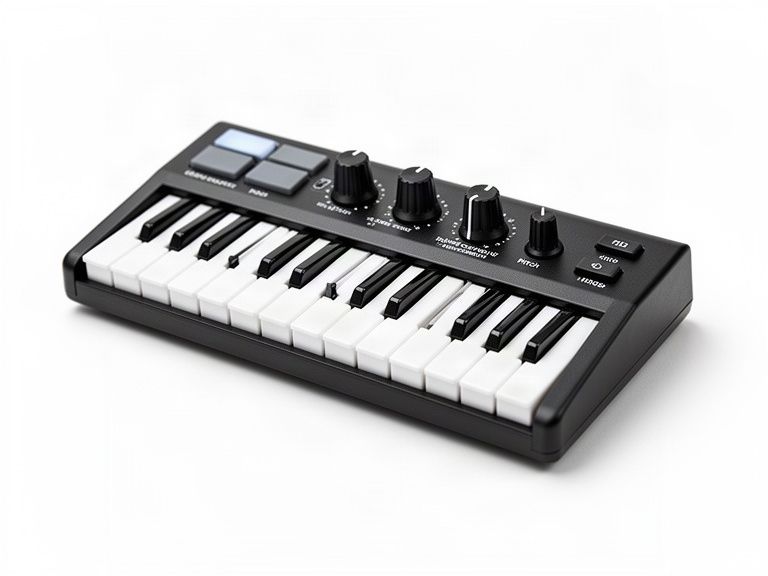
M-Audio Keystation Mini 32 MK3
Students and travelers who want a few more keys and nothing else
Keys32 mini, velocity-sensitivePadsNoneKnobs and fadersVolume control only -
5
 Illustration
Most portable
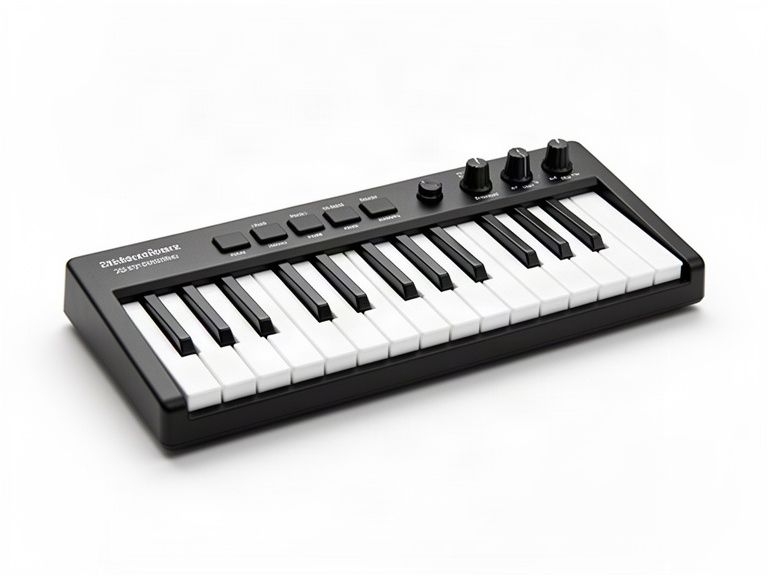
Korg nanoKEY2 25-Key Controller
Laptop producers who want the thinnest possible keyboard
Keys25 slim, button-style, velocity-sensitivePadsNoneKnobs and fadersNone
Akai Professional MPK Mini IV
Illustration
The latest version of the best-known mini controller, with 25 keys, eight pads, eight knobs, real wheels and a color screen.
Best for: Beat makers who want the classic all-in-one mini controller- Keys
- 25 mini, velocity-sensitive
- Pads
- 8 RGB, velocity-sensitive
- Knobs and faders
- 8 assignable 360° knobs
- Pitch and mod
- Dedicated wheels
- MIDI out
- 5-pin DIN
- Weight
- About 2.3 lb
What we like
- MPC-style pads from a brand known for beat making
- Dedicated pitch and modulation wheels replace the old joystick
- Color display and full-size 5-pin MIDI out
- Comes with a large instrument sound bundle
Keep in mind
- Only eight pads at once
- Mini keys aren’t suited to two-handed playing
- Older MK3 stock is still common, so check the version
Akai’s MPK Mini has been the default first controller for a generation of bedroom producers, and the fourth version keeps the familiar layout while fixing common complaints. The joystick of earlier models gives way to proper pitch and modulation wheels, and a full-color display shows what each control is doing.
On paper it covers everything a beat maker needs in a small footprint: 25 velocity-sensitive mini keys, eight RGB pads in Akai’s MPC tradition, eight assignable 360-degree knobs, transport controls, a sustain pedal input and a full-size 5-pin MIDI output for hardware synths. Retailers list it at about 2.3 lb.
The usual mini compromises apply: eight pads means switching banks for bigger drum kits, and the keys are small. Because the MK3 is still widely sold, check which version a listing is for.
Bottom line: The most complete mini controller for beat making and quick song sketches.
Arturia MiniLab 3
Illustration
A 25-key controller with eight pads, eight encoders, four faders and Arturia’s Analog Lab sounds.
Best for: New producers who want sounds and controls ready out of the box- Keys
- 25 slim, velocity-sensitive
- Pads
- 8 RGB, velocity- and pressure-sensitive
- Knobs and faders
- 8 encoders, 4 faders
- Pitch and mod
- Touch strips
- Display
- Small OLED screen
What we like
- Four faders are rare on a mini controller
- Pads respond to pressure as well as velocity
- Includes Arturia’s Analog Lab instrument software
- Screen shows parameter names and values
Keep in mind
- Slim keys feel shallower than synth-style minis
- Touch strips take getting used to
- Only eight pads
The MiniLab 3 stands out for how much hands-on control Arturia fits around its 25 slim keys. Alongside eight RGB pads that respond to velocity and pressure, it has eight encoders and four faders, so you can ride mixer levels or organ drawbars instead of only turning knobs. A small OLED screen shows what you are adjusting.
For beginners, the bundled Analog Lab software is a big part of the appeal: a large library of synth, piano and organ presets that the controller can browse and tweak directly, which means you have useful sounds before you even pick a DAW. Pitch and modulation are on touch strips to save space.
The slim keys are shallower than synth-style mini keys, and some players never warm to touch strips. If you mostly finger-drum, a 16-pad controller is a better fit.
Bottom line: The friendliest starting point for new producers, with sounds included and faders to spare.
Novation Launchkey Mini 25 MK4
Illustration
A 25-key mini controller with 16 pads, eight encoders and tight Ableton Live integration.
Best for: Ableton Live users and finger drummers on a small desk- Keys
- 25 mini, synth-action, velocity-sensitive
- Pads
- 16, velocity-sensitive
- Knobs and faders
- 8 encoders
- Pitch and mod
- Touch strips
- MIDI out
- 3.5 mm TRS
What we like
- Sixteen pads, double the count of most minis
- Automatic clip launching and mixer control in Ableton Live
- Scale, chord and arpeggiator features built in
- TRS MIDI output for hardware synths
Keep in mind
- No faders
- MIDI output needs a TRS-to-DIN adapter for most synths
- Integration is shallower outside supported DAWs
The Launchkey Mini MK4 brings the Launchkey line’s Ableton Live focus to a laptop-sized controller. Its 16 pads launch clips in Live’s session view or play a full drum kit without switching banks, and the eight encoders map to devices and mixer controls automatically.
Novation includes the creative tools that make the bigger Launchkeys popular: scale modes that keep every key in key, chord functions and an arpeggiator. Pitch and modulation sit on touch strips, and a small 3.5 mm TRS jack provides MIDI output for hardware synths, though most will need an adapter cable.
There are no faders, and if you use a DAW Novation doesn’t support directly, you lose much of the plug-and-play convenience. For Live users who want pads first and keys second, it is the strongest mini here.
Bottom line: The best mini controller for Ableton Live and pad-heavy beat making.
M-Audio Keystation Mini 32 MK3
Illustration
A simple, budget-friendly 32-key controller that slips into a backpack.
Best for: Students and travelers who want a few more keys and nothing else- Keys
- 32 mini, velocity-sensitive
- Pads
- None
- Knobs and faders
- Volume control only
- Pitch and mod
- Buttons
What we like
- Thirty-two keys give more room for chords than 25
- Very light and thin
- Plug-and-play USB setup
- Budget-friendly
Keep in mind
- No pads or assignable knobs
- Pitch and modulation on buttons, not wheels
The Keystation Mini 32 MK3 does one job: put a few octaves of velocity-sensitive keys in front of your software for as little money and space as possible. Its 32 mini keys give you a little more than two and a half octaves, enough for a chord in the right hand with a bass note below it.
Controls are kept to the basics: octave shift, pitch and modulation buttons, and a volume control, all powered over USB. That simplicity makes it an easy recommendation for music classes, students and anyone who wants a controller that lives in a laptop bag.
The trade-off is everything it leaves out. There are no drum pads, no assignable knobs and no wheels, so beat makers and sound designers will outgrow it quickly. As a pure keyboard for writing parts, it is hard to argue with.
Bottom line: The simplest, most portable way to add a few octaves of keys to a laptop setup.
Korg nanoKEY2 25-Key Controller
Illustration
An ultra-slim 25-key USB controller with flat, button-style keys that fits in a laptop sleeve.
Best for: Laptop producers who want the thinnest possible keyboard- Keys
- 25 slim, button-style, velocity-sensitive
- Pads
- None
- Knobs and faders
- None
- Pitch and mod
- Buttons
What we like
- Extremely thin and light
- Velocity-sensitive keys despite the flat design
- Long-running model with wide software compatibility
- Budget-friendly
Keep in mind
- Button-style keys feel nothing like a piano
- No pads, knobs or wheels
- Two octaves only
Korg’s nanoKEY2 has been around for years because it solves a specific problem: a playable keyboard that is barely thicker than a laptop. Its 25 flat keys are velocity-sensitive, and buttons handle octave shifting, pitch bend, modulation and sustain.
It is the controller to toss in a bag for hotel rooms, flights and school, and it works with practically any software that accepts class-compliant USB MIDI. Korg also offers a companion editor for changing velocity curves and assignments.
The flat keys are the big compromise. They feel more like buttons than piano keys, which makes fast melodies and expressive playing harder, and there are no pads or knobs. Many producers pair it with a larger controller at home and keep the nanoKEY2 for travel.
Bottom line: The thinnest, most packable way to enter notes when portability beats feel.
Side-by-side comparison
| Product | Keys | Pads | Knobs and faders | Pitch and mod | Score |
|---|---|---|---|---|---|
| Akai Professional MPK Mini IVBest overall | 25 mini, velocity-sensitive | 8 RGB, velocity-sensitive | 8 assignable 360° knobs | Dedicated wheels | 9.0 |
| Arturia MiniLab 3Best for beginners | 25 slim, velocity-sensitive | 8 RGB, velocity- and pressure-sensitive | 8 encoders, 4 faders | Touch strips | 8.9 |
| Novation Launchkey Mini 25 MK4Best for Ableton Live | 25 mini, synth-action, velocity-sensitive | 16, velocity-sensitive | 8 encoders | Touch strips | 8.8 |
| M-Audio Keystation Mini 32 MK3Best 32-key | 32 mini, velocity-sensitive | None | Volume control only | Buttons | 8.2 |
| Korg nanoKEY2 25-Key ControllerMost portable | 25 slim, button-style, velocity-sensitive | None | None | Buttons | 8.0 |
Specifications are from manufacturer listings at the time of writing and can change between production runs.
Why choose a mini controller?
A mini controller fits between a laptop and a desk edge, slides into a backpack and runs on USB bus power, so you can make music anywhere you can open a laptop. It is also the most affordable way into music production. If you already play piano and want to perform two-handed parts, though, a 49- or 61-key controller with full-size keys will feel far more natural.
25 or 32 keys, and how mini keys feel
25 keys (two octaves) is the most common size and leaves room for pads and knobs. 32 keys adds a little more than half an octave, handy for chords plus a bass note or for keyboard splits. Octave buttons shift the range on all of these, so the main limit is how much you can play at once.
Mini keys come in two styles: synth-style mini keys that move like small versions of normal keys, and flat, slim keys that feel more like buttons. Synth-style keys are easier for playing melodies; flat keys win on portability.
Pads, knobs and pitch controls
- Pads turn the controller into a drum machine for finger drumming and clip launching. Eight is common; sixteen gives you a full drum kit without switching banks.
- Knobs or encoders tweak synth sounds, effects and mixer levels.
- Pitch and modulation controls may be wheels, touch strips, a joystick or buttons. Wheels feel most familiar; touch strips and buttons save space.
A small screen showing which parameter you are adjusting is a genuine quality-of-life feature.
Portability, power and connections
All of these run on USB power, so there is no adapter to carry. Check the connector type (USB-C or USB-B) and whether a cable for your computer is included. A sustain pedal input is useful for piano sounds, and a MIDI output — either a full-size 5-pin jack or a small 3.5 mm TRS jack with an adapter — lets the controller play hardware synths without a computer.
What to skip and how to look after it
Don’t pay extra for software bundles you won’t install; many free DAWs work fine with any class-compliant controller. A padded case is worth it if the controller travels in a bag, since knobs and pads take the brunt of bumps. Avoid stacking heavy items on top, and keep drinks away from the keys.
Frequently asked questions
Can you learn piano on a mini MIDI keyboard?
You can learn notes, chords and simple melodies, but mini keys are narrower than piano keys and there are only two to three octaves. For real piano technique, a full-size, weighted instrument is a better choice.
Do mini MIDI controllers work with iPads and phones?
Many class-compliant controllers work with tablets and some phones through a USB adapter, as long as the device can supply enough power. Check the manufacturer’s compatibility notes before buying.
Do I need software to use a mini controller?
Yes. The controller sends MIDI data to software that makes the sound, such as a DAW or a standalone virtual instrument. Most of these controllers come with bundled software or a free DAW edition to get started.
Are 25 keys enough for making beats?
For most beat making, yes. Drums go on the pads, and bass lines and chords fit within two octaves with octave shifting. Producers who play wide chord voicings often prefer 32 or more keys.
What is the difference between pads and keys for drums?
Pads are larger and designed for finger drumming, often with velocity sensitivity tuned for drum hits. You can play drums on keys, but pads make it easier to play fast rolls and patterns.
How we picked
We compared manufacturer specifications for key count and style, pads, knobs, pitch and modulation controls, connections and bundled software across widely sold compact controllers from Akai Professional, Arturia, Novation, M-Audio and Korg. Our picks and scores are based on this research — we have not tested these products hands-on. Brands cannot pay to be included. Read our full method.