






















The best microSD cards for Nintendo Switch and Switch 2
Six memory cards compared — microSD Express cards for Switch 2 and proven UHS-I microSDXC cards for the original Switch, OLED and Lite — plus how much storage you really need.
As an Amazon Associate I earn from qualifying purchases. When you buy through links on this page, we may earn a commission at no extra cost to you. Learn more
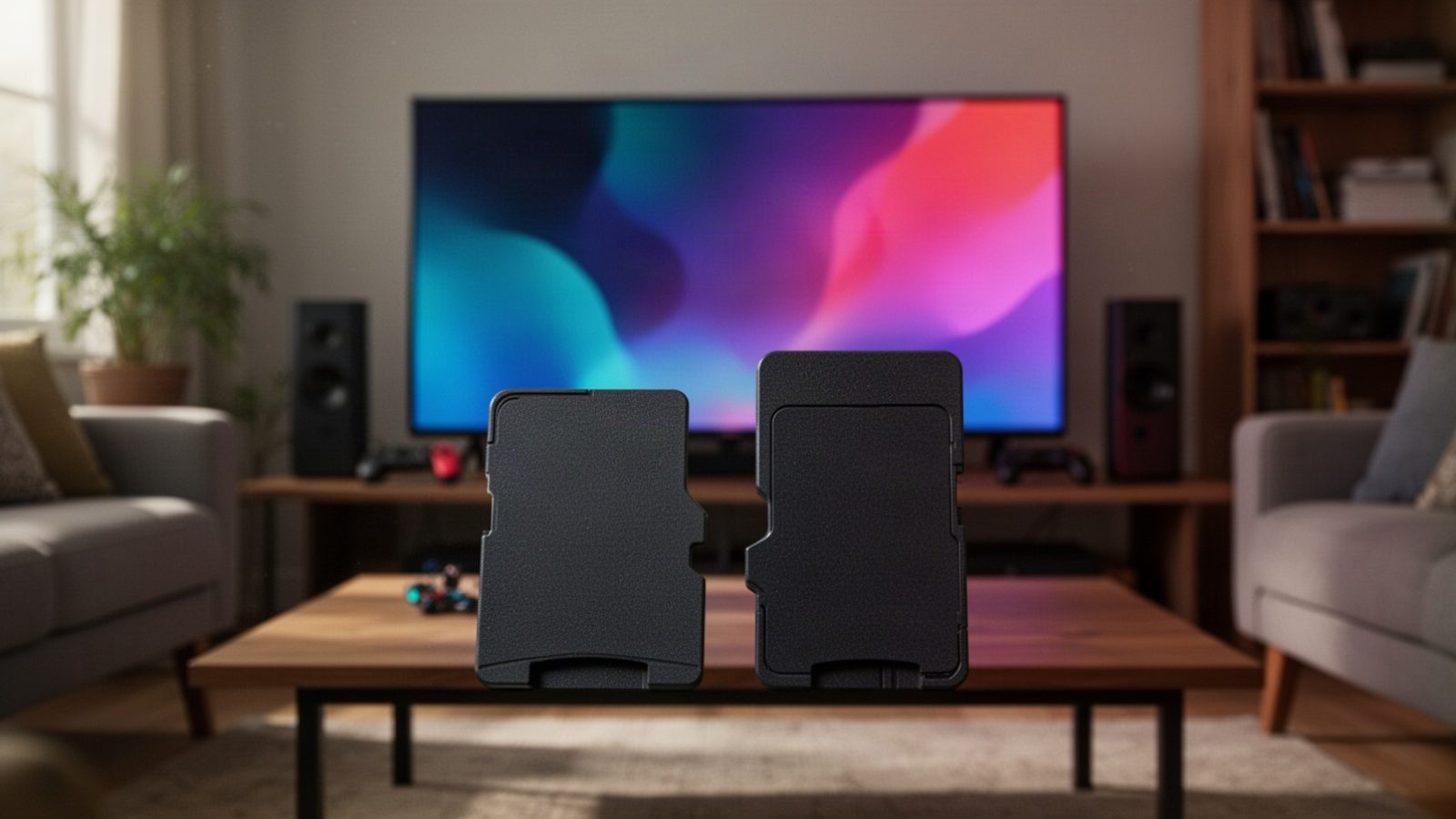
Digital games, updates and downloadable content fill a Switch's built-in storage quickly, and a microSD card is the easy fix. Buying the right one used to be simple: almost any reputable microSDXC card worked. Nintendo Switch 2 changed that.
Switch 2, launched in June 2025, is designed exclusively for microSD Express cards, a newer and faster type of card. Ordinary microSD cards can only be used on Switch 2 to view screenshots and videos captured on an original Switch — you can't store Switch 2 games on them. The original Switch, Switch OLED and Switch Lite, on the other hand, use standard UHS-I microSDXC cards and gain nothing from paying more for Express cards. So the first step is knowing which console you are buying for. Below we split our picks into cards for Switch 2 and cards for the original Switch family, using the card names the makers publish.
Our top picks
-
1
 Illustration
Best overall for Switch 2
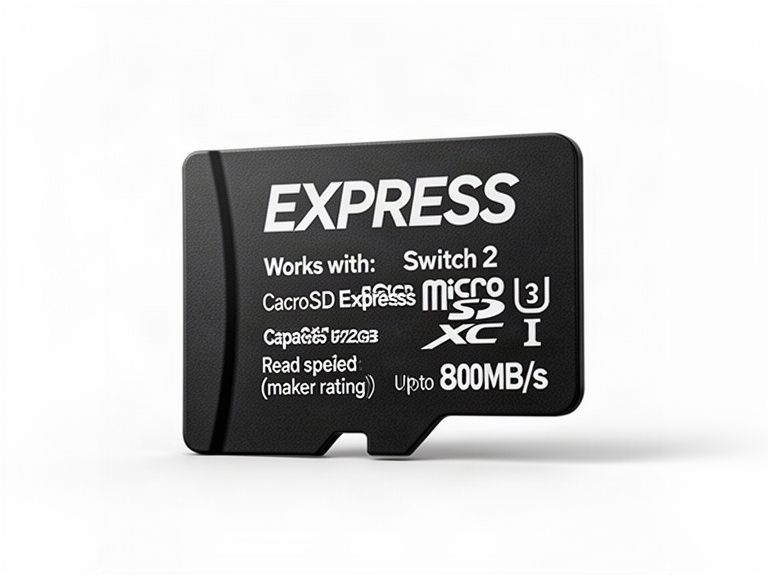
Samsung P9 Express microSDXC Card
Most Switch 2 owners
Works withSwitch 2Card typemicroSD ExpressCapacities256GB, 512GB -
2
 Illustration
Best licensed card for Switch 2
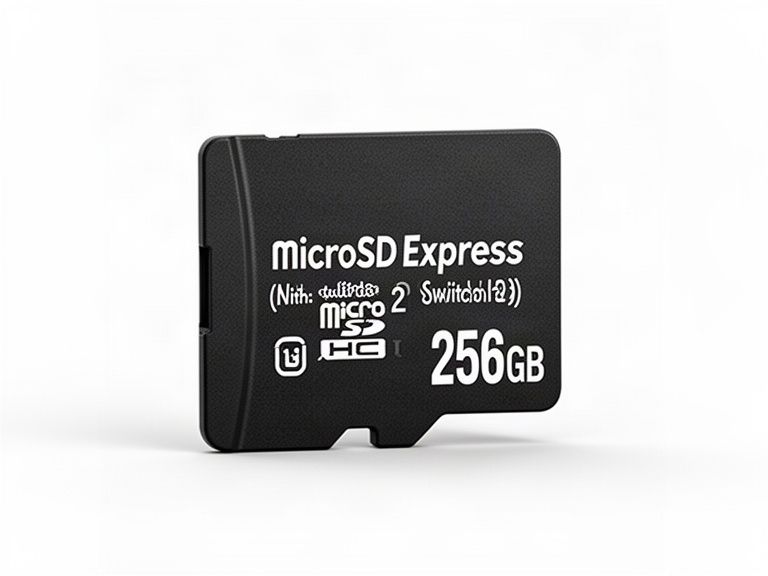
SanDisk microSD Express Card for Nintendo Switch 2 (256GB)
Gift buyers and fans who want official artwork
Works withSwitch 2Card typemicroSD Express (Nintendo-licensed)Capacities256GB -
3
 Illustration
Best for big Switch 2 libraries
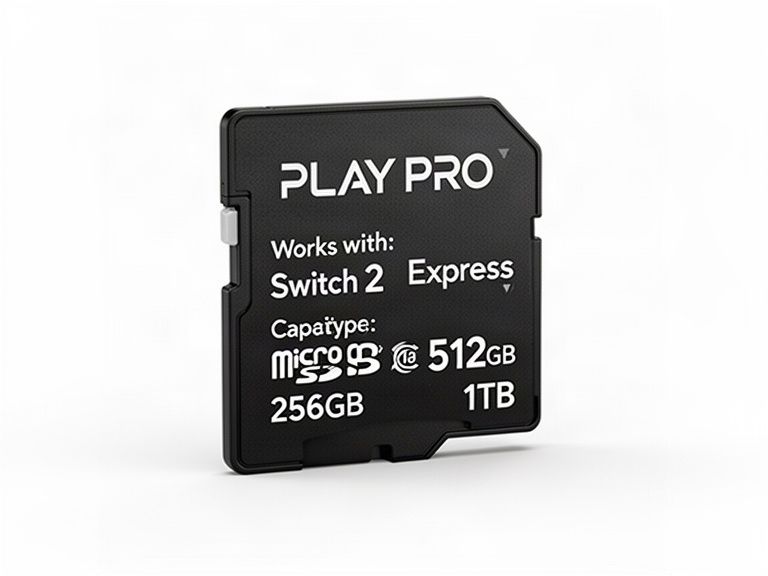
Lexar PLAY PRO microSDXC Express Card
Switch 2 owners who buy mostly digital
Works withSwitch 2Card typemicroSD ExpressCapacities256GB, 512GB, 1TB -
4
 Illustration
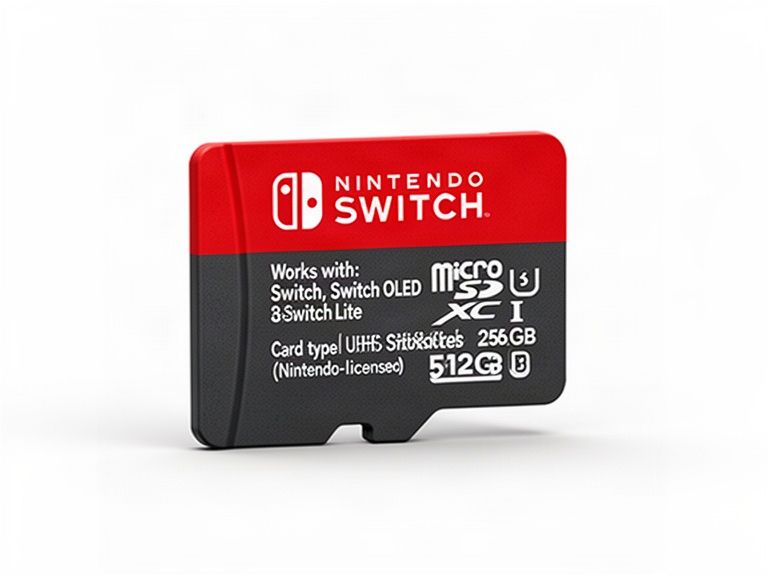
Best licensed card for original Switch
SanDisk microSDXC Card for Nintendo Switch
Original Switch, OLED and Lite owners who want official artwork
Works withSwitch, Switch OLED and Switch LiteCard typeUHS-I microSDXC (Nintendo-licensed)CapacitiesSeveral sizes, including 256GB and 512GB -
5
 Illustration
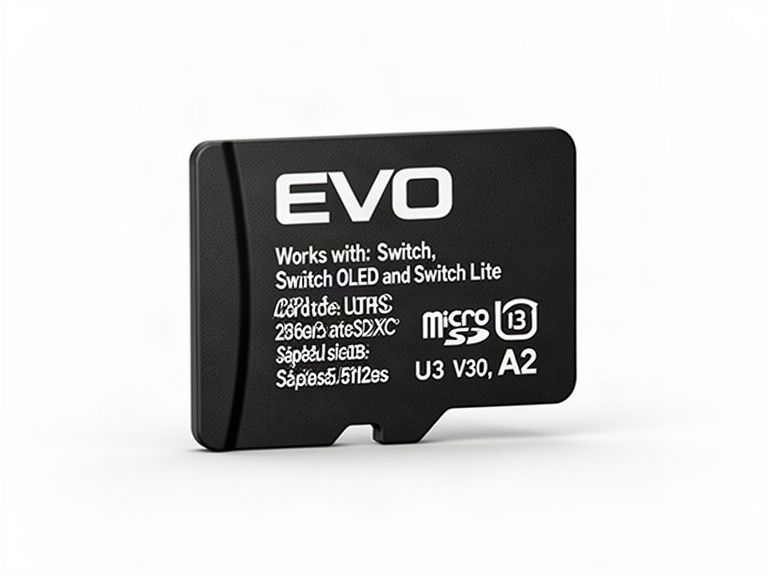
Best value for original Switch
Samsung EVO Select microSDXC Card
Budget-minded original Switch owners
Works withSwitch, Switch OLED and Switch LiteCard typeUHS-I microSDXCCapacitiesSeveral sizes, including 256GB and 512GB -
6
 Illustration
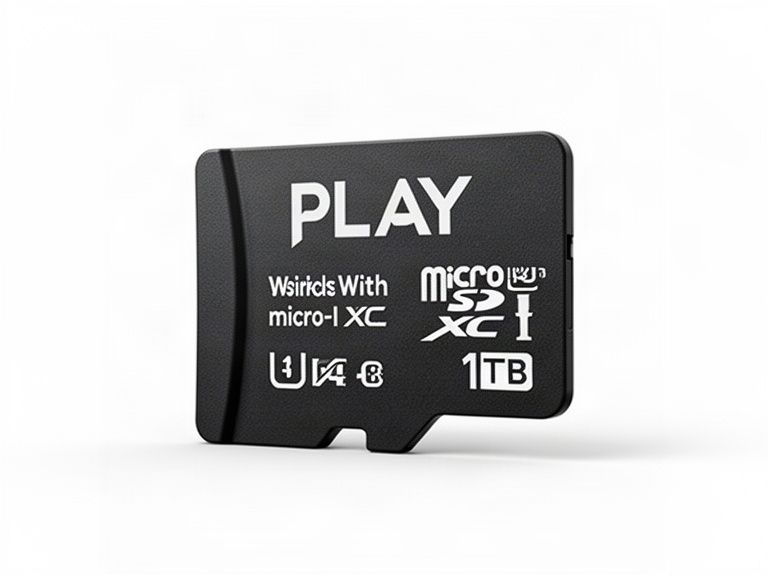
Best high capacity for original Switch
Lexar PLAY microSDXC UHS-I Card
Original Switch owners with large digital libraries
Works withSwitch, Switch OLED and Switch LiteCard typeUHS-I microSDXCCapacitiesSeveral sizes, including 1TB
Samsung P9 Express microSDXC Card
Illustration
Samsung's microSD Express card, made with Switch 2 in mind, in 256GB and 512GB sizes.
Best for: Most Switch 2 owners- Works with
- Switch 2
- Card type
- microSD Express
- Capacities
- 256GB, 512GB
- Read speed (maker rating)
- Up to 800MB/s
What we like
- A genuine microSD Express card that Switch 2 can use for games
- From one of the largest flash memory makers
- 256GB and 512GB sizes cover most libraries
- Mid-priced for an Express card
Keep in mind
- No sizes above 512GB
- No Nintendo-licensed artwork
- Pointless on an original Switch
Samsung's P9 Express is a straightforward choice for Switch 2 storage. It is a true microSD Express card, which is what Switch 2 needs for games, and Samsung makes the flash memory itself, so it is a well-established name in storage rather than an unknown brand.
It comes in 256GB and 512GB sizes. A 256GB card doubles the console's built-in storage, which is plenty for most players; 512GB suits anyone who buys mostly digital or plays many large games. Samsung rates it at up to 800MB/s for reads, though the console sets the real-world speed.
The only things missing are Nintendo artwork, which some buyers want for gifts, and a larger size. If you need 1TB, look at Lexar's PLAY PRO instead. Don't buy it for an original Switch, which can't take advantage of Express speeds.
Bottom line: The best balance of brand, capacity choice and value for most Switch 2 owners.
SanDisk microSD Express Card for Nintendo Switch 2 (256GB)
Illustration
SanDisk's Nintendo-licensed microSD Express card for Switch 2, with Switch 2 branding.
Best for: Gift buyers and fans who want official artwork- Works with
- Switch 2
- Card type
- microSD Express (Nintendo-licensed)
- Capacities
- 256GB
What we like
- Officially licensed for Nintendo Switch 2
- One of the first Express cards made for the console
- 256GB doubles Switch 2's built-in storage
- Easy to recognize as the right card type
Keep in mind
- Licensed branding adds to the cost
- Check the maker's site for larger sizes
- No benefit on an original Switch
SanDisk was one of the first brands with a microSD Express card made for Switch 2, and its Nintendo-licensed version is the easiest card to buy with confidence. The Switch 2 branding makes it obvious that it is the right type, which matters when shopping for someone else — a standard microSD card in similar packaging won't work for Switch 2 games.
The 256GB size doubles the console's built-in storage, enough for a healthy mix of digital games, updates and downloadable content. SanDisk has expanded its Switch 2 range over time, so check the maker's site if you need more space.
Functionally, it does the same job as other reputable microSD Express cards; you pay a little extra for the official artwork and licensing. As a gift for a new Switch 2 owner, that clear labeling is worth it.
Bottom line: The no-guesswork Switch 2 card, especially as a gift.
Lexar PLAY PRO microSDXC Express Card
Illustration
A microSD Express card line that reaches 1TB, for players with large digital libraries.
Best for: Switch 2 owners who buy mostly digital- Works with
- Switch 2
- Card type
- microSD Express
- Capacities
- 256GB, 512GB, 1TB
What we like
- Available in 1TB for very large libraries
- Genuine microSD Express card for Switch 2 games
- Lexar states it falls back to UHS-I speeds in older devices
- From a long-established memory card brand
Keep in mind
- 1TB size is premium-priced
- Overkill for players who buy mostly physical games
- No Nintendo-licensed artwork
Lexar's PLAY PRO is the card to look at when 256GB or 512GB won't be enough. It is a microSD Express card, so Switch 2 can store and run games from it, and the range goes up to 1TB, which suits players who buy almost everything digitally.
Lexar also states that the PLAY PRO is backward compatible with older UHS-I and UHS-II devices at UHS-I speeds, so it can move to a camera or another device later, although an original Switch gains nothing from it.
The 1TB version is premium-priced, and many players will be fine with 256GB or 512GB. Lexar's PLAY PRO comes in those sizes too, so it is worth comparing against Samsung's P9 Express at the size you need.
Bottom line: The pick for large digital Switch 2 libraries that need a 1TB card.
SanDisk microSDXC Card for Nintendo Switch
Illustration
SanDisk's long-running Nintendo-licensed UHS-I card for the original Switch family, with game-themed designs.
Best for: Original Switch, OLED and Lite owners who want official artwork- Works with
- Switch, Switch OLED and Switch Lite
- Card type
- UHS-I microSDXC (Nintendo-licensed)
- Capacities
- Several sizes, including 256GB and 512GB
What we like
- Officially licensed for Nintendo Switch
- Game-themed artwork makes a good gift
- Widely sold in several sizes
- From a major memory card brand
Keep in mind
- Not usable for games on Switch 2
- Costs more than an equivalent unlicensed card
- Designs vary by size
SanDisk's licensed microSDXC cards have been the default Switch memory card for years. They are standard UHS-I cards — exactly what the original Switch, Switch OLED and Switch Lite are designed for — with Nintendo branding and themed artwork.
Several capacities are sold, and 128GB or 256GB covers most players on an original Switch. Larger sizes suit families who buy mostly digital. The Nintendo designs make it a popular gift, and the licensing removes any doubt that it will work.
The important caveat is Switch 2. Because it is a UHS-I card, Switch 2 can only use it to view screenshots and videos from an original Switch, not to store games. If an upgrade is on the horizon, factor that in before buying a large card.
Bottom line: The most dependable, recognizable card for an original Switch, OLED or Lite.
Samsung EVO Select microSDXC Card
Illustration
A popular, budget-friendly UHS-I microSDXC card that suits the original Switch family.
Best for: Budget-minded original Switch owners- Works with
- Switch, Switch OLED and Switch Lite
- Card type
- UHS-I microSDXC
- Capacities
- Several sizes, including 256GB and 512GB
- Speed class
- U3, V30, A2
What we like
- Budget-friendly for its capacity
- From one of the largest flash memory makers
- Full-size SD adapter included with many sizes
- Also works in phones, tablets and cameras
Keep in mind
- Not usable for games on Switch 2
- No Nintendo artwork
- Check the listing to avoid older generations
Samsung's EVO Select is one of the most popular microSD cards sold online, and it is a good match for the original Switch. It is a UHS-I card with U3, V30 and A2 ratings, which is more than the Switch needs, and it is sold in a wide range of sizes.
For an original Switch, Switch OLED or Switch Lite, it delivers the same practical result as a licensed card for less money, and it can move to a phone, tablet or camera later.
Like any UHS-I card, it can't store games on Switch 2. If you are about to upgrade, put the money toward an Express card instead. Samsung has refreshed the EVO Select line over the years, so make sure the listing is the current version.
Bottom line: The best value way to add storage to an original Switch.
Lexar PLAY microSDXC UHS-I Card
Illustration
A UHS-I microSDXC card aimed at handheld gaming, available in large capacities.
Best for: Original Switch owners with large digital libraries- Works with
- Switch, Switch OLED and Switch Lite
- Card type
- UHS-I microSDXC
- Capacities
- Several sizes, including 1TB
What we like
- Large capacities for big digital libraries
- Marketed specifically for handheld gaming
- Also suits PC handhelds and other devices
- From a long-established memory card brand
Keep in mind
- Not usable for games on Switch 2
- Large sizes are more than most Switch owners need
- No Nintendo artwork
Lexar's PLAY line is aimed squarely at handheld gaming, and the UHS-I version is a strong fit for the original Switch family, especially if you want a very large card. Capacities include 1TB, which is far more than most players need but useful for a household that buys almost everything digitally.
As a standard UHS-I microSDXC card, it works in the original Switch, Switch OLED and Switch Lite and can move to PC handhelds, phones and other devices later.
Don't confuse it with Lexar's PLAY PRO, which is the Express version for Switch 2. The regular PLAY card can't store games on Switch 2, so match the card to your console before buying.
Bottom line: A good high-capacity card for original Switch owners who buy mostly digital.
Side-by-side comparison
| Product | Works with | Card type | Capacities | Read speed (maker rating) | Score |
|---|---|---|---|---|---|
| Samsung P9 Express microSDXC CardBest overall for Switch 2 | Switch 2 | microSD Express | 256GB, 512GB | Up to 800MB/s | 9.2 |
| SanDisk microSD Express Card for Nintendo Switch 2 (256GB)Best licensed card for Switch 2 | Switch 2 | microSD Express (Nintendo-licensed) | 256GB | — | 9.0 |
| Lexar PLAY PRO microSDXC Express CardBest for big Switch 2 libraries | Switch 2 | microSD Express | 256GB, 512GB, 1TB | — | 8.8 |
| SanDisk microSDXC Card for Nintendo SwitchBest licensed card for original Switch | Switch, Switch OLED and Switch Lite | UHS-I microSDXC (Nintendo-licensed) | Several sizes, including 256GB and 512GB | — | 8.8 |
| Samsung EVO Select microSDXC CardBest value for original Switch | Switch, Switch OLED and Switch Lite | UHS-I microSDXC | Several sizes, including 256GB and 512GB | — | 8.6 |
| Lexar PLAY microSDXC UHS-I CardBest high capacity for original Switch | Switch, Switch OLED and Switch Lite | UHS-I microSDXC | Several sizes, including 1TB | — | 8.3 |
Specifications are from manufacturer listings at the time of writing and can change between production runs.
Switch 2 needs microSD Express
Look for "microSD Express" or "microSDXC Express" in the product name and the Express logo on the card. A card labeled only UHS-I, UHS-II, A2 or V30 is not an Express card, however fast it claims to be, and Switch 2 won't use it for games. Switch 2 supports microSD Express cards up to 2TB.
The original Switch uses standard microSDXC
The original Switch, Switch OLED and Switch Lite use UHS-I microSD cards. Any reputable microSDXC card from a major brand works; the console can't take advantage of UHS-II or Express speeds. Many Express cards fall back to UHS-I speeds in older slots, but on an original Switch that only means paying more for the same result.
How much storage do you need?
Switch 2 includes 256GB of built-in storage. The original Switch and Switch Lite have 32GB, and the Switch OLED has 64GB.
- Mostly physical games: a modest card covers updates and a few digital titles.
- A mix of physical and digital: 256GB is a sensible middle ground on either console.
- Mostly digital, or many big Switch 2 games: consider 512GB or more.
Some Switch 2 games are sold as Game-Key Cards, which hold a license rather than the full game, so the game downloads to storage even though you bought a physical box.
Licensed or regular cards?
Nintendo-licensed cards from SanDisk carry game-themed artwork and Nintendo branding. They work the same way as the maker's regular cards of the same type, so buy them for the look or the peace of mind, not for extra speed.
The same goes for headline speed numbers. Read speeds on the packaging are the maker's best-case figures, and the console sets how fast data actually moves, so don't pay a large premium for a slightly higher rating. Capacity and a genuine card from a known brand matter far more.
Buying and care tips
- Buy from the brand's own storefront or a listing sold by a major retailer; counterfeit cards with fake capacities are common.
- Turn the console off completely before inserting or removing a card.
- The console will offer to format a new card, which erases everything on it, so copy anything important first.
- Keep the card's tiny case for storage; contacts are easy to scratch in a pocket.
Frequently asked questions
Can I use my old Switch microSD card in Switch 2?
Only to view screenshots and videos that were captured on an original Switch. Switch 2 needs a microSD Express card to store games and other data.
Will a microSD Express card work in my original Switch?
Many Express cards are backward compatible with UHS-I slots at UHS-I speeds — Lexar, for example, states this for its PLAY PRO cards. Check the maker's notes, but on an original Switch a standard microSDXC card does the same job for less.
What capacity should I buy for Switch 2?
With 256GB built in, a 256GB Express card doubles your space and suits most players. If you buy most games digitally or own many large Switch 2 games, 512GB or more is worth considering.
Do I need a Nintendo-licensed card?
No. Licensed cards add Nintendo artwork but use the same technology as the maker's other cards of the same type. What matters is the card type: Express for Switch 2, UHS-I microSDXC for the original Switch.
Can I move my games to a new card?
Switch 2 lets you move software between system memory and a microSD Express card in its data management settings. Swapping a card between consoles generally means re-downloading content.
How we picked
We compared Nintendo's storage requirements, maker specifications, card types, published capacities, licensing and warranty information for memory cards from SanDisk, Samsung and Lexar. Our picks and scores are research-based — we have not tested these products hands-on. Brands cannot pay to be included. Read our full method.