






















The best internal NVMe SSDs for PCs
Six M.2 NVMe SSDs compared for desktop and laptop upgrades — PCIe 4.0 vs 5.0, drives with and without DRAM, and the sizes worth buying.
As an Amazon Associate I earn from qualifying purchases. When you buy through links on this page, we may earn a commission at no extra cost to you. Learn more
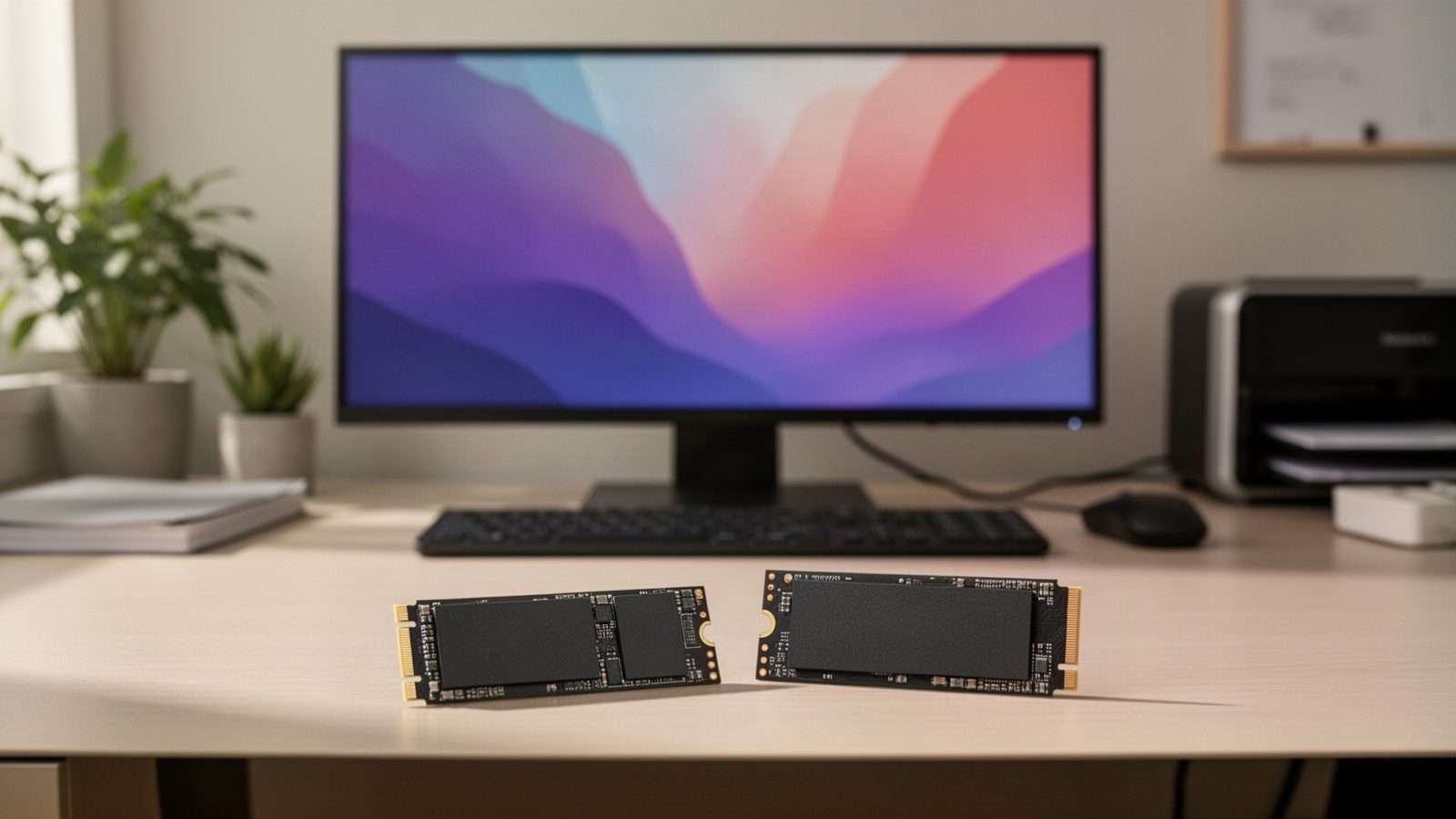
An internal NVMe SSD is the single most noticeable upgrade for an older PC and the main storage decision for a new build. These stick-of-gum-size M.2 drives plug straight into the motherboard and talk to the processor over PCIe lanes, so even mid-range models load Windows, apps and games far faster than a SATA SSD or a hard drive.
Shopping is confusing because spec sheets lead with huge sequential speeds that rarely show up in everyday use. What matters more for most people is buying the right size and generation for your slot, choosing enough capacity and deciding whether to pay for a drive with its own DRAM cache. We compared popular NVMe drives from Samsung, WD_BLACK and Kingston on interface, rated speeds, DRAM, capacity range, endurance and warranty, and picked the best for gaming PCs, workstations, laptops and budget builds.
Our top picks
-
1
 Illustration
Best overall
Samsung 990 PRO NVMe SSD
Gaming PCs and creative workstations
InterfacePCIe 4.0 x4 NVMeRated read speedUp to 7,450 MB/sDRAM cacheYes -
2
 Illustration
Best value
WD_BLACK SN7100 NVMe SSD
Gaming PCs and laptops on a mid-range budget
InterfacePCIe 4.0 x4 NVMeRated read speedUp to 7,250 MB/sDRAM cacheNo (HMB) -
3
 Illustration
Best high capacity
WD_BLACK SN850X NVMe SSD
Large game libraries and big project drives
InterfacePCIe 4.0 x4 NVMeRated read speedUp to 7,300 MB/sDRAM cacheYes -
4
 Illustration
Best PCIe 5.0
Samsung 9100 PRO NVMe SSD
New high-end builds with a PCIe 5.0 M.2 slot
InterfacePCIe 5.0 x4 NVMeRated read speedUp to 14,800 MB/sDRAM cacheYes -
5
 Illustration
Best for laptops
Samsung 990 EVO Plus NVMe SSD
Laptop upgrades and small form factor PCs
InterfacePCIe 4.0 x4 / PCIe 5.0 x2 NVMeRated read speedUp to 7,250 MB/sDRAM cacheNo (HMB) -
6
 Illustration
Best budget
Kingston NV3 NVMe SSD
Budget builds and reviving older PCs
InterfacePCIe 4.0 x4 NVMeRated read speedUp to 6,000 MB/sDRAM cacheNo (HMB)
Samsung 990 PRO NVMe SSD
Illustration
A top-tier PCIe 4.0 drive with DRAM, rated at up to 7,450 MB/s and available with or without a heatsink.
Best for: Gaming PCs and creative workstations- Interface
- PCIe 4.0 x4 NVMe
- Rated read speed
- Up to 7,450 MB/s
- DRAM cache
- Yes
- Capacities
- 1TB, 2TB, 4TB
- Form factor
- M.2 2280 (heatsink version available)
What we like
- Among the fastest PCIe 4.0 drives available
- DRAM cache keeps performance steady under heavy workloads
- Heatsink version for boards without M.2 cooling
- Samsung Magician software for health checks and firmware updates
- Five-year limited warranty
Keep in mind
- Premium-priced for PCIe 4.0
- Early firmware had a health-reporting issue fixed by an update, so update before use
- Not the fastest option if you have a PCIe 5.0 slot
The Samsung 990 PRO sits near the top of what PCIe 4.0 can do, with a rated read speed of up to 7,450 MB/s and a DRAM cache that keeps it consistent when you're copying big projects, installing games and running apps at the same time. For most gaming PCs and creative workstations, it is as fast as storage needs to be.
Samsung's Magician software is a real advantage. It shows drive health, applies firmware updates and handles optional features in one place. That matters: early 990 PRO firmware had a widely reported issue with health readings that Samsung fixed with an update, so install the latest firmware as soon as the drive is in.
Choose the heatsink version only if your motherboard lacks an M.2 cooler. And if your PC has a PCIe 5.0 slot and you move huge files daily, a Gen 5 drive is faster still.
Bottom line: The best all-round PCIe 4.0 SSD for a fast, dependable desktop.
WD_BLACK SN7100 NVMe SSD
Illustration
A fast, efficient DRAM-less PCIe 4.0 drive that comes close to flagship speeds for less.
Best for: Gaming PCs and laptops on a mid-range budget- Interface
- PCIe 4.0 x4 NVMe
- Rated read speed
- Up to 7,250 MB/s
- DRAM cache
- No (HMB)
- Capacities
- 500GB to 4TB
- Form factor
- M.2 2280
What we like
- Rated read speeds close to flagship PCIe 4.0 drives
- Low power draw suits laptops as well as desktops
- Wide capacity range up to 4TB
- Strong value for gaming builds
Keep in mind
- No DRAM cache, so less consistent under very heavy workloads
- No heatsink version
- WD_BLACK SSDs are now sold under SanDisk, which can confuse searches
The SN7100 shows how good DRAM-less drives have become. It uses Host Memory Buffer instead of its own DRAM chip, yet it is rated at up to 7,250 MB/s read — within a whisker of the flagship drives — and it is designed to be power-efficient, which helps laptop battery life and keeps temperatures down.
For a gaming PC, that combination is hard to beat. Games and apps load at essentially the same speed as on pricier drives, and capacities run up to 4TB for big libraries. It is also a smart pick for upgrading a laptop that takes a 2280 drive.
Where a DRAM drive still earns its premium is sustained, mixed heavy work — editing large video projects or running virtual machines all day. Note that after SanDisk split from Western Digital in 2025, WD_BLACK SSDs are sold under the SanDisk name, so you may see either brand on listings.
Bottom line: Most of the speed of a flagship drive at a mid-range price — the smart pick for most gaming PCs.
WD_BLACK SN850X NVMe SSD
Illustration
A proven PCIe 4.0 drive with DRAM, available in sizes up to 8TB and with an optional heatsink.
Best for: Large game libraries and big project drives- Interface
- PCIe 4.0 x4 NVMe
- Rated read speed
- Up to 7,300 MB/s
- DRAM cache
- Yes
- Capacities
- 1TB to 8TB
- Form factor
- M.2 2280 (heatsink version available)
What we like
- Available in an 8TB size, rare for consumer NVMe drives
- DRAM cache for steady performance
- Heatsink version available
- Long track record as a gaming drive
Keep in mind
- Larger sizes are premium-priced
- Runs warm without a heatsink in tight cases
- Newer DRAM-less drives match it for gaming at lower prices
The WD_BLACK SN850X has been one of the go-to gaming SSDs for several years, and its biggest advantage today is capacity. It is offered up to 8TB, which lets you keep an entire game library or a large video archive on a single M.2 drive instead of juggling several.
Performance remains strong, with a rated read speed of up to 7,300 MB/s and a DRAM cache that keeps large transfers and mixed workloads steady. A heatsink version is available for motherboards without M.2 cooling.
For a plain 1TB or 2TB gaming drive, newer DRAM-less options like the SN7100 deliver similar real-world load times for less, so the SN850X makes the most sense at 4TB and above, or when you want DRAM for heavier work. As with other WD_BLACK drives, you may now find it listed under the SanDisk name.
Bottom line: The drive to buy when you want one very large, fast NVMe SSD instead of several smaller ones.
Samsung 9100 PRO NVMe SSD
Illustration
Samsung's PCIe 5.0 flagship, rated at up to 14,800 MB/s, for builds that can use every bit of speed.
Best for: New high-end builds with a PCIe 5.0 M.2 slot- Interface
- PCIe 5.0 x4 NVMe
- Rated read speed
- Up to 14,800 MB/s
- DRAM cache
- Yes
- Capacities
- 1TB to 8TB
- Form factor
- M.2 2280 (heatsink version available)
What we like
- Roughly double the sequential speed of the best PCIe 4.0 drives
- Available up to 8TB
- Heatsink version for boards without M.2 cooling
- Samsung Magician software for updates and health checks
Keep in mind
- Needs a PCIe 5.0 M.2 slot to reach full speed
- Runs hotter than PCIe 4.0 drives and needs good cooling
- Premium-priced, with little gaming benefit over PCIe 4.0
If you are building a new high-end PC with a PCIe 5.0 M.2 slot, the Samsung 9100 PRO is one of the fastest consumer drives you can put in it, with a rated read speed of up to 14,800 MB/s. That is roughly double the best PCIe 4.0 drives on paper.
Where you'll notice it is moving very large files: copying raw video, extracting huge archives, loading big datasets or working with high-resolution media projects. For gaming, the difference from a good PCIe 4.0 drive is small, so most gamers can spend the money elsewhere.
Plan for cooling. PCIe 5.0 drives run hotter, so either use your motherboard's M.2 heatsink or buy the heatsink version, and make sure your case has decent airflow. In an older PCIe 4.0 slot, the 9100 PRO works but falls back to Gen 4 speeds, which wastes most of the premium.
Bottom line: The pick for high-end PCIe 5.0 builds where huge file transfers are part of daily work.
Samsung 990 EVO Plus NVMe SSD
Illustration
An efficient DRAM-less drive that works as PCIe 4.0 x4 or PCIe 5.0 x2 and suits laptops well.
Best for: Laptop upgrades and small form factor PCs- Interface
- PCIe 4.0 x4 / PCIe 5.0 x2 NVMe
- Rated read speed
- Up to 7,250 MB/s
- DRAM cache
- No (HMB)
- Capacities
- 1TB, 2TB, 4TB
- Form factor
- M.2 2280
What we like
- Near-flagship rated speeds without a DRAM chip
- Power-efficient design helps laptop battery life and heat
- Supports Samsung Magician for health checks and updates
- Available up to 4TB
Keep in mind
- Less consistent than DRAM drives under heavy sustained writes
- No heatsink version
- Only comes in the 2280 size
Upgrading a laptop calls for different priorities than a gaming desktop. Heat and battery life matter as much as raw speed, and there is no room for a heatsink. Samsung's 990 EVO Plus is built with that in mind: a DRAM-less design that uses Host Memory Buffer, a rated read speed of up to 7,250 MB/s and an emphasis on power efficiency.
It also has an unusual interface. It runs as a PCIe 4.0 x4 drive in most systems and as a PCIe 5.0 x2 drive in systems that support that mode, so it fits a wide range of laptops and small desktops. Capacities run up to 4TB, which is a big step up for laptops that shipped with 512GB.
If you edit video all day on a desktop, a DRAM drive like the 990 PRO is steadier. For laptops and compact PCs, this is the better match.
Bottom line: A cool-running, fast and efficient choice for laptop and mini PC upgrades.
Kingston NV3 NVMe SSD
Illustration
A budget-friendly PCIe 4.0 drive that is still several times faster than a SATA SSD.
Best for: Budget builds and reviving older PCs- Interface
- PCIe 4.0 x4 NVMe
- Rated read speed
- Up to 6,000 MB/s
- DRAM cache
- No (HMB)
- Capacities
- 500GB to 4TB
- Form factor
- M.2 2280
What we like
- Budget-friendly price per terabyte
- Much faster than SATA SSDs and hard drives
- Works in PCIe 3.0 slots at Gen 3 speeds
- Good choice for a secondary game drive
Keep in mind
- Kingston may change components between batches, so performance can vary
- Slower under sustained heavy writes than premium drives
- Shorter warranty than Samsung's PRO drives
The Kingston NV3 is about value. It is a PCIe 4.0 drive rated at up to 6,000 MB/s read, which is more than enough to make an older PC or a budget build feel fast, and it is available in sizes up to 4TB for a game library or media storage.
Kingston's NV line is known for flexible sourcing: the memory and controller inside can change between production batches, which means two drives with the same name may perform a little differently. For booting Windows, loading games and everyday work, that rarely matters. For long, heavy writes such as copying hundreds of gigabytes at once, premium drives with DRAM hold their speed better.
As a secondary drive for games or an upgrade for a PC still running a hard drive or SATA SSD, the NV3 delivers a big jump for little money.
Bottom line: An easy, budget-friendly upgrade for everyday PCs and secondary game storage.
Side-by-side comparison
| Product | Interface | Rated read speed | DRAM cache | Capacities | Score |
|---|---|---|---|---|---|
| Samsung 990 PRO NVMe SSDBest overall | PCIe 4.0 x4 NVMe | Up to 7,450 MB/s | Yes | 1TB, 2TB, 4TB | 9.3 |
| WD_BLACK SN7100 NVMe SSDBest value | PCIe 4.0 x4 NVMe | Up to 7,250 MB/s | No (HMB) | 500GB to 4TB | 9.0 |
| WD_BLACK SN850X NVMe SSDBest high capacity | PCIe 4.0 x4 NVMe | Up to 7,300 MB/s | Yes | 1TB to 8TB | 9.0 |
| Samsung 9100 PRO NVMe SSDBest PCIe 5.0 | PCIe 5.0 x4 NVMe | Up to 14,800 MB/s | Yes | 1TB to 8TB | 8.8 |
| Samsung 990 EVO Plus NVMe SSDBest for laptops | PCIe 4.0 x4 / PCIe 5.0 x2 NVMe | Up to 7,250 MB/s | No (HMB) | 1TB, 2TB, 4TB | 8.7 |
| Kingston NV3 NVMe SSDBest budget | PCIe 4.0 x4 NVMe | Up to 6,000 MB/s | No (HMB) | 500GB to 4TB | 8.2 |
Specifications are from manufacturer listings at the time of writing and can change between production runs.
Check your slot first
- Form factor: most desktops and laptops take M.2 2280 drives (22 mm wide, 80 mm long). Handheld gaming PCs and some thin laptops use the shorter 2230 or 2242 sizes. Check your manual or the label on the existing drive.
- NVMe or SATA: some older M.2 slots only accept SATA M.2 drives, and an NVMe drive won't work in them.
- PCIe generation: PCIe 4.0 and 5.0 drives work in older PCIe 3.0 slots, but only at the slot's lower speed.
PCIe 4.0 or PCIe 5.0?
PCIe 4.0 drives top out at roughly 7,000–7,450 MB/s and are the sweet spot for nearly everyone, gamers included. PCIe 5.0 drives roughly double those sequential numbers, to around 14,000–14,900 MB/s, but need a recent motherboard with a PCIe 5.0 M.2 slot. The extra speed helps with huge file copies and professional video work; game load times barely change. Gen 5 drives also run hotter and are premium-priced.
DRAM or DRAM-less (HMB)?
Higher-end drives carry a small DRAM chip that caches the map of where data lives, which keeps performance steady under heavy, mixed workloads. DRAM-less drives use Host Memory Buffer (HMB), borrowing a little of your PC's system memory instead. Modern HMB drives are fast enough for gaming and everyday use, and they often draw less power, which suits laptops. Pay for DRAM if you edit video, run virtual machines or copy very large files often.
Capacity and endurance
- 1TB: a boot drive with room for apps and a few games.
- 2TB: the best value for most gaming and creative PCs.
- 4TB and up: large game libraries, video projects and workstation use.
Endurance is rated in terabytes written (TBW). Even budget drives are rated for far more writing than a typical home user does in years, so TBW mostly matters for heavy professional workloads. Warranties typically run three to five years.
Heatsinks and cooling
Fast NVMe drives slow themselves down (throttle) when they get too hot. Most current desktop motherboards include M.2 heatsinks — use them, and buy the bare drive. If your board has none, choose a drive's heatsink version or add an inexpensive M.2 cooler. Laptops need bare drives; heatsink versions won't fit.
Installation tips
Back up first. Then either clone your old drive with migration software or do a clean install of Windows. Handle the drive by its edges, use the motherboard's standoff and screw or tool-free latch, and confirm the drive shows up in your BIOS or UEFI. A brand-new second drive won't appear in File Explorer until you initialize and format it in Windows Disk Management. Finally, install the maker's utility to check drive health and apply firmware updates.
Frequently asked questions
Will a PCIe 4.0 SSD work in a PCIe 3.0 slot?
Yes. PCIe is backward compatible, so the drive will work but run at PCIe 3.0 speeds, roughly half its rated maximum. It can still be a worthwhile buy if you plan to move it to a newer PC later.
Is a PCIe 5.0 SSD worth it for gaming?
Usually not. Game load times on PCIe 5.0 drives are only marginally faster than on good PCIe 4.0 drives. The extra speed is most useful for moving very large files and professional video or data work.
Do I need a heatsink for my NVMe SSD?
In a desktop, it helps, especially with PCIe 5.0 drives. Most motherboards include an M.2 heatsink, so buy the bare drive and use that. In a laptop, use a bare drive — there is no room for a heatsink.
Can I add an NVMe SSD to my laptop?
Many Windows laptops have an M.2 slot, sometimes a spare one. Check the manual for the supported size (usually 2280 or 2230) and whether it takes NVMe drives. MacBooks and some thin laptops have soldered storage that can't be upgraded.
What is the difference between NVMe and SATA SSDs?
SATA SSDs use an older interface capped at about 550 MB/s, while NVMe drives use PCIe lanes and reach several thousand MB/s. NVMe drives also feel snappier in everyday use, and for new builds they are the standard choice.
How do I move Windows to my new SSD?
Use cloning software to copy your old drive to the new one, then swap the drives or change the boot order. Samsung offers migration software for its drives; for other brands, several cloning tools work well. A clean Windows install is the alternative if you want a fresh start.
How we picked
We compared manufacturer specifications for popular M.2 NVMe SSDs sold in the US — PCIe generation, rated sequential speeds, DRAM or HMB design, capacity range, endurance ratings, heatsink options and warranty terms — and weighed how each fits gaming PCs, workstations, laptops and budget builds. Our picks and scores are based on this research; we have not tested these products hands-on. Brands cannot pay to be included. Read our full method.