






















The best home office desktops
Five desktops for remote work and home businesses compared, from compact towers to tiny business PCs, with advice on specs, monitors, backups and security.
As an Amazon Associate I earn from qualifying purchases. When you buy through links on this page, we may earn a commission at no extra cost to you. Learn more
A home office desktop is the quiet workhorse of remote work. It runs your email, documents, spreadsheets, video calls and business apps for eight hours a day, drives one or two large monitors, and keeps going for years without fuss. Compared with a laptop, a desktop gives you more performance and storage for the money, a more comfortable setup with a full-size keyboard and screen at eye level, and easier repairs and upgrades.
You don't need a gaming PC or a workstation for this job — you need dependable, sensible specs, enough ports for your monitors and accessories, and good support. We compared current home and small-business desktops from HP, Apple, Dell and Lenovo on processor and memory options, storage, display outputs, size and noise, upgradeability, operating system and warranty options, together with professional reviews, and picked the best fits for remote workers, freelancers and small businesses run from a spare room.
Our top picks
-
1
 Illustration
Best overall
HP OmniDesk Desktop
Most remote workers who want a dependable Windows desktop
Form factorCompact towerProcessorIntel Core (varies by version)Operating systemWindows 11 -
2
 Illustration
Best for Mac users
Apple Mac mini (M-series)
Remote workers and creatives who prefer macOS
Form factorMini desktop, about 5 x 5 inchesProcessorApple M-seriesOperating systemmacOS -
3
 Illustration
Best for upgrades
Dell Tower Desktop
People who want room to add storage, memory or a graphics card later
Form factorTowerProcessorCurrent Intel or AMD desktop processors (varies by version)Operating systemWindows 11 -
4
 Illustration
Best small-business pick
Lenovo ThinkCentre M Series Tiny
Freelancers and small businesses that want business-grade reliability
Form factorTiny desktop (about 1 liter)ProcessorIntel Core or AMD Ryzen PRO (varies by model)Operating systemWindows 11 (Pro on most configurations) -
5
 Illustration
Best compact tower
Dell Slim Desktop
Small desks and shelves where a full tower won't fit
Form factorSlim towerProcessorCurrent Intel or AMD desktop processors (varies by version)Operating systemWindows 11
HP OmniDesk Desktop
Illustration
HP's mainstream home desktop, successor to the Pavilion desktop line, with Intel Core processors and SSD storage.
Best for: Most remote workers who want a dependable Windows desktop- Form factor
- Compact tower
- Processor
- Intel Core (varies by version)
- Operating system
- Windows 11
What we like
- Sensible configurations with 16GB of memory and SSD storage widely available
- Compact tower fits under or beside a desk
- Room to add memory and storage later
- HP support and warranty options
Keep in mind
- Not designed for gaming or heavy creative work
- Configurations vary between sellers
- Keyboard and mouse quality is basic when included
The OmniDesk is HP's mainstream home desktop and the successor to its long-running Pavilion desktops, renamed when HP reorganized its consumer lineup. It is a sensible, compact tower built around Intel Core processors, with configurations such as a Core i5 with 16GB of memory and a 512GB SSD that are ideal for remote work.
That is plenty for email, documents, spreadsheets, browsing and video calls on one or two monitors, and the tower leaves room to add memory or storage later. HP's support network and warranty options are reassuring for a computer your income depends on.
It is not a gaming or creative workstation, and configurations vary widely between sellers, so check the processor, memory and storage. Budget for a good monitor, keyboard and mouse — they shape your workday more than the tower does.
Bottom line: A dependable, well-specified Windows desktop for most home offices.
Apple Mac mini (M-series)
Illustration
A tiny, nearly silent desktop with a fast Apple M-series chip that handles office work and multiple monitors with ease.
Best for: Remote workers and creatives who prefer macOS- Form factor
- Mini desktop, about 5 x 5 inches
- Processor
- Apple M-series
- Operating system
- macOS
What we like
- Fast and nearly silent
- Takes up almost no desk space
- Supports multiple monitors
- Easy front USB-C and headphone ports
Keep in mind
- No memory or storage upgrades after purchase
- You need to buy a monitor, keyboard and mouse
- Some business software is Windows-only
For home workers comfortable with macOS, the Mac mini is hard to beat. It is about five inches square, nearly silent in everyday use and fast enough to handle office apps, video calls, photo editing and even creative work with room to spare. It also supports multiple monitors, which makes it a good base for a dual-screen desk.
Front USB-C ports and a headphone jack make plugging in a headset or drive easy, and Thunderbolt, HDMI and Ethernet on the back cover monitors and networking. FileVault encryption and Time Machine backups are built in.
Memory and storage are fixed at purchase, so choose at least 16GB of memory and enough storage for your files. Confirm that any accounting, industry or client software you use runs on macOS before switching.
Bottom line: The best home office desktop for Mac users, especially where space and quiet matter.
Dell Tower Desktop
Illustration
Dell's mainstream tower, renamed from the Inspiron desktop line in 2025, with space for future upgrades.
Best for: People who want room to add storage, memory or a graphics card later- Form factor
- Tower
- Processor
- Current Intel or AMD desktop processors (varies by version)
- Operating system
- Windows 11
What we like
- Most upgrade room of any pick here
- Easy to service and repair
- Dell support and extended warranty options
- Plus versions offer higher-end configurations
Keep in mind
- Larger than slim and mini desktops
- Base versions can be short on memory
- Naming overlaps with older Inspiron listings
After Dell retired the Inspiron name in 2025, its mainstream desktop became simply the Dell Tower, with a higher-specified Dell Tower Plus above it. It is a straightforward tower PC for home offices that want room to grow.
The full-size case leaves space to add memory, extra storage or a graphics card later, and towers are the easiest desktops to service if a part fails. Dell's support and optional extended warranties add peace of mind for a business computer.
It takes up more space than a slim desktop or mini PC, and base versions can ship with too little memory for comfortable multitasking. Choose 16GB of memory and an SSD of at least 512GB, and confirm you are buying a current model rather than an older Inspiron.
Bottom line: The pick for home offices that want a desktop they can upgrade and repair for years.
Lenovo ThinkCentre M Series Tiny
Illustration
Lenovo's business-class tiny desktops, about one liter in size, with Intel or AMD processors and business management features.
Best for: Freelancers and small businesses that want business-grade reliability- Form factor
- Tiny desktop (about 1 liter)
- Processor
- Intel Core or AMD Ryzen PRO (varies by model)
- Operating system
- Windows 11 (Pro on most configurations)
What we like
- Business-grade build and support
- Mounts behind a monitor with an optional bracket
- Supports multiple monitors
- Easy to service, with upgradeable memory and storage on most models
Keep in mind
- Fewer ports than a tower
- No room for a graphics card
- Model numbers can be confusing
The ThinkCentre M Series Tiny desktops are Lenovo's business-class answer to the mini PC. Models such as the Intel-based M70q and the AMD-based M75q pack a full Windows desktop into a box of about one liter, and can mount behind a monitor with an optional bracket for a clean desk.
They inherit ThinkPad-style business features: Windows 11 Pro on most configurations, business warranty and support options, and management features that IT providers recognize. Memory and storage are easy to reach and upgrade on most models, and multiple display outputs make dual-monitor setups simple.
There is no room for a graphics card and fewer ports than a tower, and Lenovo's model numbering takes a moment to decode, so compare processor generations carefully.
Bottom line: A compact, business-grade desktop for small businesses that value reliability and support.
Dell Slim Desktop
Illustration
A slim, space-saving version of Dell's mainstream desktop for home offices with limited room.
Best for: Small desks and shelves where a full tower won't fit- Form factor
- Slim tower
- Processor
- Current Intel or AMD desktop processors (varies by version)
- Operating system
- Windows 11
What we like
- Takes up much less space than a full tower
- Some room for memory and storage upgrades
- Dell support and warranty options
- Good fit for shelves and narrow desks
Keep in mind
- Less upgrade room than the Dell Tower
- Slim graphics cards only, if any
- Base versions can be short on memory
The Dell Slim Desktop is the space-saving sibling of the Dell Tower, from the same 2025 lineup that replaced Dell's Inspiron desktops. It keeps a traditional desktop layout in a much narrower case that fits on a shelf, beside a monitor or under a small desk.
For home-office work — email, documents, spreadsheets and video calls — it offers the same kind of everyday performance as a full tower, along with Dell's support and warranty options.
The slimmer case means less room for upgrades: you can typically add memory or storage, but large graphics cards won't fit. As with the Tower, choose 16GB of memory and a 512GB or larger SSD rather than the base configuration.
Bottom line: A practical, space-saving desktop for home offices with limited room.
Side-by-side comparison
| Product | Form factor | Processor | Operating system | Score |
|---|---|---|---|---|
| HP OmniDesk DesktopBest overall | Compact tower | Intel Core (varies by version) | Windows 11 | 9.0 |
| Apple Mac mini (M-series)Best for Mac users | Mini desktop, about 5 x 5 inches | Apple M-series | macOS | 8.9 |
| Dell Tower DesktopBest for upgrades | Tower | Current Intel or AMD desktop processors (varies by version) | Windows 11 | 8.7 |
| Lenovo ThinkCentre M Series TinyBest small-business pick | Tiny desktop (about 1 liter) | Intel Core or AMD Ryzen PRO (varies by model) | Windows 11 (Pro on most configurations) | 8.6 |
| Dell Slim DesktopBest compact tower | Slim tower | Current Intel or AMD desktop processors (varies by version) | Windows 11 | 8.4 |
Specifications are from manufacturer listings at the time of writing and can change between production runs.
Desktop or laptop for a home office?
If you work from one desk most of the time, a desktop gives you more for the money: a faster processor, more storage, better cooling and lower noise, plus a monitor, keyboard and mouse chosen for comfort. Many remote workers pair a desktop for daily work with an inexpensive laptop or tablet for travel.
Tower, slim or mini?
- Towers have the most room for extra drives, memory and a graphics card, and are the easiest to repair.
- Slim desktops fit under a monitor or on a shelf while keeping some upgrade room.
- Mini and tiny PCs are palm-sized, silent in everyday use and can mount behind a monitor, but offer limited upgrades.
For most home offices, a slim desktop or mini PC is plenty; choose a tower if you plan to add parts later.
Specs for office work
- Processor: an Intel Core i5 / Core Ultra 5, AMD Ryzen 5 or Apple M-series chip handles office apps, browsers and video calls with ease.
- Memory: 16GB is the sensible minimum for many browser tabs, Teams or Zoom and large spreadsheets.
- Storage: a 512GB or larger SSD. Avoid desktops with only a hard drive as the main drive.
- Networking: Wi-Fi 6 or newer, and Ethernet for the most reliable video calls.
Monitors and ports
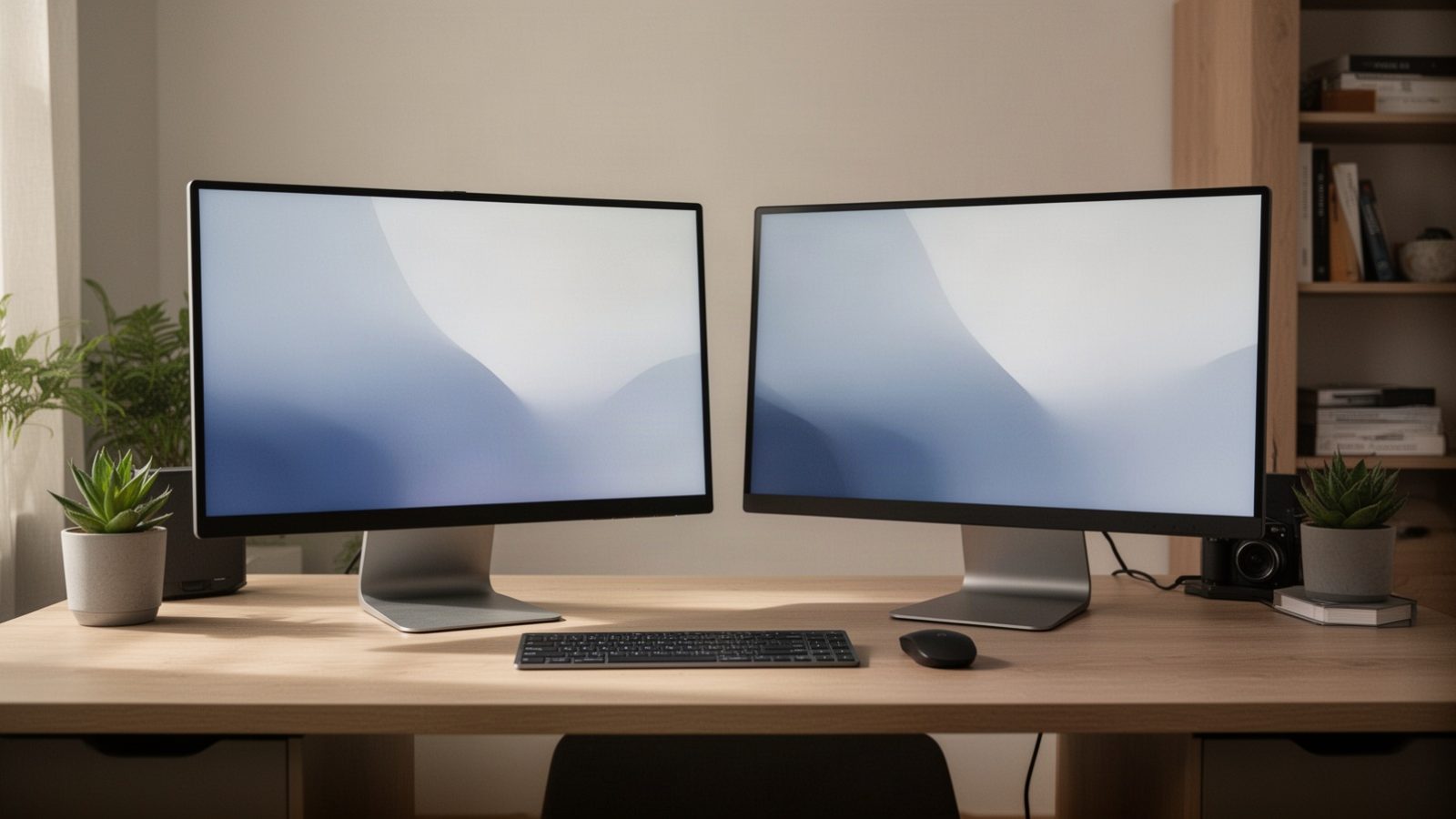
Two monitors can make office work noticeably more efficient. Check the desktop's video outputs — HDMI, DisplayPort or USB-C — and confirm it can drive the number and resolution of screens you want. Front-facing USB ports are handy for flash drives, headsets and phone charging, and a webcam or headset jack should be easy to reach.
Power, noise and placement
Desktops are not built for closed cupboards; leave space around the vents. Plug the computer and monitors into a surge protector, or a battery backup (UPS) if you lose power often, so a brief outage doesn't cost you unsaved work. Mini PCs and Apple's Mac mini run especially quietly, which helps on video calls.
Security and backups
For business use, Windows 11 Pro adds BitLocker drive encryption and easier remote management, and macOS includes FileVault encryption. Turn on automatic updates and a password manager, and back up important files to both an external drive and a cloud service — the 3-2-1 rule (three copies, two types of storage, one off-site) protects your business if a drive fails or a computer is stolen.
Frequently asked questions
How much RAM does a home office computer need?
16GB is the sensible minimum for remote work with many browser tabs, video calls and office apps open at once. 8GB works for very light use but tends to slow down with multitasking.
Is a mini PC good enough for working from home?
Yes. A mini PC with a current Intel Core, AMD Ryzen or Apple M-series chip and 16GB of memory handles office work, video calls and multiple monitors well, and takes up almost no space.
Do I need Windows 11 Pro for a home business?
It is recommended if you store client data. Pro adds BitLocker drive encryption, business sign-in options and remote-management features. Home is fine for personal use and simple freelance work.
Can a home office desktop run two monitors?
Most current desktops can, through a mix of HDMI, DisplayPort and USB-C outputs. Check the manufacturer's spec sheet for the number of supported displays and their maximum resolutions.
How long should a home office desktop last?
A well-specified desktop typically stays useful for five years or more of office work. Towers last longest because you can add memory and storage or replace parts as they age.
How we picked
We compared home and small-business desktops from HP, Apple, Dell and Lenovo on manufacturer specifications — processor, memory and storage options, form factor and size, display outputs, networking, upgradeability, operating system and warranty options — together with published professional reviews. Our picks and scores are based on this research — we have not tested these products hands-on. Brands cannot pay to be included. Read our full method.