






















The best graphics cards for gaming PCs
Six current NVIDIA, AMD and Intel GPUs compared by resolution, VRAM and power needs, plus what to check about PSUs, connectors and case clearance.
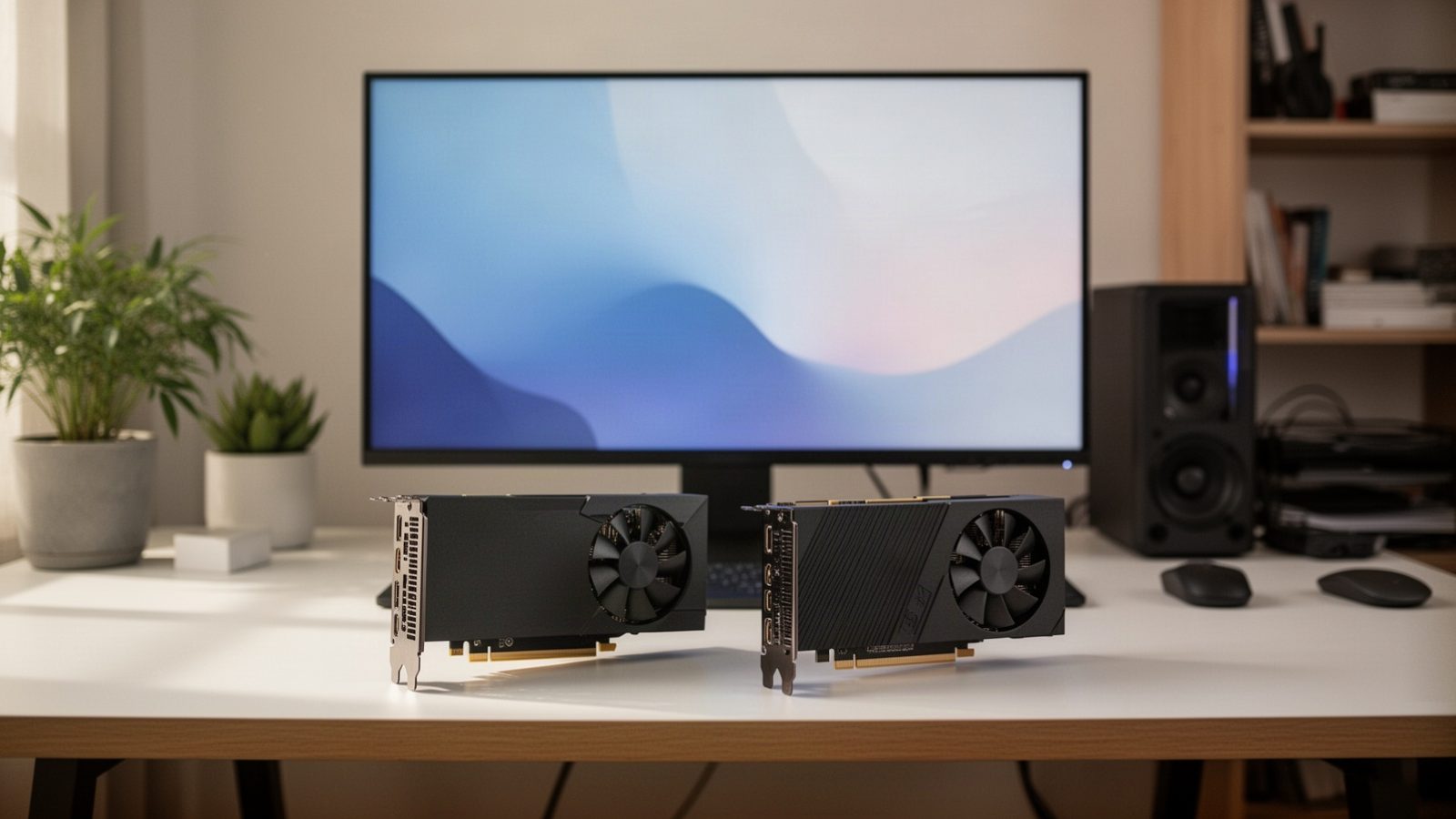
As an Amazon Associate I earn from qualifying purchases. When you buy through links on this page, we may earn a commission at no extra cost to you. Learn more
The graphics card does more to decide how games look and run than any other part of a PC. It also tends to be the most expensive component, the biggest and the most power-hungry, so getting the choice right matters.
Start with your monitor. A card that is perfect for 1080p at 144Hz is very different from one that drives a 4K display, and buying more GPU than your screen can show wastes money. Then check the practical limits: how much video memory the games you play need, whether your power supply can feed the card, and whether it physically fits in your case. We compared the current GeForce RTX 50 series, Radeon RX 9000 series and Intel Arc B-series chips on memory, power draw, features and target resolution. Because each chip is sold by partners such as ASUS, MSI, Gigabyte, Sapphire and others, we recommend the GPU model and explain what to look for in the specific card.
Our top picks
-
1
 Illustration
Best overall
NVIDIA GeForce RTX 5070 Ti
High-refresh 1440p and entry 4K gaming
VRAM16GB GDDR7Board power300 WTarget resolution1440p high refresh, 4K with upscaling -
2
 Illustration
Best value for 1440p
AMD Radeon RX 9070 XT
1440p gamers who want the most performance per dollar
VRAM16GB GDDR6Board powerAbout 304 W (varies by card)Target resolution1440p high refresh, 4K with upscaling -
3
 Illustration
Best mainstream NVIDIA
NVIDIA GeForce RTX 5060 Ti 16GB
1080p high settings and lighter 1440p gaming
VRAM16GB GDDR7 (8GB version also sold)Board power180 WTarget resolution1080p, 1440p with upscaling -
4
 Illustration
Best budget AMD
AMD Radeon RX 9060 XT 16GB
Budget-minded 1080p builds that want 16GB of memory
VRAM16GB GDDR6 (8GB version also sold)Board powerAbout 160 W (varies by card)Target resolution1080p, 1440p with upscaling -
5
 Illustration
Best entry-level pick
Intel Arc B580
Tight-budget 1080p builds on a modern platform
VRAM12GB GDDR6Board power190 WTarget resolution1080p, light 1440p -
6
 Illustration
Best for 4K
NVIDIA GeForce RTX 5090
No-compromise 4K gaming and heavy AI or 3D work
VRAM32GB GDDR7Board power575 WTarget resolution4K high refresh
NVIDIA GeForce RTX 5070 Ti
Illustration
A 16GB GDDR7 card with strong ray tracing and DLSS 4 support that handles 1440p with plenty of headroom.
Best for: High-refresh 1440p and entry 4K gaming- VRAM
- 16GB GDDR7
- Board power
- 300 W
- Target resolution
- 1440p high refresh, 4K with upscaling
- Recommended PSU
- 750 W (NVIDIA guidance)
- Power connector
- 12V-2x6, or 2 × 8-pin via adapter
What we like
- 16GB of fast GDDR7 memory for long-term headroom
- Strong ray-tracing performance
- DLSS 4 with multi frame generation
- Excellent encoder for streaming and video work
Keep in mind
- Premium-priced compared with the RX 9070 XT
- Partner cards are often large
- Needs a capable 750-watt-class power supply
The RTX 5070 Ti is the card we would point most serious gamers toward. Its 16GB of GDDR7 memory gives comfortable headroom for high-resolution textures, and it has the performance to run demanding games at 1440p and high refresh rates, or at 4K with DLSS upscaling.
NVIDIA’s feature set is a big part of its appeal. DLSS 4 is supported in a large and growing list of games, ray-tracing performance is strong, and the NVENC encoder and CUDA support make it a capable card for streaming, video editing and AI tools.
Plan the rest of your build around it. NVIDIA recommends a 750-watt power supply, and partner cards are often long and thick, so check case clearance. AMD’s RX 9070 XT trades blows in traditional rendering for less money, but for a balance of speed, features and memory, the 5070 Ti is the most complete choice.
Bottom line: The best all-round GPU for high-refresh 1440p gaming, with features that suit creators too.
AMD Radeon RX 9070 XT
Illustration
AMD’s top RX 9000-series card, with 16GB of memory, much-improved ray tracing and FSR 4 upscaling.
Best for: 1440p gamers who want the most performance per dollar- VRAM
- 16GB GDDR6
- Board power
- About 304 W (varies by card)
- Target resolution
- 1440p high refresh, 4K with upscaling
- Interface
- PCIe 5.0 x16
- Upscaling
- FSR 4
What we like
- Excellent traditional performance for the money
- 16GB of memory
- FSR 4 is a major upgrade in image quality
- Many partner cards use standard 8-pin connectors
Keep in mind
- Ray tracing still trails NVIDIA in the heaviest games
- FSR 4 is supported in fewer games than DLSS
- High power draw for its class
The RX 9070 XT is AMD’s strongest value play in years. In traditional rendering it competes closely with NVIDIA’s RTX 5070 Ti, it carries a full 16GB of memory, and partner cards typically sell for less, which makes it the best-value high-refresh 1440p card for many builders.
The RX 9000 generation also fixes two old weak spots. Ray-tracing performance improved substantially, and FSR 4 uses machine learning for much cleaner upscaling than earlier FSR versions, although it is supported in fewer games than DLSS.
Power draw is fairly high, around 304 watts on reference-spec cards and more on some factory-overclocked models, so check the card maker’s PSU recommendation. Many partner versions use standard 8-pin connectors, which is convenient for older power supplies. If you mainly play games and want the most frames for your money, it is hard to beat.
Bottom line: The best-value GPU for fast 1440p gaming if you can live without NVIDIA’s extras.
NVIDIA GeForce RTX 5060 Ti 16GB
Illustration
An efficient mid-range card that pairs DLSS 4 support with a comfortable 16GB of memory.
Best for: 1080p high settings and lighter 1440p gaming- VRAM
- 16GB GDDR7 (8GB version also sold)
- Board power
- 180 W
- Target resolution
- 1080p, 1440p with upscaling
- Recommended PSU
- 600 W (NVIDIA guidance)
- Interface
- PCIe 5.0 x8
What we like
- 16GB version has plenty of memory for its class
- Low power draw and compact partner cards
- DLSS 4 frame generation support
- Usually a single 8-pin power connector
Keep in mind
- Easy to confuse with the 8GB version
- Eight PCIe lanes can lose performance on PCIe 3.0 boards
- Not fast enough for high-refresh 1440p in the newest games
The RTX 5060 Ti in its 16GB version is a sensible mainstream card. It runs most games well at 1080p with high settings and handles 1440p with DLSS upscaling, while drawing only around 180 watts — so many partner cards are compact and need just one 8-pin power connector.
Memory is the key detail. The same name is used for an 8GB version, which runs out of video memory more quickly in new games. Make sure the listing says 16GB.
Like several mid-range cards, it uses eight PCIe lanes. On a PCIe 4.0 or 5.0 motherboard that is not a problem, but on an older PCIe 3.0 board you may lose some performance. For a modern 1080p or entry-1440p build, it is a well-rounded pick with NVIDIA’s full feature set.
Bottom line: A quiet, efficient mid-range card — as long as you buy the 16GB version.
AMD Radeon RX 9060 XT 16GB
Illustration
An affordable RDNA 4 card that brings 16GB of memory and FSR 4 to 1080p gaming.
Best for: Budget-minded 1080p builds that want 16GB of memory- VRAM
- 16GB GDDR6 (8GB version also sold)
- Board power
- About 160 W (varies by card)
- Target resolution
- 1080p, 1440p with upscaling
- Interface
- PCIe 5.0 x16
- Upscaling
- FSR 4
What we like
- 16GB of memory at a budget-friendly level
- FSR 4 support
- Modest power needs
- Full sixteen PCIe lanes
Keep in mind
- 8GB version shares the same name
- Ray tracing behind NVIDIA’s equivalent
- Not meant for high-refresh 1440p
The RX 9060 XT 16GB brings AMD’s current RDNA 4 architecture to the budget end of the market, and its standout feature is memory. Sixteen gigabytes at this level gives far more breathing room in new games than the 8GB cards it competes with.
It is designed for 1080p at high settings, with 1440p possible in many games using FSR 4 upscaling. Power needs are modest, so many partner cards are compact, and it uses all sixteen PCIe lanes, which helps on older motherboards.
As with NVIDIA’s RTX 5060 Ti, an 8GB version uses the same name, so check the listing carefully. Ray tracing trails NVIDIA, but for a gaming-first budget build, the 16GB version is one of the smartest buys available.
Bottom line: A smart budget card for 1080p gaming that will not run out of memory soon.
Intel Arc B580
Illustration
Intel’s budget card offers 12GB of memory and solid 1080p performance at a budget-friendly price.
Best for: Tight-budget 1080p builds on a modern platform- VRAM
- 12GB GDDR6
- Board power
- 190 W
- Target resolution
- 1080p, light 1440p
- Interface
- PCIe 4.0 x8
- Upscaling
- XeSS
What we like
- 12GB of memory at an entry-level price
- Good 1080p performance in modern games
- XeSS upscaling and strong media encoding
- Intel drivers have matured considerably
Keep in mind
- Needs Resizable BAR enabled
- Performance drops more with older, slower CPUs
- Some older games run less consistently than on AMD or NVIDIA
Intel’s Arc B580 changed expectations for entry-level graphics by pairing 12GB of memory with solid 1080p performance at a budget-friendly price. In many modern games it competes with more expensive cards, and Intel’s XeSS upscaling and media engine add useful extras for streamers and video editors.
There are conditions. Arc cards need Resizable BAR enabled in your motherboard BIOS to perform properly, which rules out some very old systems. Independent coverage also found that the B580 loses more performance than rivals when paired with older or slower processors, so it makes the most sense in a modern build.
Intel’s drivers have improved a lot, but some older games still run less consistently than on AMD or NVIDIA. For a new 1080p build on a tight budget, it is a compelling option.
Bottom line: A strong budget card for modern 1080p builds, as long as your platform supports Resizable BAR.
NVIDIA GeForce RTX 5090
Illustration
NVIDIA’s flagship with 32GB of GDDR7, built for 4K at high refresh rates and demanding creative workloads.
Best for: No-compromise 4K gaming and heavy AI or 3D work- VRAM
- 32GB GDDR7
- Board power
- 575 W
- Target resolution
- 4K high refresh
- Recommended PSU
- 1,000 W (NVIDIA guidance)
- Power connector
- 12V-2x6
What we like
- NVIDIA’s fastest consumer graphics card
- 32GB of memory for 4K, 3D rendering and local AI models
- DLSS 4 and top-tier ray tracing
- Excellent for video encoding
Keep in mind
- Extremely premium-priced
- Draws up to 575 watts and needs a 1,000-watt-class PSU
- Partner cards can be very large
The RTX 5090 is for people who want the best regardless of cost. It is NVIDIA’s fastest consumer GPU, built to run demanding games at 4K and high refresh rates, especially with DLSS 4 frame generation, and its 32GB of GDDR7 memory makes it a serious tool for 3D rendering, video work and running AI models locally.
That power has real costs beyond the price. The card is rated at 575 watts, and NVIDIA recommends a 1,000-watt power supply. It uses the 12V-2x6 connector, so make sure your PSU has a native cable rated for the load, seat the plug fully and follow the makers’ instructions. Many partner cards are huge, so check your case carefully.
For most gamers, the RTX 5070 Ti or RX 9070 XT is the smarter buy. For 4K enthusiasts and creators who can use every bit of its performance, nothing else comes close.
Bottom line: The ultimate 4K and creator GPU, if your budget, power supply and case can handle it.
Side-by-side comparison
| Product | VRAM | Board power | Target resolution | Recommended PSU | Score |
|---|---|---|---|---|---|
| NVIDIA GeForce RTX 5070 TiBest overall | 16GB GDDR7 | 300 W | 1440p high refresh, 4K with upscaling | 750 W (NVIDIA guidance) | 9.3 |
| AMD Radeon RX 9070 XTBest value for 1440p | 16GB GDDR6 | About 304 W (varies by card) | 1440p high refresh, 4K with upscaling | — | 9.1 |
| NVIDIA GeForce RTX 5060 Ti 16GBBest mainstream NVIDIA | 16GB GDDR7 (8GB version also sold) | 180 W | 1080p, 1440p with upscaling | 600 W (NVIDIA guidance) | 8.7 |
| AMD Radeon RX 9060 XT 16GBBest budget AMD | 16GB GDDR6 (8GB version also sold) | About 160 W (varies by card) | 1080p, 1440p with upscaling | — | 8.6 |
| Intel Arc B580Best entry-level pick | 12GB GDDR6 | 190 W | 1080p, light 1440p | — | 8.3 |
| NVIDIA GeForce RTX 5090Best for 4K | 32GB GDDR7 | 575 W | 4K high refresh | 1,000 W (NVIDIA guidance) | 9.0 |
Specifications are from manufacturer listings at the time of writing and can change between production runs.
Match the card to your monitor
- 1080p: An RTX 5060 Ti, RX 9060 XT or Arc B580 handles most games at high settings.
- 1440p: The sweet spot for many gamers. An RX 9070 XT or RTX 5070 Ti runs demanding games at high refresh rates.
- 4K: Needs a high-end card such as the RTX 5090, ideally paired with upscaling.
A fast CPU matters most at 1080p and high frame rates; at 4K the GPU does almost all the work.
How much video memory?
Modern games with high-resolution textures can use more than 8GB of VRAM even at 1080p, which causes stutter when the card runs out. For a card you plan to keep for several years, aim for 12GB at minimum and 16GB for 1440p. Several cards come in 8GB and 16GB versions under the same name, so read the listing carefully.
Power supply and connectors
Check the card’s recommended power supply wattage, which NVIDIA and AMD partners list for each model, and make sure your PSU has the right cables:
- Many cards use the 12V-2x6 (16-pin) connector; others use two or three standard 8-pin PCIe plugs.
- If your power supply lacks a native 12V-2x6 cable, use the adapter supplied with the card or a cable made for your specific PSU model.
- Push the plug in fully and evenly, avoid sharp bends right at the connector, and follow the card and PSU makers’ instructions.
Check case clearance
Partner cards vary enormously in size. Before buying, compare the card’s length, thickness (in slots) and height against your case specifications, and leave room for the power cable to bend gently. Large, heavy cards benefit from the support bracket many include.
Partner cards: what changes
The GPU chip is the same across brands; the differences are cooling, size, noise, factory overclocks, lighting and warranty. Factory overclocks add only a few percent. Choose the GPU tier first, then the quietest well-reviewed card that fits your case and budget.
Features worth weighing
NVIDIA’s DLSS 4 upscaling and frame generation are widely supported, and its NVENC encoder and CUDA support are strong for streaming, video editing and AI tools. AMD’s FSR 4 on RX 9000 cards is a big improvement over earlier FSR versions, and AMD usually offers more VRAM for the money. Intel’s XeSS works well on Arc cards, but Arc relies on Resizable BAR being enabled in your BIOS.
Some mid-range cards use eight PCIe lanes rather than sixteen. They work in any PCIe x16 slot, but on an older PCIe 3.0 motherboard they can lose some performance, especially when VRAM runs short.
Frequently asked questions
Is 8GB of VRAM enough in 2026?
For older and esports games at 1080p, yes. For new releases with high-resolution textures, 8GB increasingly forces lower settings. If you can, choose a 12GB or 16GB card, especially if you plan to keep it for several years.
Will a PCIe 5.0 graphics card work in a PCIe 4.0 motherboard?
Yes. PCIe is backward compatible, and a PCIe 5.0 card works in a PCIe 4.0 or 3.0 x16 slot. Cards with eight lanes can lose some performance on PCIe 3.0 boards, but the difference on PCIe 4.0 is usually small.
Do I need a new power supply for a new graphics card?
Maybe. Compare your PSU’s wattage and cables with the card maker’s recommendation. High-end cards often call for 750 to 1,000 watts or more and a 12V-2x6 cable or adapter; mid-range cards are often fine with a quality 600–650 watt unit.
NVIDIA or AMD?
NVIDIA leads on ray tracing, upscaling support and creative software. AMD often gives more performance and VRAM per dollar in traditional rendering. Compare the specific cards available at your budget rather than the brands.
Does the brand of the partner card matter?
Less than the GPU chip itself. Brands differ in cooling, noise, size and warranty support, so pick a card that fits your case and has a reputation for quiet, reliable cooling.
How we picked
We compared official specifications from NVIDIA, AMD and Intel for current desktop GPUs, including video memory, total board power, recommended power supply ratings, PCIe interface and upscaling features, along with independent published performance coverage, and weighed how each suits different monitor resolutions and budgets. Our picks and scores are based on this research — we have not tested these products hands-on. Brands cannot pay to be included. Read our full method.