






















The best wide-format printers for 11x17 and 13x19
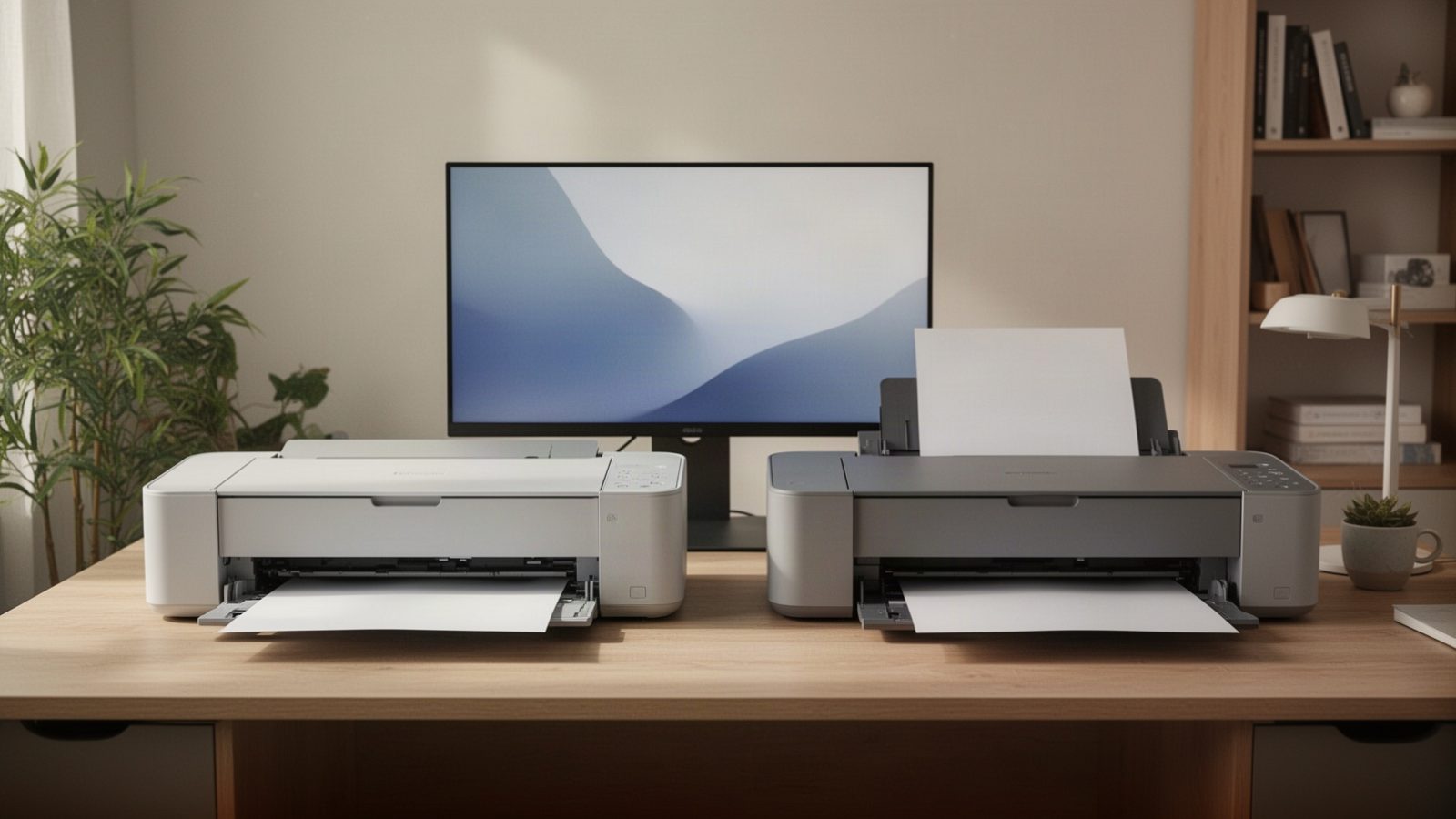
Five desktop wide-format printers compared for 11x17 office documents and 13x19 craft and signage prints, including models that scan 11x17 too.
As an Amazon Associate I earn from qualifying purchases. When you buy through links on this page, we may earn a commission at no extra cost to you. Learn more
A wide-format desktop printer handles paper larger than letter size — usually 11 x 17 inches (tabloid or ledger) and often 13 x 19 inches (Super B). That opens up a lot: spreadsheets that fit on one page, architectural and site plans, restaurant menus, event posters, school projects, sewing patterns and cardstock crafts.
These are not the giant roll-fed plotters used by print shops. They are office and home inkjets that sit on a sturdy desk, and several are full all-in-ones that also copy and scan at 11x17. The key differences are whether you need large-format scanning, how much paper they hold and whether you would rather buy cartridges or refill bottles. We compared the current wide-format models from Epson and HP on print and scan sizes, paper handling, ink systems and office features to help you choose.
Our top picks
-
1
 Illustration
Best overall
Epson WorkForce Pro WF-7840 Wide-Format All-in-One
Offices that print, copy and scan at 11x17
Max print size13 x 19 inchesMax scan size11 x 17 inchesInk systemPigment ink cartridges -
2
 Illustration
Best for high volume
Epson EcoTank Pro ET-16650 Wide-Format All-in-One
Businesses printing large pages every week
Max print size13 x 19 inchesMax scan size11 x 17 inchesInk systemRefillable bottles (pigment) -
3
 Illustration
Best value ink tank
Epson EcoTank ET-15000 Wide-Format All-in-One
Home offices and crafters who print large but scan letter size
Max print size13 x 19 inches (rear feed)Max scan size8.5 x 14 inchesInk systemRefillable bottles -
4
 Illustration
Best HP option
HP OfficeJet Pro 9730e Wide Format All-in-One
HP offices printing and scanning 11x17 documents
Max print size11 x 17 inchesMax scan size11 x 17 inchesInk systemCartridges -
5
 Illustration
Best printer-only
Epson WorkForce Pro WF-7310 Wide-Format Printer
People who only need to print large pages
Max print size13 x 19 inchesMax scan sizeNo scannerInk systemCartridges
Epson WorkForce Pro WF-7840 Wide-Format All-in-One
Illustration
A full wide-format all-in-one with an 11x17 flatbed, a two-sided 50-sheet feeder and two 250-sheet trays.
Best for: Offices that print, copy and scan at 11x17- Max print size
- 13 x 19 inches
- Max scan size
- 11 x 17 inches
- Ink system
- Pigment ink cartridges
- Paper capacity
- Two 250-sheet trays plus rear feed
- Document feeder
- 50 sheets, two-sided, up to 11 x 17
- Functions
- Print, copy, scan, fax
What we like
- Scans and copies at 11 x 17 on the glass and in the feeder
- Two front trays keep two paper sizes loaded
- Automatic two-sided printing, copying, scanning and faxing
- Pigment ink resists smudging on documents
Keep in mind
- Cartridges cost more per page than an ink tank
- Large footprint
- Fax may be unnecessary for home users
The WF-7840 is the most complete wide-format all-in-one for the money. It prints up to 13 x 19 inches, and — the crucial part for many offices — it scans and copies up to 11 x 17 on its flatbed and through its 50-sheet document feeder, which handles both sides of each page automatically.
Paper handling is excellent. Two 250-sheet front trays let you keep letter and 11x17 paper loaded together, and a rear feed takes specialty media. Fax is built in, and two-sided printing, copying, scanning and faxing are all automatic.
It uses pigment ink cartridges, which keep text crisp and resist smudges, but cost more per page than an ink tank. If you print large pages in high volume, the EcoTank ET-16650 will save money over time. For a typical office, this is the most capable balance of features and price.
Bottom line: The best all-round wide-format printer for offices that need 11x17 scanning as well as printing.
Epson EcoTank Pro ET-16650 Wide-Format All-in-One
Illustration
A bottle-fed wide-format all-in-one with pigment inks, 11x17 scanning, fax and 500 sheets of paper capacity.
Best for: Businesses printing large pages every week- Max print size
- 13 x 19 inches
- Max scan size
- 11 x 17 inches
- Ink system
- Refillable bottles (pigment)
- Paper capacity
- Two front trays plus rear feed, 500 sheets
- Functions
- Print, copy, scan, fax
What we like
- Refillable bottles slash the cost of each large page
- Pigment inks for sharp, durable documents
- Scans and copies at 11 x 17
- Automatic two-sided print, copy, scan and fax
Keep in mind
- Premium-priced up front
- Very large and heavy
- Overkill for occasional large prints
If your office prints plans, posters or tabloid spreadsheets every week, cartridge costs add up fast. The ET-16650 swaps cartridges for Epson’s refillable bottles, so each large page costs far less, and its pigment inks give crisp, durable text and lines.
It is a complete wide-format office machine: prints up to 13 x 19 inches, scans and copies up to 11 x 17, faxes, and handles two-sided printing, copying and scanning automatically. Two front trays and a rear specialty feed bring paper capacity to 500 sheets.
The catch is the up-front cost and its size; it needs a sturdy, deep spot. For light or occasional use, it will take a long time to pay back. For a busy architect’s office, school or print-heavy small business, the savings are real.
Bottom line: The wide-format printer to buy when you print large pages often and want the lowest running costs.
Epson EcoTank ET-15000 Wide-Format All-in-One
Illustration
An EcoTank that prints up to 13 x 19 inches through its rear feed while scanning letter and legal documents.
Best for: Home offices and crafters who print large but scan letter size- Max print size
- 13 x 19 inches (rear feed)
- Max scan size
- 8.5 x 14 inches
- Ink system
- Refillable bottles
- Paper capacity
- 250-sheet front tray plus rear feed
What we like
- Low running costs from refillable bottles
- Prints up to 13 x 19 through the rear feed
- Document feeder for everyday scanning
- More compact than the ET-16650
Keep in mind
- Cannot scan or copy at 11 x 17
- Borderless printing limited to 11 x 17
- Single front tray
The ET-15000 is the most affordable way to get large-format printing with EcoTank running costs. It prints up to 13 x 19 inches through a rear specialty feed, with borderless output up to 11 x 17, and refills from bottles rather than cartridges.
The compromise is scanning. Its document feeder and scanner handle letter and legal paper, not 11x17, so you cannot copy large originals. For crafters, teachers and home offices that print posters, patterns, menus or spreadsheets but scan ordinary paperwork, that is a sensible trade.
A 250-sheet front tray covers everyday printing. If you need to scan large pages or keep two paper sizes loaded, step up to the WF-7840 or ET-16650.
Bottom line: The best-value ink tank for printing large pages when you only scan letter-size documents.
HP OfficeJet Pro 9730e Wide Format All-in-One
Illustration
HP’s wide-format office all-in-one that prints, copies and scans tabloid-size pages.
Best for: HP offices printing and scanning 11x17 documents- Max print size
- 11 x 17 inches
- Max scan size
- 11 x 17 inches
- Ink system
- Cartridges
- Functions
- Print, copy, scan, fax
What we like
- Prints and scans at 11 x 17
- HP Smart app and office management tools
- Automatic two-sided printing
- Eligible for HP’s ink subscription
Keep in mind
- Tops out at 11 x 17, not 13 x 19
- Dynamic security can block non-HP cartridges
- Some features expect an HP account
HP’s OfficeJet Pro 9730e is aimed at offices that work with tabloid-size documents day to day. It prints, copies and scans up to 11 x 17 inches, faxes, and prints on both sides automatically, all managed through the HP Smart app.
It integrates well into offices that already use HP printers, and the “e” models are designed for HP’s ink subscription, which some businesses find convenient for predictable costs.
There are two caveats. Its maximum print size is 11 x 17, so it is not a choice for 13 x 19 craft or photo work. And HP’s dynamic security can block cartridges with non-HP chips, so you are effectively tied to HP supplies. If your large-format needs stop at tabloid and you prefer HP, it is a solid office tool.
Bottom line: A capable 11x17 office all-in-one for HP-centric workplaces.
Epson WorkForce Pro WF-7310 Wide-Format Printer
Illustration
A single-function wide-format printer with two 250-sheet trays and 13 x 19-inch output.
Best for: People who only need to print large pages- Max print size
- 13 x 19 inches
- Max scan size
- No scanner
- Ink system
- Cartridges
- Paper capacity
- Two 250-sheet trays plus rear feed
What we like
- Two trays for letter and 11x17 at the same time
- Prints up to 13 x 19 inches
- Smaller and simpler than all-in-ones
- Wireless printing from phones and laptops
Keep in mind
- No scanning or copying
- Borderless printing limited to 11 x 17
- Cartridges cost more per page than tanks
Not everyone needs a wide-format scanner. The WF-7310 is a print-only model that keeps the most useful parts of Epson’s wide-format office printers: output up to 13 x 19 inches, borderless printing up to 11 x 17, and two 250-sheet front trays plus a rear feed.
That dual-tray setup is the standout. You can keep letter paper in one tray and tabloid in the other, so switching between everyday documents and large spreadsheets or menus takes no effort. It connects over Wi-Fi and Wi-Fi Direct, and Epson’s Smart Panel app handles setup.
Without a scanner it is simpler and smaller than an all-in-one, but you will need another device for copying. Cartridges also cost more per page than an EcoTank, so it suits moderate volumes best.
Bottom line: A practical choice for offices that print large pages but already have a scanner.
Side-by-side comparison
| Product | Max print size | Max scan size | Ink system | Paper capacity | Score |
|---|---|---|---|---|---|
| Epson WorkForce Pro WF-7840 Wide-Format All-in-OneBest overall | 13 x 19 inches | 11 x 17 inches | Pigment ink cartridges | Two 250-sheet trays plus rear feed | 9.1 |
| Epson EcoTank Pro ET-16650 Wide-Format All-in-OneBest for high volume | 13 x 19 inches | 11 x 17 inches | Refillable bottles (pigment) | Two front trays plus rear feed, 500 sheets | 9.0 |
| Epson EcoTank ET-15000 Wide-Format All-in-OneBest value ink tank | 13 x 19 inches (rear feed) | 8.5 x 14 inches | Refillable bottles | 250-sheet front tray plus rear feed | 8.6 |
| HP OfficeJet Pro 9730e Wide Format All-in-OneBest HP option | 11 x 17 inches | 11 x 17 inches | Cartridges | — | 8.4 |
| Epson WorkForce Pro WF-7310 Wide-Format PrinterBest printer-only | 13 x 19 inches | No scanner | Cartridges | Two 250-sheet trays plus rear feed | 8.2 |
Specifications are from manufacturer listings at the time of writing and can change between production runs.
11x17 vs. 13x19
11 x 17 inches is the standard tabloid or ledger size used for spreadsheets, floor plans, newsletters and menus. Every printer here handles it.
13 x 19 inches (also called Super B or A3+) leaves room for a border around an 11x17 image or for trimming to bleed, which is why designers, crafters and photographers value it. Many printers only reach 13 x 19 through a rear single-sheet feed, and borderless printing is often limited to 11 x 17, so check both numbers.
Do you need to scan 11x17?
Printing large is common; scanning large is not. If you copy blueprints, legal-size ledgers, drawings or kids’ artwork, choose a model with an 11x17 flatbed scanner. If you only print large and scan ordinary paperwork, a model that scans letter or legal size is cheaper and smaller.
Paper handling
- Two front trays let you keep letter paper and 11x17 loaded at the same time — a big convenience in a busy office.
- A rear feed is the best path for cardstock, thick craft paper and photo paper because it bends the sheet less.
- Automatic two-sided printing at 11x17 is useful for booklets and newsletters; confirm it works at the size you need.
Cartridges, tanks and pigment ink
Wide pages use a lot of ink. Ink tank models cost more up front but far less per page, which matters if you print posters or plans every week. Pigment inks resist smearing from highlighters and moisture better than dye inks, which is useful for plans and documents that get handled on site. HP models use firmware that can block cartridges with non-HP chips, so factor in the cost of HP’s own supplies.
Space and setup
Wide-format printers are big. With trays extended, many need a deep desk, plus room behind for the rear feed. Measure before you buy, and place the printer on a stable surface that can take its weight. Check the depth with the output tray fully extended, since 11x17 pages need room to land, and leave access to the back if you plan to use the rear feed for cardstock. Use the manufacturer’s ink and follow its setup instructions, especially when filling tanks for the first time.
Craft and cardstock tips
Check the maximum paper thickness in the specifications before buying heavy cardstock, and feed it one sheet at a time through the rear path. Select the correct paper type in the print settings so the printer adjusts ink and speed, and let heavy ink coverage dry before stacking prints.
Frequently asked questions
Can these printers make posters larger than 13 x 19 inches?
Not in a single sheet. For bigger posters you can tile an image across several sheets and join them, or use a print shop or a roll-fed large-format printer.
Can a wide-format printer handle cardstock?
Most can, especially through a rear feed that keeps the paper path straighter. Check the maximum paper weight or thickness in the specifications and feed heavy stock one sheet at a time.
Is tabloid the same as ledger?
Both are 11 x 17 inches. Tabloid usually refers to the portrait orientation and ledger to landscape, but printers and paper packs use the names interchangeably.
Do wide-format printers cost more to run?
Each large page uses roughly twice the ink of a letter page with similar coverage. If you print large pages often, an ink tank model lowers running costs considerably.
Can I print borderless 13 x 19?
Some models can, but many limit borderless printing to 11 x 17 even though they accept 13 x 19 paper. Check the borderless sizes in the specifications if edge-to-edge prints matter to you.
How we picked
We compared manufacturer specifications for current desktop wide-format printers from Epson and HP, including maximum print and scan sizes, paper trays, document feeders, two-sided printing, ink systems and office features, and checked that each is listed on its maker’s site. Our picks and scores are based on this research — we have not tested these products hands-on. Brands cannot pay to be included. Read our full method.