






















The best thermal shipping label printers
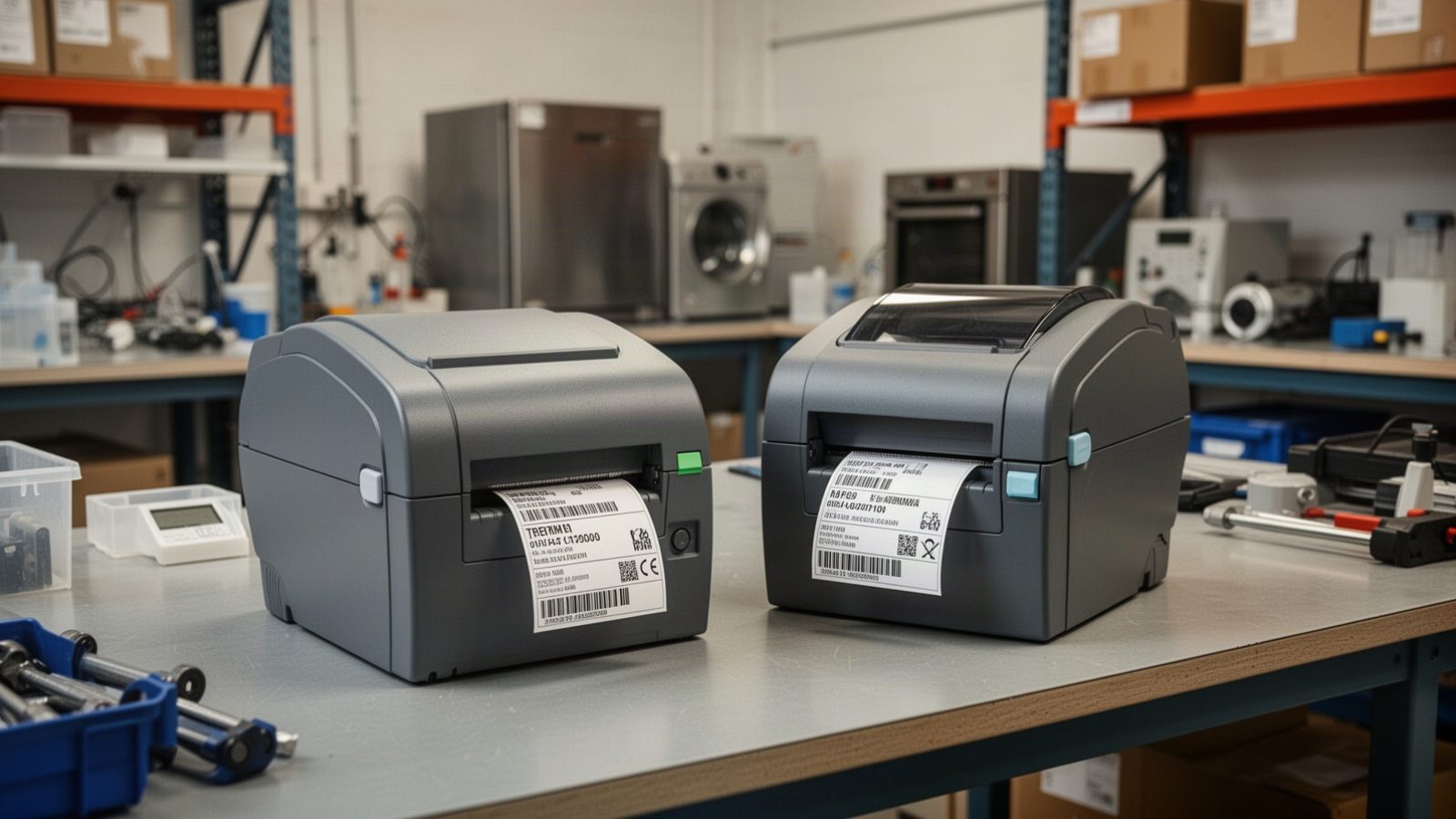
Five thermal label printers compared for 4 x 6 shipping labels — budget USB models, a Wi-Fi Rollo, a Bluetooth printer for phones and a Zebra built for volume.
As an Amazon Associate I earn from qualifying purchases. When you buy through links on this page, we may earn a commission at no extra cost to you. Learn more
If you ship more than a handful of packages a week, printing labels on a regular printer, cutting them out and taping them to boxes gets old fast. A thermal label printer prints a 4 x 6 inch shipping label directly onto a self-adhesive label in a couple of seconds, with no ink or toner to buy. For small online sellers, it is one of the best time-savers available.
The printers look similar, but they differ in how they connect, which labels they accept, how fast and sharp they print and how much daily volume they are built for. Some accept almost any direct thermal label; others only work with the brand's own labels. We compared popular models on connectivity, label compatibility, resolution, software support and build, and picked options for home sellers, phone-first shippers, offices and busy small warehouses.
Our top picks
-
1
 Illustration
Best overall
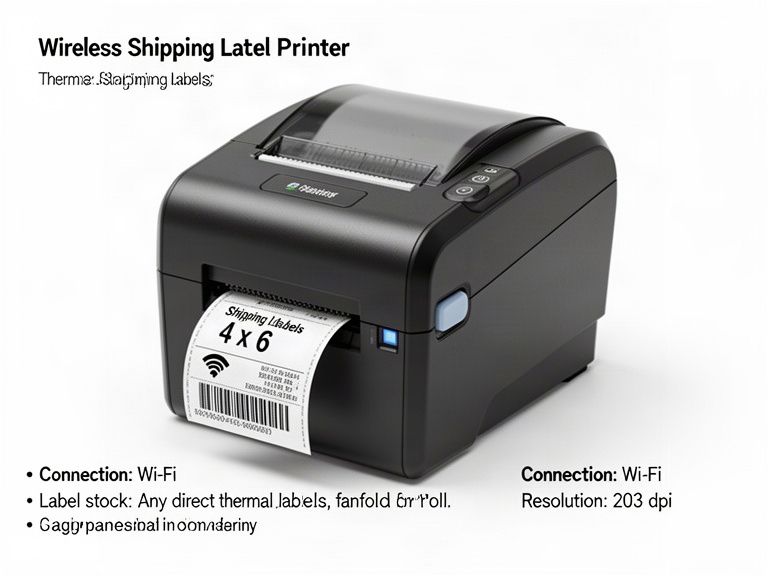
Rollo Wireless Shipping Label Printer
Small sellers printing from several devices
Shipping labels4 x 6 inchesConnectionWi-FiLabel stockAny direct thermal labels, fanfold or roll -
2
 Illustration
Best for high volume
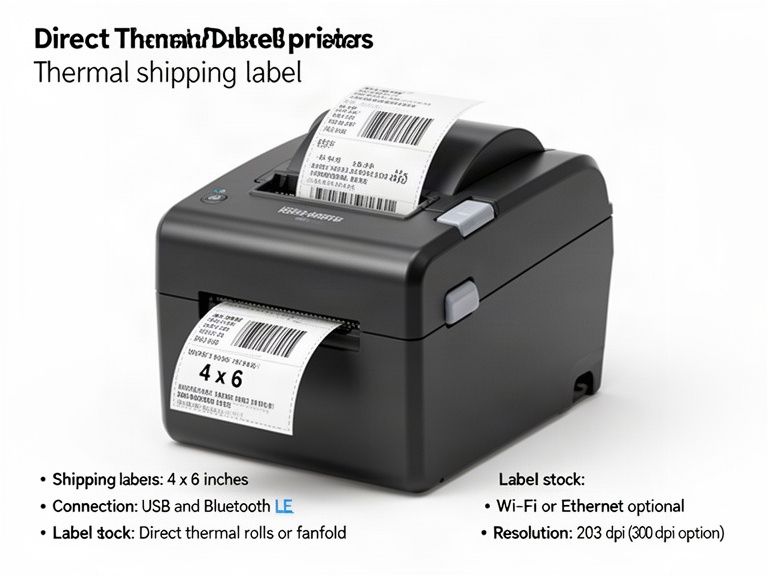
Zebra ZD421d Direct Thermal Desktop Printer
Busy warehouses and growing businesses
Shipping labels4 x 6 inchesConnectionUSB and Bluetooth LE; Wi-Fi or Ethernet optionalLabel stockDirect thermal rolls or fanfold -
3
 Illustration
Best value
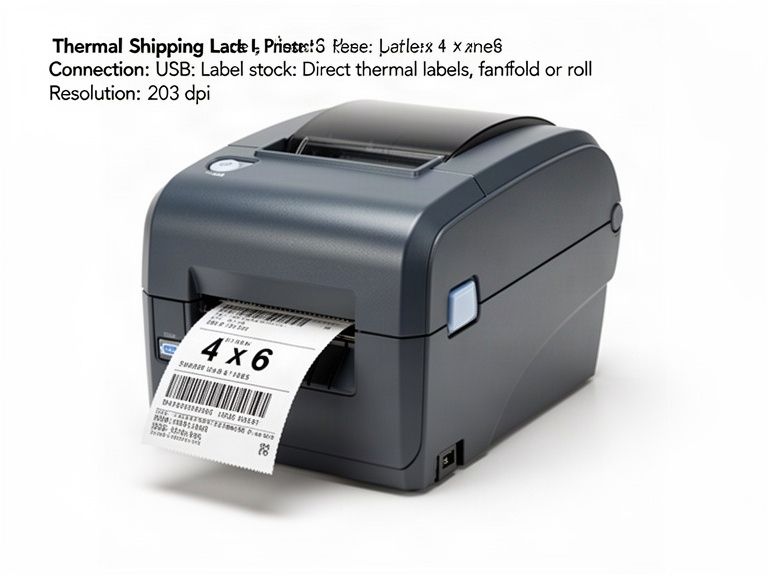
MUNBYN USB Thermal Shipping Label Printer
Budget-conscious sellers at one computer
Shipping labels4 x 6 inchesConnectionUSBLabel stockDirect thermal labels, fanfold or roll -
4
 Illustration
Best for offices
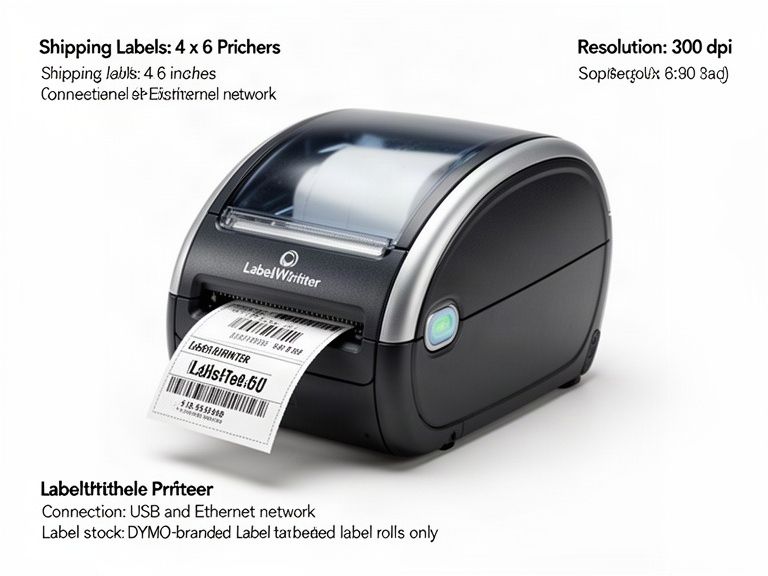
DYMO LabelWriter 5XL Label Printer
Offices printing shipping and other label sizes
Shipping labels4 x 6 inchesConnectionUSB and Ethernet networkLabel stockDYMO-branded label rolls only -
5
 Illustration
Best for phone shipping
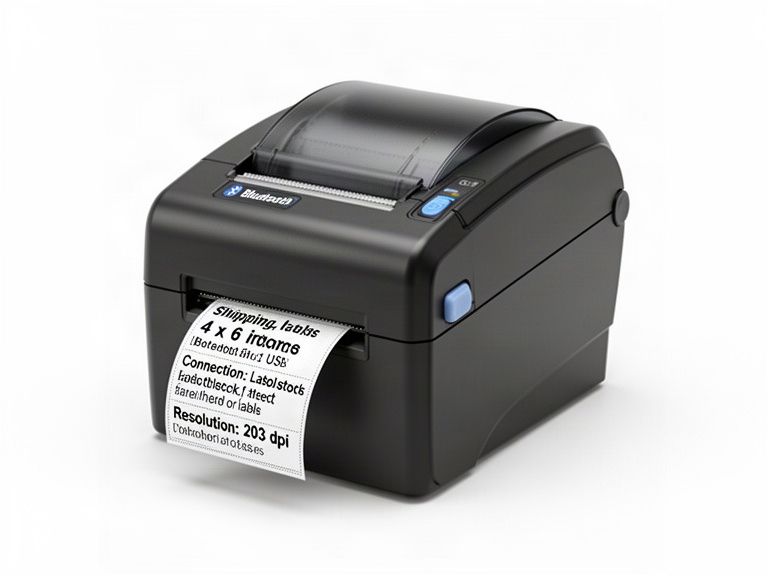
Phomemo Bluetooth 4 x 6 Thermal Shipping Label Printer
Sellers who manage orders from a phone
Shipping labels4 x 6 inchesConnectionBluetooth and USBLabel stockDirect thermal labels, fanfold or roll
Rollo Wireless Shipping Label Printer
Illustration
A Wi-Fi thermal printer that works with generic direct thermal labels and prints from computers, phones and tablets.
Best for: Small sellers printing from several devices- Shipping labels
- 4 x 6 inches
- Connection
- Wi-Fi
- Label stock
- Any direct thermal labels, fanfold or roll
- Resolution
- 203 dpi
What we like
- Prints from computers, phones and tablets over Wi-Fi
- Works with generic direct thermal labels
- No cable needed at the packing table
- Rollo offers its own shipping software as an option
Keep in mind
- Wi-Fi setup takes longer than plugging in USB
- Consumer build rather than industrial
- Roll labels need a separate holder
Rollo became popular with small sellers by making a thermal printer that works with almost any direct thermal label rather than locking buyers into its own stock. The wireless version adds Wi-Fi, so the printer can sit at the packing table and accept jobs from a laptop, desktop, tablet or phone without a cable.
That flexibility is the main reason to pick it over a USB-only model. Several people can share one printer, and you can buy postage on a phone and print straight away. Rollo also offers its own shipping software, though you can keep using marketplace or carrier tools.
Setup over Wi-Fi takes a few more steps than plugging in a USB cable, and the build is aimed at home businesses rather than warehouses. For most small shops, it is the most convenient all-round choice.
Bottom line: The most flexible choice for a small shipping operation with more than one device.
Zebra ZD421d Direct Thermal Desktop Printer
Illustration
A commercial-grade 4-inch desktop printer from the leading label-printer brand, with optional Wi-Fi and Ethernet.
Best for: Busy warehouses and growing businesses- Shipping labels
- 4 x 6 inches
- Connection
- USB and Bluetooth LE; Wi-Fi or Ethernet optional
- Label stock
- Direct thermal rolls or fanfold
- Resolution
- 203 dpi (300 dpi option)
What we like
- Built for heavy daily use
- Field-installable Wi-Fi and Ethernet modules
- Wide support across shipping and warehouse software
- Optional 300 dpi version for small text
Keep in mind
- Premium-priced
- Networking modules cost extra
- More setup options than home sellers need
Zebra is the name you see in warehouses and shipping counters, and the ZD421d brings that reliability to a desktop printer. It is a direct thermal model sized for 4-inch labels, built for heavier daily duty than consumer printers and supported by nearly every shipping, warehouse and marketplace platform.
USB and Bluetooth Low Energy come standard, and Zebra sells Wi-Fi and Ethernet modules that can be added later, so the printer can grow with your business. A 300 dpi version is available if you also print small product labels.
It costs far more than consumer printers, and the range of options can feel like overkill for someone shipping a few packages a day. If you ship in volume, though, its durability and support are worth paying for. Zebra also sells a ZD421t thermal transfer version for long-lasting labels.
Bottom line: The pick for businesses that print labels all day and want commercial reliability.
MUNBYN USB Thermal Shipping Label Printer
Illustration
A budget-friendly USB thermal printer for 4 x 6 labels that accepts generic direct thermal stock.
Best for: Budget-conscious sellers at one computer- Shipping labels
- 4 x 6 inches
- Connection
- USB
- Label stock
- Direct thermal labels, fanfold or roll
- Resolution
- 203 dpi
What we like
- Budget-friendly
- Accepts generic direct thermal labels
- Simple USB setup
- Widely used by small marketplace sellers
Keep in mind
- USB only, so it is tied to one computer
- Consumer build
- Several similar models, so check the listing
MUNBYN is one of the most common budget thermal printer brands among small online sellers, and its USB model covers the essentials. It prints 4 x 6 shipping labels at 203 dpi, accepts generic direct thermal labels in fanfold or roll form, and connects to one computer with a USB cable.
That simplicity is a plus for a single packing station: plug it in, install the driver, set the label size and print. Generic labels keep running costs low, which matters more over time than the printer's price.
The trade-off is flexibility. Without Wi-Fi or Bluetooth, sharing it between devices is awkward, and the build is aimed at light to moderate use. MUNBYN sells several similar models, including wireless versions, so read the listing to confirm which one you are buying.
Bottom line: A simple, budget-friendly way to start printing thermal shipping labels.
DYMO LabelWriter 5XL Label Printer
Illustration
A 4-inch-wide label printer that prints crisp 300 dpi labels on DYMO's own label rolls.
Best for: Offices printing shipping and other label sizes- Shipping labels
- 4 x 6 inches
- Connection
- USB and Ethernet network
- Label stock
- DYMO-branded label rolls only
- Resolution
- 300 dpi
What we like
- Sharp 300 dpi output
- Prints shipping, address, file and product labels
- Automatic label recognition in DYMO software
- Network connection for shared office use
Keep in mind
- Requires DYMO-branded labels
- Roll-only, no fanfold stacks
- Higher running costs than printers that accept generic labels
DYMO's LabelWriter line is a fixture in offices, and the 5XL is the wide model that handles 4 x 6 shipping labels as well as address, file, name badge and product labels. It prints at 300 dpi, so small text and logos look sharp.
DYMO's software automatically recognizes the label roll loaded in the printer, which reduces misprints when you switch label sizes. A network connection lets several people in an office share it.
The big caveat is labels. The 5XL is designed to work only with DYMO-branded labels, which typically cost more than generic direct thermal stock and come on rolls rather than fanfold stacks. For an office that prints many kinds of labels, the convenience can be worth it. For a seller printing only shipping labels, a printer that accepts generic labels is cheaper to run.
Bottom line: A good fit for offices that print many label types, less so for high-volume shipping.
Phomemo Bluetooth 4 x 6 Thermal Shipping Label Printer
Illustration
A compact thermal printer that prints 4 x 6 labels from a phone over Bluetooth or from a computer over USB.
Best for: Sellers who manage orders from a phone- Shipping labels
- 4 x 6 inches
- Connection
- Bluetooth and USB
- Label stock
- Direct thermal labels, fanfold or roll
- Resolution
- 203 dpi
What we like
- Prints directly from phone apps over Bluetooth
- USB connection for computers
- Accepts generic direct thermal labels
- Compact for small spaces
Keep in mind
- Bluetooth printing depends on app support
- Consumer build for light to moderate volume
- Several similar models, so check the listing
Many small sellers now run their shops from a phone, buying postage in a marketplace or carrier app. Phomemo's Bluetooth shipping label printer suits that workflow: pair it with your phone and print 4 x 6 labels without a computer, or plug it into a laptop with USB when you prefer.
It accepts generic direct thermal labels in fanfold or roll form, which keeps running costs low, and its compact body fits a small desk or shelf.
Bluetooth printing depends on the app you use, so check that Phomemo's app or your shipping app supports printing to it. It is built for light to moderate volume rather than all-day warehouse use, and Phomemo sells several similar models, so confirm the connection options on the listing.
Bottom line: A convenient choice for phone-first sellers who want to print labels without a computer.
Side-by-side comparison
| Product | Shipping labels | Connection | Label stock | Resolution | Score |
|---|---|---|---|---|---|
| Rollo Wireless Shipping Label PrinterBest overall | 4 x 6 inches | Wi-Fi | Any direct thermal labels, fanfold or roll | 203 dpi | 9.1 |
| Zebra ZD421d Direct Thermal Desktop PrinterBest for high volume | 4 x 6 inches | USB and Bluetooth LE; Wi-Fi or Ethernet optional | Direct thermal rolls or fanfold | 203 dpi (300 dpi option) | 8.8 |
| MUNBYN USB Thermal Shipping Label PrinterBest value | 4 x 6 inches | USB | Direct thermal labels, fanfold or roll | 203 dpi | 8.6 |
| DYMO LabelWriter 5XL Label PrinterBest for offices | 4 x 6 inches | USB and Ethernet network | DYMO-branded label rolls only | 300 dpi | 8.3 |
| Phomemo Bluetooth 4 x 6 Thermal Shipping Label PrinterBest for phone shipping | 4 x 6 inches | Bluetooth and USB | Direct thermal labels, fanfold or roll | 203 dpi | 8.1 |
Specifications are from manufacturer listings at the time of writing and can change between production runs.
Why thermal?
Thermal printers use heat instead of ink. Direct thermal printers darken heat-sensitive labels, so the only supply you buy is labels. That is ideal for shipping labels, which only need to last until the package is delivered. Direct thermal labels can fade with heat and sunlight over time, so for long-lasting asset or inventory labels, thermal transfer printers that use a ribbon are the better tool.
USB, Wi-Fi or Bluetooth?
- USB is the simplest and most reliable for one computer at a packing table.
- Wi-Fi lets several computers, tablets and phones share one printer, and removes cables from the bench.
- Bluetooth suits sellers who buy postage and print from a phone app.
Before buying, check that the printer has drivers for your computer (Windows, macOS or Chromebook) and that your marketplace or shipping software supports it.
Labels: fanfold, rolls and proprietary stock
Standard 4 x 6 labels come as fanfold stacks that feed from behind the printer or as rolls that sit on a holder. Fanfold is popular because the stack can sit in a box on the floor and feed through a slot. Most printers accept generic direct thermal labels, but a few require the maker's own labels, which can raise long-term costs. Check the core size and maximum roll diameter if you plan to use rolls.
Resolution, speed and volume
203 dpi is standard and prints sharp barcodes. 300 dpi makes small text and logos crisper, which matters more for product labels than shipping labels. If you ship dozens of packages a day, print speed matters, but so does build quality: commercial desktop printers are designed for heavy daily duty cycles.
Think about the running cost, too. Over a year of regular shipping, you will spend far more on labels than on the printer, so a model that accepts generic direct thermal labels in large fanfold stacks is usually cheaper to own than one that requires branded rolls. Buy labels from a reputable supplier, since poor-quality stock can print faintly, jam or leave adhesive on the print head.
Setup and care tips
Calibrate the printer to your label size after installing it and whenever you change label types. Set the paper size to 4 x 6 in your shipping software so labels are not shrunk. Clean the print head periodically as the manufacturer recommends, usually with an isopropyl alcohol pen, and store labels away from heat and direct sunlight.
Frequently asked questions
Do thermal label printers need ink?
No. Direct thermal printers use heat-sensitive labels, so labels are the only supply. Thermal transfer printers, which are used for long-lasting labels, also need a ribbon.
Can I print USPS, UPS and FedEx labels?
Yes. Carrier websites, shipping platforms and most marketplaces can generate 4 x 6 labels for thermal printers. Choose the 4 x 6 or thermal label format in the settings.
Can I use regular paper in a thermal printer?
No. Direct thermal printers need heat-sensitive labels. Regular paper will come out blank.
How long do direct thermal labels last?
They are designed for shipping and can fade over time with heat, sunlight and friction. For labels that must last for years, use a thermal transfer printer and ribbon.
Why are my labels printing shrunk or cut off?
Usually the paper size in your shipping software or driver is wrong. Set it to 4 x 6 inches, choose actual size rather than fit to page, and run the printer's label calibration.
How we picked
We compared manufacturer specifications for connectivity, label compatibility, print resolution, supported operating systems and shipping platforms, build and duty rating, and warranty terms for popular thermal shipping label printers sold in the US. Our picks and scores are based on this research — we have not tested these products hands-on. Brands cannot pay to be included. Read our full method.