






















The best smart light switches
Smart light switches and dimmers compared on neutral-wire needs, hubs, platforms and three-way support, plus a no-wiring option for renters.
As an Amazon Associate I earn from qualifying purchases. When you buy through links on this page, we may earn a commission at no extra cost to you. Learn more
A smart light switch replaces the switch in your wall, so the light works from the app, by voice and on schedules while the switch still works normally for guests. Unlike smart bulbs, it controls every fixture on the circuit, including ceiling cans, chandeliers and outdoor lights, and nobody can accidentally cut power to a smart bulb by flipping the wall switch.
The right choice depends on your wiring as much as your phone. Many smart switches need a neutral wire in the switch box, which older homes often lack. Some connect over Wi-Fi, others need a hub, and they differ in three-way support, dimming quality and which platforms they work with. We compared long-running smart switches and dimmers from established lighting and smart home brands, including a battery-powered option that needs no wiring at all.
Our top picks
-
1
 Illustration
Best overall
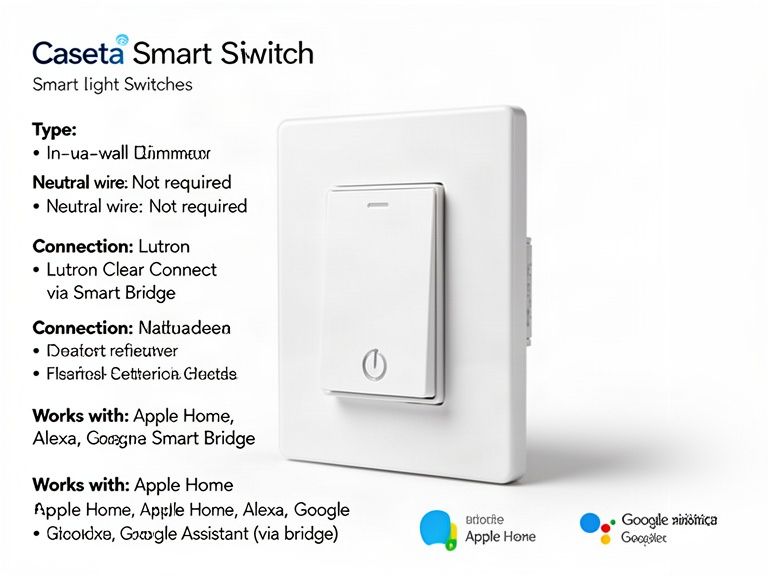
Lutron Caséta Smart Dimmer Switch
Older homes and anyone wanting a reliable whole-home system
TypeIn-wall dimmerNeutral wireNot requiredConnectionLutron Clear Connect via Smart Bridge -
2
 Illustration
Best value
Kasa Smart Dimmer Switch
A few rooms of Wi-Fi control without a hub
TypeIn-wall dimmerNeutral wireRequiredConnection2.4 GHz Wi-Fi -
3
 Illustration
Best Wi-Fi build quality
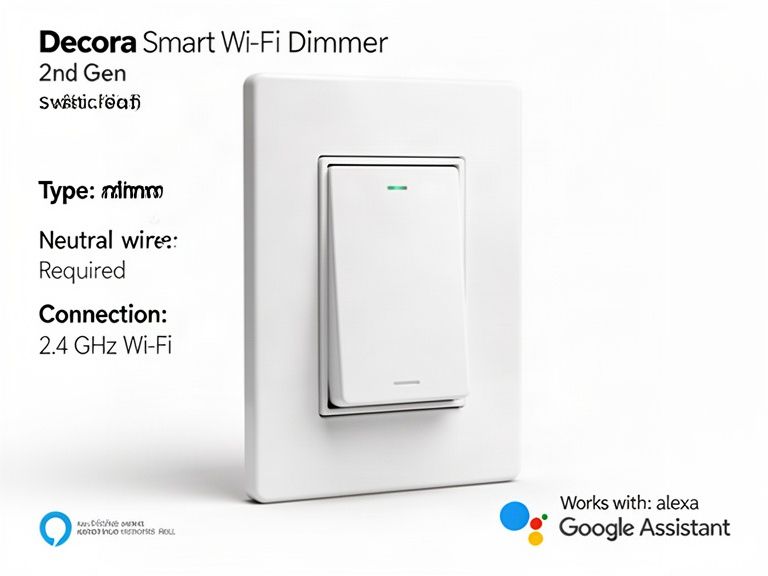
Leviton Decora Smart Wi-Fi Dimmer, 2nd Gen
Hub-free control with a premium, familiar Decora look
TypeIn-wall dimmerNeutral wireRequiredConnection2.4 GHz Wi-Fi -
4
 Illustration
Best no-wiring option
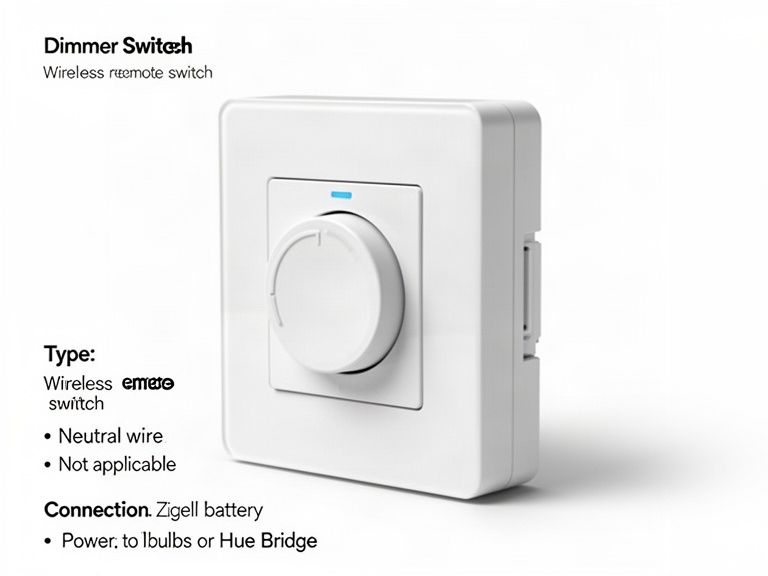
Philips Hue Dimmer Switch
Renters and homes with Philips Hue smart bulbs
TypeWireless remote switchNeutral wireNot applicableConnectionZigbee, to Hue bulbs or Hue Bridge -
5
 Illustration
Best for enthusiasts
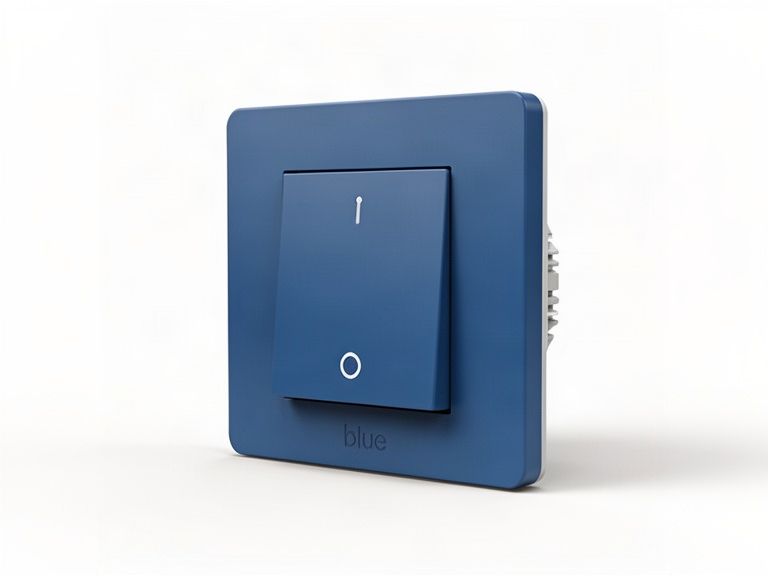
Inovelli Blue Series 2-1 Smart Switch
Home Assistant and Zigbee hub users
TypeIn-wall switch or dimmerNeutral wireOptionalConnectionZigbee
Lutron Caséta Smart Dimmer Switch
Illustration
A hub-based smart dimmer that does not need a neutral wire and works with every major platform.
Best for: Older homes and anyone wanting a reliable whole-home system- Type
- In-wall dimmer
- Neutral wire
- Not required
- Connection
- Lutron Clear Connect via Smart Bridge
- Works with
- Apple Home, Alexa, Google Assistant (via bridge)
What we like
- No neutral wire needed in most installations
- Very reliable dedicated radio network
- Three-way setups with Pico remotes, no extra wiring
- Works with all major platforms through the bridge
Keep in mind
- Requires a Lutron Smart Bridge
- Premium-priced per switch
- Not a direct Wi-Fi device
Lutron's Caséta system is the smart switch many electricians recommend, and its dimmer is the core of it. The biggest advantage is that it does not need a neutral wire in most installations, which makes it one of the few good options for older homes.
Caséta switches talk to a Lutron Smart Bridge over Lutron's own Clear Connect radio rather than Wi-Fi. That keeps them responsive and reliable even across dozens of switches, and the bridge connects them to Apple Home, Alexa and Google Assistant. For three-way circuits, a wireless Pico remote can act as the second switch without running new wires.
You do need to buy the bridge, often bundled in a starter kit, and each switch is premium-priced. For a dependable whole-home setup, it is worth it.
Bottom line: The most dependable smart dimmer for most homes, especially those without neutral wires.
Kasa Smart Dimmer Switch
Illustration
A budget-friendly Wi-Fi dimmer that connects directly to your router and works with Alexa and Google.
Best for: A few rooms of Wi-Fi control without a hub- Type
- In-wall dimmer
- Neutral wire
- Required
- Connection
- 2.4 GHz Wi-Fi
- Works with
- Alexa, Google Assistant
What we like
- Budget-friendly with no hub to buy
- Schedules, away mode and fade settings in the Kasa app
- Simple paddle design
- Works with Alexa and Google Assistant
Keep in mind
- Needs a neutral wire
- Single-pole only unless you buy a three-way kit
- Many Wi-Fi switches can crowd a home network
If your switch boxes have neutral wires and you only want to automate a few rooms, the Kasa HS220 is a budget-friendly way to do it. It connects directly to your 2.4 GHz Wi-Fi network, so there is no hub to buy, and it works with Alexa and Google Assistant for voice control.
The Kasa app covers schedules, an away mode that switches lights to look occupied, and adjustable fade settings. The paddle and dimming buttons are simple and familiar for guests.
It does need a neutral wire, and the standard version is for single-pole circuits, so check your wiring first. If you plan to install switches throughout a large house, a hub-based system like Lutron Caséta will usually scale more reliably than dozens of Wi-Fi devices.
Bottom line: A budget-friendly, hub-free Wi-Fi dimmer for homes with neutral wires.
Leviton Decora Smart Wi-Fi Dimmer, 2nd Gen
Illustration
A Wi-Fi dimmer from a major wiring-device maker, with no hub needed and Decora styling that matches standard plates.
Best for: Hub-free control with a premium, familiar Decora look- Type
- In-wall dimmer
- Neutral wire
- Required
- Connection
- 2.4 GHz Wi-Fi
- Works with
- Alexa, Google Assistant
What we like
- No hub required
- Decora style matches standard wall plates
- Adjustable dimming range and fade rates
- Made by a long-established wiring-device brand
Keep in mind
- Needs a neutral wire
- More expensive than Kasa
- Three-way needs a matching Leviton companion
Leviton makes a huge share of the switches and outlets in American homes, and its Decora Smart Wi-Fi dimmer feels like a premium version of the familiar Decora rocker. It connects directly to Wi-Fi, so there is no hub, and works with Alexa and Google Assistant.
The dimmer offers adjustable settings for minimum and maximum brightness and fade rates, which helps match it to LED bulbs and avoid flicker. Its Decora styling fits standard screwless and screw-on Decora plates, so it blends in with your other switches.
Like most Wi-Fi switches, it needs a neutral wire in the box, and three-way setups need a matching Leviton companion dimmer. It costs more than Kasa, but suits people who want a solid, conventional feel without adding a hub.
Bottom line: A premium-feeling Wi-Fi dimmer from a major wiring brand, with no hub needed.
Philips Hue Dimmer Switch
Illustration
A battery-powered wireless switch for Hue bulbs that mounts with screws or adhesive, with no electrical work.
Best for: Renters and homes with Philips Hue smart bulbs- Type
- Wireless remote switch
- Neutral wire
- Not applicable
- Connection
- Zigbee, to Hue bulbs or Hue Bridge
- Power
- Coin-cell battery
What we like
- No wiring or electrician needed
- Detachable remote with a magnetic plate
- Keeps Hue smart bulbs powered and connected
- Can pair directly with bulbs or through a Hue Bridge
Keep in mind
- Works only with Hue and compatible bulbs
- Does not control fixtures wired to the wall switch
- The old wall switch must stay on
If you rent, or if you already use Philips Hue bulbs, the Hue Dimmer Switch solves a common problem: someone flips the wall switch off and the smart bulbs go offline. It is a battery-powered wireless switch that mounts on the wall with screws or adhesive, and the button panel lifts off its magnetic plate to use as a remote.
It controls Hue bulbs directly or through a Hue Bridge, with buttons for on, off, brightness and scenes. Because nothing is wired, there is no need to turn off breakers, check for a neutral or hire an electrician.
The limitation is that it only works with Hue and compatible bulbs, not with fixtures wired to an existing switch. Many people tape or cover the old switch in the on position so the bulbs always stay powered.
Bottom line: The easiest smart switch for renters and Hue bulb owners, with no wiring at all.
Inovelli Blue Series 2-1 Smart Switch
Illustration
A highly configurable Zigbee switch and dimmer with notification LEDs and multi-tap scene control.
Best for: Home Assistant and Zigbee hub users- Type
- In-wall switch or dimmer
- Neutral wire
- Optional
- Connection
- Zigbee
- Works with
- Compatible Zigbee hubs
What we like
- Works with or without a neutral wire
- Configurable as a switch or dimmer
- LED bar can show notifications
- Multi-tap buttons trigger scenes and automations
Keep in mind
- Requires a compatible Zigbee hub
- Setup is more technical than Wi-Fi switches
- Too many options for casual users
Inovelli's Blue Series is built for people who enjoy configuring their smart home. It runs on Zigbee, so it needs a compatible hub such as one running Home Assistant, and in return it offers an unusual amount of control: it can be set up as an on/off switch or a dimmer, and it works with or without a neutral wire.
Its LED bar can change color to show notifications, such as a door left open or the washer finishing, and multi-tap actions on the paddle can trigger scenes or other devices. Zigbee also keeps switches off your Wi-Fi network.
That flexibility comes with complexity. Setup and configuration take more effort than a Kasa or Lutron switch, and features depend on your hub. For casual users, Lutron Caséta is simpler; for tinkerers, this is a favorite.
Bottom line: A deeply configurable Zigbee switch for smart home enthusiasts with a compatible hub.
Side-by-side comparison
| Product | Type | Neutral wire | Connection | Works with | Score |
|---|---|---|---|---|---|
| Lutron Caséta Smart Dimmer SwitchBest overall | In-wall dimmer | Not required | Lutron Clear Connect via Smart Bridge | Apple Home, Alexa, Google Assistant (via bridge) | 9.4 |
| Kasa Smart Dimmer SwitchBest value | In-wall dimmer | Required | 2.4 GHz Wi-Fi | Alexa, Google Assistant | 8.6 |
| Leviton Decora Smart Wi-Fi Dimmer, 2nd GenBest Wi-Fi build quality | In-wall dimmer | Required | 2.4 GHz Wi-Fi | Alexa, Google Assistant | 8.8 |
| Philips Hue Dimmer SwitchBest no-wiring option | Wireless remote switch | Not applicable | Zigbee, to Hue bulbs or Hue Bridge | — | 8.5 |
| Inovelli Blue Series 2-1 Smart SwitchBest for enthusiasts | In-wall switch or dimmer | Optional | Zigbee | Compatible Zigbee hubs | 8.3 |
Specifications are from manufacturer listings at the time of writing and can change between production runs.
Check for a neutral wire first
Most Wi-Fi smart switches need a neutral wire — usually a bundle of white wires tucked in the back of the switch box — to power their electronics. Many homes built before the mid-1980s do not have one in every box. If yours does not, look for a switch that does not require a neutral, such as Lutron Caséta, or use a battery-powered wireless switch. Always turn off the breaker before opening the box, and if you are unsure what you are looking at, call a licensed electrician.
Switch or dimmer?
Dimmers let you set brightness and often create a softer, nicer light, but they must be compatible with your bulbs. Check the dimmer's maximum LED wattage and use dimmable LED bulbs to avoid flicker or buzzing. On/off switches suit fans, closets and fixtures with non-dimmable bulbs.
Wi-Fi, hub or Zigbee?
- Wi-Fi switches connect directly to your router with no hub, which is simple for a few rooms.
- Hub-based systems such as Lutron's use their own radio network, which keeps Wi-Fi uncluttered and tends to be very reliable across many switches.
- Zigbee switches need a compatible hub and suit enthusiasts running platforms like Home Assistant.
Three-way and multi-switch circuits
If a light is controlled from two places, such as the top and bottom of a staircase, you need a switch that supports three-way setups, usually with a matching companion switch or remote. Check this before buying, because a standard single-pole smart switch will not work properly on a three-way circuit.
Installation and safety tips
Turn off power at the breaker and confirm it is off with a non-contact voltage tester before touching any wires. Follow the manufacturer's wiring diagram and local codes, and do not install a dimmer on a circuit for a ceiling fan motor or outlet unless the product is rated for it. If your box is crowded, has aluminum wiring or the wiring does not match the instructions, hire a licensed electrician.
Features you can skip
Motion sensing, built-in speakers and colorful LED indicators are fun but optional. Reliable connection, good dimming and a solid feel matter more for a switch you will touch every day.
Frequently asked questions
How do I know if I have a neutral wire?
With the breaker off, remove the switch plate and look in the back of the box. A neutral is usually a bundle of white wires joined with a wire nut that does not connect to the existing switch. If you are unsure, ask a licensed electrician.
Can I install a smart switch myself?
Many homeowners can if they are comfortable with basic wiring and turn off the breaker first. Follow the manufacturer's instructions and local codes, and hire a licensed electrician if the wiring looks different from the diagram or you have doubts.
Do smart switches work with smart bulbs?
Usually not well together. A smart switch cuts power to the bulb, which disconnects it. Use a smart switch with regular dimmable bulbs, or smart bulbs with a wireless remote such as the Philips Hue Dimmer Switch.
Will a smart switch still work if Wi-Fi goes down?
The physical buttons keep working as a normal switch. App and voice control may stop until the connection returns, depending on the system.
Why does my LED light flicker on a smart dimmer?
Usually because the bulb is not dimmable or not fully compatible with the dimmer. Use dimmable LED bulbs, check the dimmer's compatibility list and adjust its low-end trim setting if it has one.
How we picked
We compared manufacturer specifications, wiring requirements and compatibility documentation for smart switches and dimmers from established brands, including neutral-wire needs, connection type, hub requirements, platform support, three-way options, load ratings and warranty terms, and weighed how each suits different homes. Our picks and scores are based on this research — we have not tested these products hands-on. Brands cannot pay to be included. Read our full method.