






















The best game capture cards
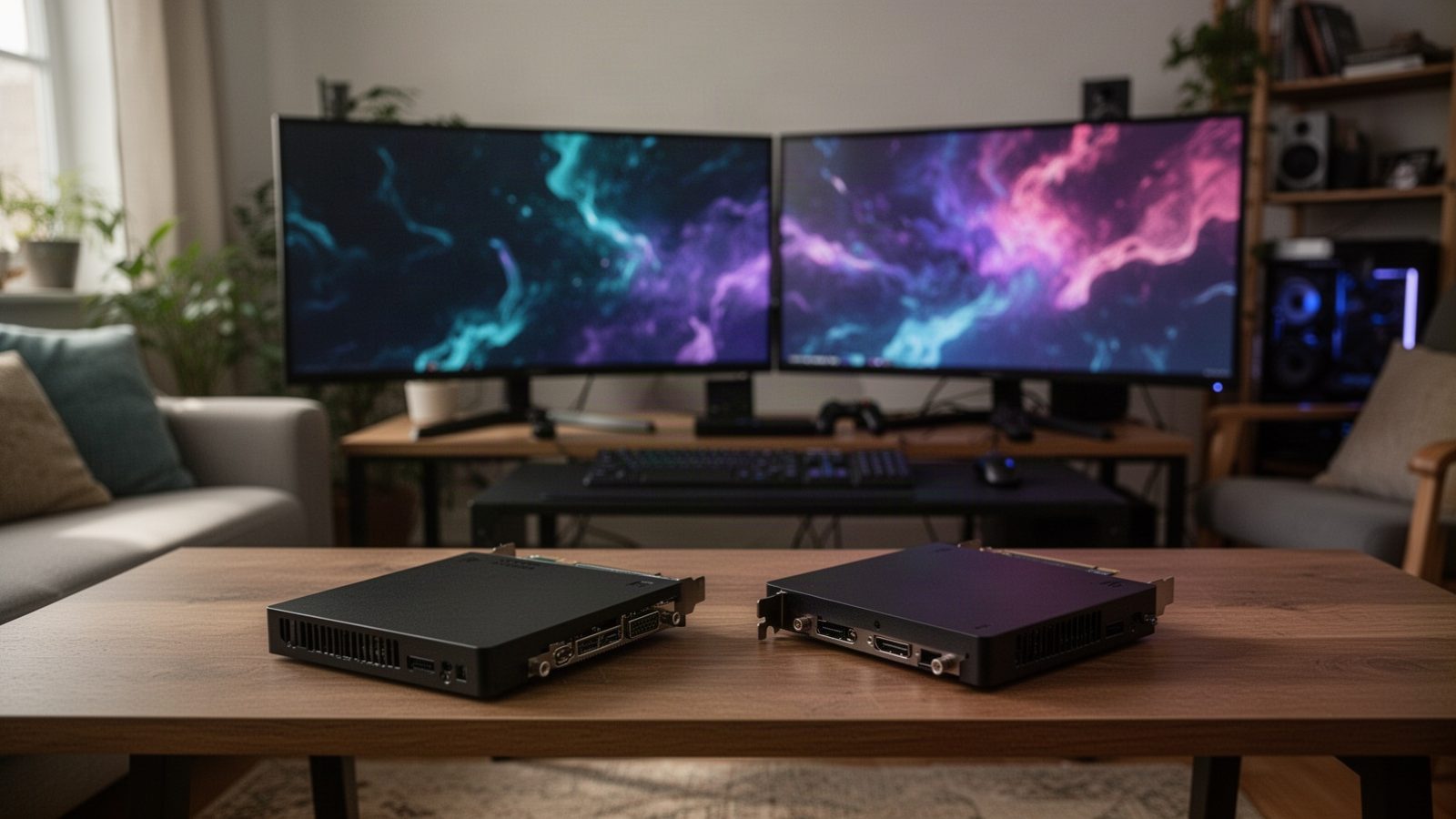
Five game capture cards compared — external USB models from budget 1080p to 4K at high refresh, plus an internal PCIe card — and what you need to know about passthrough and HDCP.
As an Amazon Associate I earn from qualifying purchases. When you buy through links on this page, we may earn a commission at no extra cost to you. Learn more
A capture card takes the HDMI signal from a console or a second PC and feeds it into your computer, so streaming software like OBS can record it, add your webcam and overlays, and send it to Twitch or YouTube. At the same time, it passes the signal through to your TV or monitor so you can keep playing without delay.
The specs can be confusing because every card lists two different numbers: what it can pass through to your screen and what it can capture to your PC. A card might pass through 4K at 60 frames per second while only recording 1080p60, which is fine for most streams, since platforms rarely deliver 4K to viewers anyway. We compared popular capture cards from established brands on capture and passthrough limits, HDR handling, connections and software, and picked the best fit for different consoles, PCs and budgets.
Our top picks
-
1
 Illustration
Best overall
Elgato HD60 X External Capture Card
Most console streamers
ConnectionUSB 3.0 (USB-C)Max capture4K30 or 1080p60 HDR10Max passthrough4K60 HDR, 1440p120, 1080p240 -
2
 Illustration
Best for 4K and high refresh
Elgato 4K X External Capture Card
4K120 consoles and high-refresh two-PC setups
ConnectionUSB 3.2 Gen 2 (USB-C)Max captureUp to 4K144 HDR10 (HDR on Windows)Max passthroughUp to 4K144 (4K120 on DSC screens) -
3
 Illustration
Best budget
Elgato Game Capture Neo
First-time console streamers
ConnectionUSB-C (USB 3.0)Max captureUp to 1080p60Max passthroughUp to 4K60 HDR -
4
 Illustration
Best internal
Elgato 4K Pro Internal PCIe Capture Card
Desktop streaming PCs with a free PCIe slot
ConnectionPCIe 2.0 x4 (internal)Max captureUp to 4K60Max passthroughUp to 8K60 HDR10 -
5
 Illustration
Best alternative brand
AVerMedia Live Gamer ULTRA 2.1 External Capture Card
High-refresh passthrough with headset audio extras
ConnectionUSB 3.2 Gen 2 (USB-C)Max captureUp to 4K60 (higher with firmware and AVerMedia software)Max passthroughUp to 4K144, 1440p240, 1080p360
Elgato HD60 X External Capture Card
Illustration
An external USB capture card that records 1080p60 HDR or 4K30 and passes through 4K60 HDR with VRR.
Best for: Most console streamers- Connection
- USB 3.0 (USB-C)
- Max capture
- 4K30 or 1080p60 HDR10
- Max passthrough
- 4K60 HDR, 1440p120, 1080p240
- Extras
- VRR passthrough, works without drivers (UVC)
What we like
- Passes through 4K60 HDR and high refresh at lower resolutions
- VRR passthrough keeps console play smooth
- Plug-and-play in OBS and other apps
- Works with a standard USB 3.0 port
Keep in mind
- No 4K60 capture
- No HDMI 2.1, so no 4K120 passthrough
- Some utility features are Windows-only
The HD60 X covers what most console streamers need without asking for the fastest USB port or the newest PC. It captures 1080p60 for streaming, with HDR or SDR output, and can record 4K at 30 frames per second for higher-resolution clips.
On the passthrough side it handles 4K60 HDR, 1440p at 120 Hz and 1080p at 240 Hz, along with variable refresh rate, so your TV or monitor still gets a smooth, high-quality image while you play. It shows up as a standard USB video device, so OBS, Streamlabs and Discord recognize it straight away.
The limits are HDMI 2.0-era: no 4K60 capture and no 4K120 passthrough. If you play at 4K120 on a PS5 or Xbox Series X and want to keep it while streaming, look at the 4K X instead.
Bottom line: The best balance of features, compatibility and price for streaming consoles at 1080p.
Elgato 4K X External Capture Card
Illustration
An HDMI 2.1 external capture card with passthrough and capture up to 4K144 over a fast USB connection.
Best for: 4K120 consoles and high-refresh two-PC setups- Connection
- USB 3.2 Gen 2 (USB-C)
- Max capture
- Up to 4K144 HDR10 (HDR on Windows)
- Max passthrough
- Up to 4K144 (4K120 on DSC screens)
- Extras
- HDMI 2.1, VRR
What we like
- HDMI 2.1 keeps 4K120 console play intact
- Captures high resolutions and frame rates for video work
- Future-proof for high-refresh second-PC setups
- Includes USB-C and HDMI cables
Keep in mind
- Needs a USB 3.2 Gen 2 (10 Gbps) port for top modes
- HDR capture is Windows-only
- Premium-priced
The 4K X is Elgato's answer for players who refuse to compromise their own view while streaming. With HDMI 2.1 input and output, it passes through up to 4K at 144 Hz, so a PS5 or Xbox Series X running at 4K120 keeps doing so with the card connected.
It can also capture at very high resolutions and frame rates, which matters for YouTube creators and anyone editing footage. Elgato includes the high-speed USB-C and HDMI cables needed to reach those modes.
To get the most from it, you need a USB 3.2 Gen 2 port; on slower ports, Elgato says some uncompressed modes drop to lower settings. HDR capture currently requires Windows. If you only stream at 1080p and play at 60 Hz, the HD60 X is a better value.
Bottom line: The external card to buy if you play at 4K120 or high refresh and want to keep it while capturing.
Elgato Game Capture Neo
Illustration
A compact, budget-friendly USB-C capture card that records 1080p60 and passes through 4K60 HDR.
Best for: First-time console streamers- Connection
- USB-C (USB 3.0)
- Max capture
- Up to 1080p60
- Max passthrough
- Up to 4K60 HDR
- Extras
- HDR-to-SDR tonemapping, UVC plug-and-play
What we like
- Budget-friendly for a current card
- 4K60 HDR passthrough keeps your TV picture intact
- Automatic HDR tonemapping for captured video
- Small and simple to set up
Keep in mind
- Capture tops out at 1080p60
- No high-refresh or ultrawide passthrough
- HDR capture features are Windows-only
The Game Capture Neo is Elgato's most accessible card, and it covers what a new console streamer needs. It captures up to 1080p60, the resolution most streams are delivered at, while passing 4K60 HDR through to your TV so your own view stays sharp.
It handles HDR by tonemapping captured footage to standard dynamic range, which keeps colors looking natural for viewers on regular screens. Like Elgato's other recent cards, it works as a standard USB video device in OBS, Streamlabs and Discord without drivers.
The limits are clear. There is no 4K capture, no high-refresh passthrough and no ultrawide support, so players running a console at 120 Hz will be limited while it is connected. For a first capture card at 1080p, it is an easy recommendation.
Bottom line: The simplest, most budget-friendly way to start streaming a console at 1080p60.
Elgato 4K Pro Internal PCIe Capture Card
Illustration
An internal HDMI 2.1 capture card with 4K60 capture and passthrough up to 8K60.
Best for: Desktop streaming PCs with a free PCIe slot- Connection
- PCIe 2.0 x4 (internal)
- Max capture
- Up to 4K60
- Max passthrough
- Up to 8K60 HDR10
- Extras
- HDMI 2.1, VRR
What we like
- Frees up USB ports and avoids USB bandwidth issues
- High passthrough headroom with HDMI 2.1
- 4K60 capture for recordings
- Stays installed, so there is nothing to unplug
Keep in mind
- Needs an x4 or larger PCIe slot; x1 slots will not work
- Desktop only
- Premium-priced
If your streaming PC is a desktop with a spare expansion slot, an internal card avoids the bandwidth and cable issues that can affect USB models. The 4K Pro is Elgato's current internal flagship, with HDMI 2.1 input and output.
It captures up to 4K at 60 frames per second and offers very high passthrough headroom, including variable refresh rate, so it suits current consoles and high-refresh second PCs. Because it sits inside the case, there are no extra USB cables or boxes on the desk.
It needs a PCIe x4, x8 or x16 slot; x1 slots are not supported, and some compact motherboards have no spare slot after a graphics card. It also cannot move between PCs or work with a laptop.
Bottom line: The pick for dedicated streaming desktops that want a powerful card permanently installed.
AVerMedia Live Gamer ULTRA 2.1 External Capture Card
Illustration
An HDMI 2.1 external capture card with high-refresh passthrough and audio jacks for a headset.
Best for: High-refresh passthrough with headset audio extras- Connection
- USB 3.2 Gen 2 (USB-C)
- Max capture
- Up to 4K60 (higher with firmware and AVerMedia software)
- Max passthrough
- Up to 4K144, 1440p240, 1080p360
- Extras
- HDMI 2.1, 3.5 mm headset and gamepad audio jacks
What we like
- Very high-refresh passthrough options
- Headset and gamepad audio jacks for chat mixing
- UVC plug-and-play in common apps
- HDMI 2.1 input and output
Keep in mind
- Top capture modes depend on AVerMedia's software and firmware
- Software is less polished than Elgato's
- Needs a fast USB port
AVerMedia is Elgato's main rival in capture cards, and the Live Gamer ULTRA 2.1 is its high-end external model. HDMI 2.1 passthrough handles 4K at 144 Hz, 1440p at 240 Hz and 1080p at 360 Hz, so high-refresh second PCs and current consoles keep their full refresh rate.
Capture runs up to 4K60 in standard apps, with higher modes available through AVerMedia's own software after firmware updates. Headset and gamepad audio jacks let you bring console party chat into the mix, which is handy for console streamers.
The software experience is less polished than Elgato's, and you need a USB 3.2 Gen 2 port for its best modes. It is a good choice if its passthrough range or audio jacks suit your setup better.
Bottom line: A capable HDMI 2.1 alternative with very high-refresh passthrough and useful audio connections.
Side-by-side comparison
| Product | Connection | Max capture | Max passthrough | Extras | Score |
|---|---|---|---|---|---|
| Elgato HD60 X External Capture CardBest overall | USB 3.0 (USB-C) | 4K30 or 1080p60 HDR10 | 4K60 HDR, 1440p120, 1080p240 | VRR passthrough, works without drivers (UVC) | 9.1 |
| Elgato 4K X External Capture CardBest for 4K and high refresh | USB 3.2 Gen 2 (USB-C) | Up to 4K144 HDR10 (HDR on Windows) | Up to 4K144 (4K120 on DSC screens) | HDMI 2.1, VRR | 9.0 |
| Elgato Game Capture NeoBest budget | USB-C (USB 3.0) | Up to 1080p60 | Up to 4K60 HDR | HDR-to-SDR tonemapping, UVC plug-and-play | 8.7 |
| Elgato 4K Pro Internal PCIe Capture CardBest internal | PCIe 2.0 x4 (internal) | Up to 4K60 | Up to 8K60 HDR10 | HDMI 2.1, VRR | 8.6 |
| AVerMedia Live Gamer ULTRA 2.1 External Capture CardBest alternative brand | USB 3.2 Gen 2 (USB-C) | Up to 4K60 (higher with firmware and AVerMedia software) | Up to 4K144, 1440p240, 1080p360 | HDMI 2.1, 3.5 mm headset and gamepad audio jacks | 8.3 |
Specifications are from manufacturer listings at the time of writing and can change between production runs.
Do you need a capture card?
If you play and stream on the same gaming PC, you do not: OBS or similar software captures the game directly. You need a capture card to stream or record a console (PlayStation, Xbox or Nintendo Switch) through your PC, or a second gaming PC in a two-PC streaming setup, where one machine plays and the other handles encoding.
Capture versus passthrough
Passthrough is the signal sent on to your TV or monitor; it should be lag-free and match what your console outputs, so you keep playing at full quality. Capture is what gets recorded or streamed. Most streamers capture at 1080p60 because that is what streaming platforms commonly deliver. Capturing at 4K matters if you make YouTube videos or edit recorded footage. If you play at 120 Hz or higher on a console or second PC, make sure the card can pass that refresh rate through, or your gameplay will be limited while the card is connected.
External or internal?
External USB cards work with desktops and laptops and move easily between setups. Check the USB requirement: higher-end cards need a fast USB 3.2 Gen 2 port for their top modes and may fall back to lower quality on slower ports. Internal PCIe cards install in a desktop's expansion slot, free up USB ports and usually work very reliably, but need a compatible slot and cannot be moved to a laptop.
HDR and HDCP
Many cards pass HDR through to your TV but tonemap it to standard dynamic range for capture, since most stream viewers watch in SDR. That is normally what you want. HDCP is copy protection used by video apps and some consoles: PlayStation consoles need HDCP turned off in their settings before a capture card can record gameplay, and streaming-video apps cannot be captured at all.
Software and setup
Most modern cards are UVC (USB Video Class) devices, so they appear in OBS, Streamlabs and Discord without special drivers. Makers' own utilities add extras like instant replay recording and settings updates; some of those features are Windows-only, so Mac users should check compatibility first.
Care tips
Use good-quality HDMI cables rated for the resolution and refresh rate you plan to run — older cables often cause flicker or no signal at 4K or 120 Hz. Keep external cards in open air, as they can get warm during long sessions, and update firmware occasionally for new console modes and bug fixes.
Frequently asked questions
Why do I get a black screen when capturing my PS5?
PlayStation consoles use HDCP copy protection by default, which blocks capture. Turn off the HDCP option in the PS5 system settings while capturing gameplay. Streaming-video apps will stay protected regardless.
Does a capture card add input lag?
Not to the passthrough output connected to your TV or monitor, which is designed to be lag-free. The preview window in your streaming software does have a delay, so play on the passthrough screen rather than watching the preview.
Can I use a capture card with a laptop?
Yes, with an external USB card. Check that your laptop has a port fast enough for the card's best modes, and that its processor or graphics can encode the stream smoothly. Internal PCIe cards only work in desktops.
Do I need 4K capture for streaming?
Usually not. Most streams are delivered at 1080p or lower, so 1080p60 capture is plenty. 4K capture is mainly useful for high-quality recordings and YouTube videos. Passthrough at 4K or high refresh still matters if you want to play at full quality.
Do capture cards work on a Mac?
Many external cards work with Mac streaming apps such as OBS because they use standard USB video drivers. Some maker utilities and features, such as HDR capture, may be Windows-only, so check the maker's compatibility notes.
How we picked
We compared manufacturer specifications for capture and passthrough resolutions and frame rates, HDR handling, variable refresh rate support, connection type and USB requirements, and software compatibility for capture cards from established brands, and weighed how each suits consoles, two-PC setups and laptops. Our picks and scores are based on this research — we have not tested these products hands-on. Brands cannot pay to be included. Read our full method.